
Build a real business website from one connected workspace.
AI website builder + business platformAI Builder
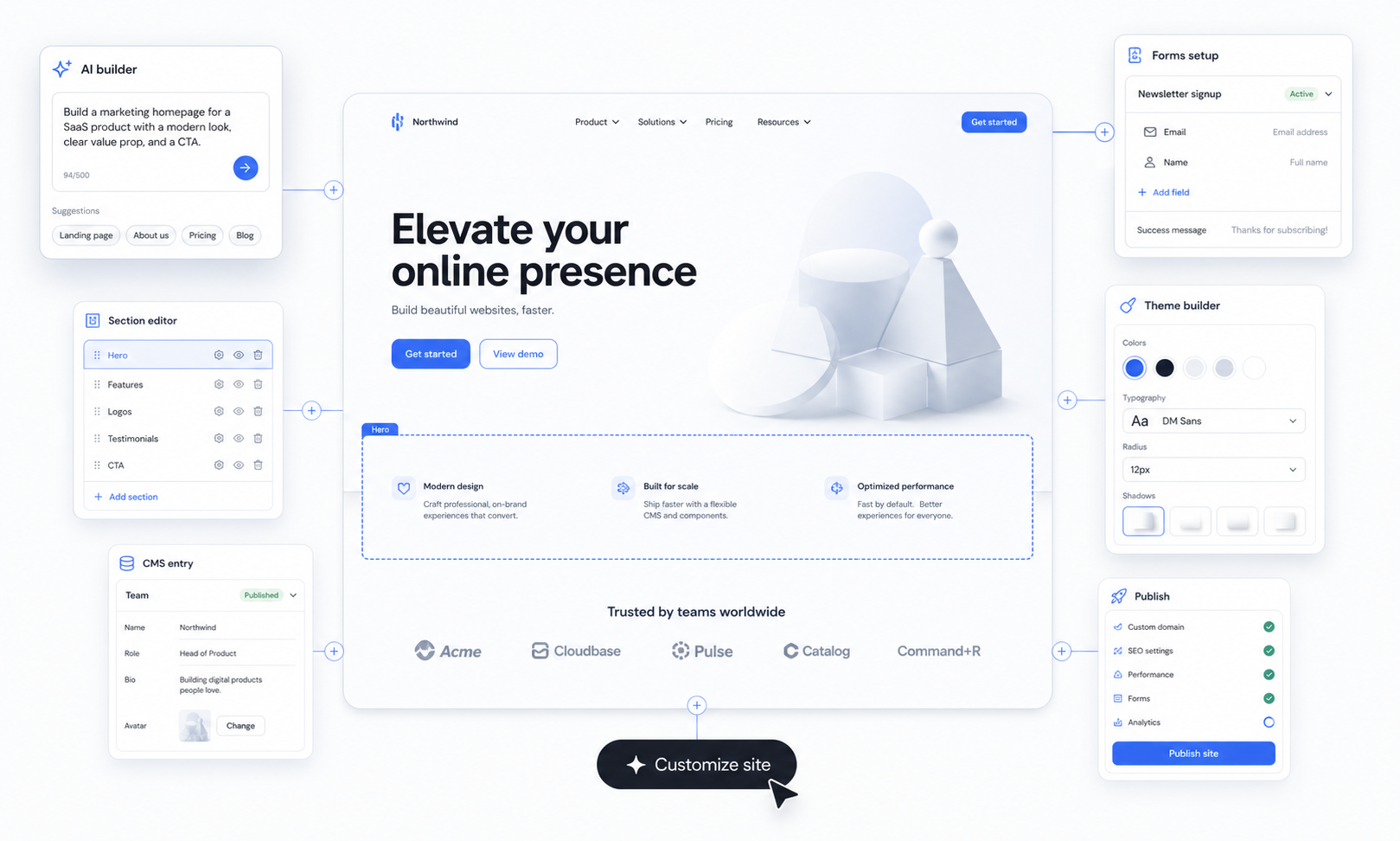
Use AI to build and customize every part of the website.
Start with a real draft, then refine pages, sections, content, forms, theme controls, and launch settings without leaving the workspace.
Website plan
What $5/month can do with Paazaa.
The first plan should answer one practical question: can a small business get a real website online without paying for tools it does not need yet? With Paazaa, the answer is yes.
Starts at
Best for basic website, hosting, pages, forms, limited themes, and a custom domain path. Upgrade later for CMS, commerce, memberships, heavier automation, and advanced operations.
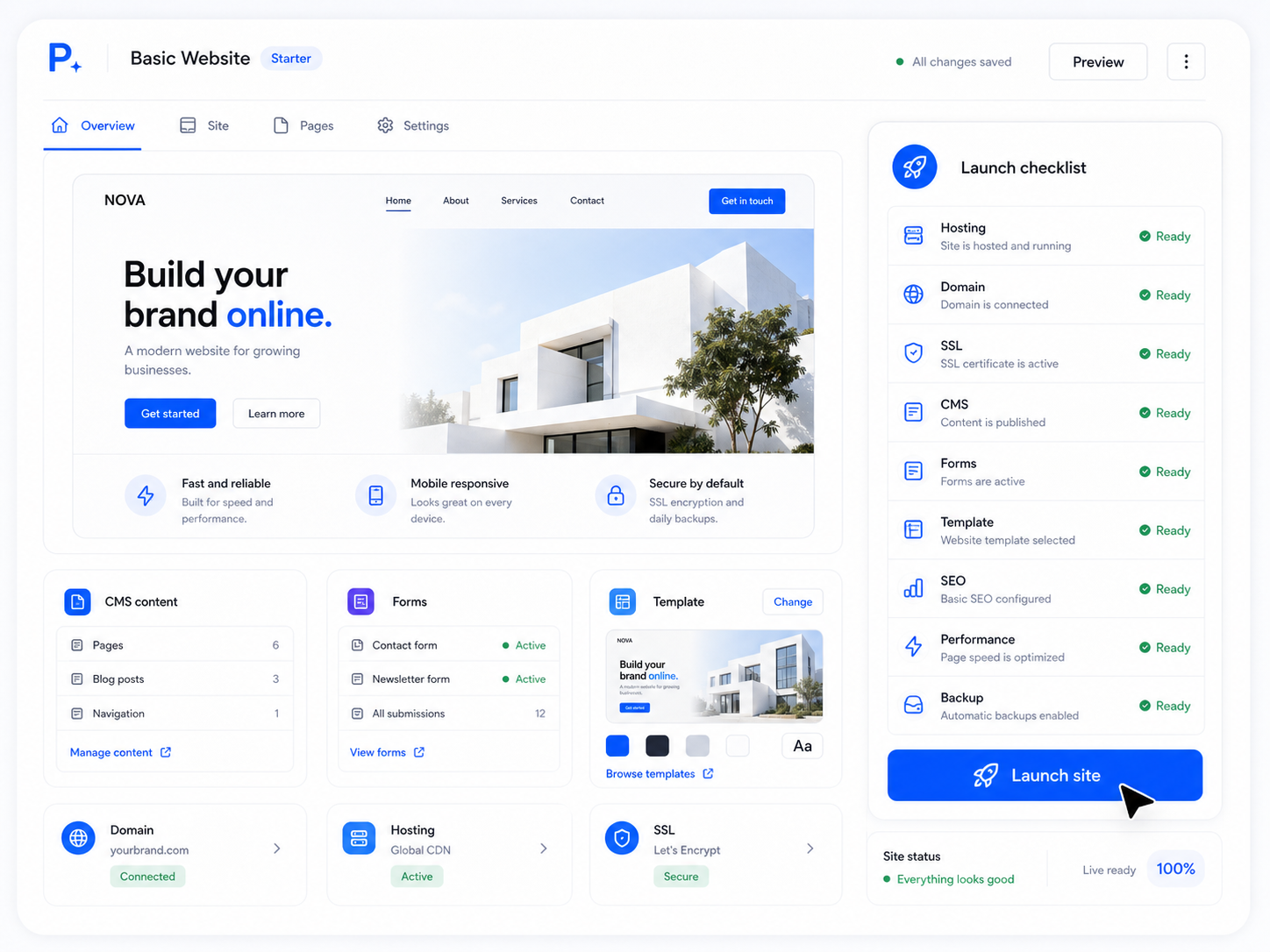
Included in the basic website stack
Managed hosting
SSL + publishing
Pages
Forms
Limited themes
Custom domain support
Launch a real site
Use themes, pages, publishing, hosting, SSL, and domain support to get a business online without a separate hosting stack.
Edit core pages
Keep the first site simple with editable pages and sections before the business needs structured CMS collections.
Capture demand
Use forms for contact requests, quotes, signups, applications, or basic service inquiries before you need heavier workflow automation.
Start from templates
Pick from marketplace themes and templates so the first site has structure, not just a blank canvas.
Platform system
The website, content, and business tools stay connected.
Paazaa gives teams one operating workspace to create the first site, structure content, connect business tools, and keep improving after launch.
Platform stack
One workspace connects the launch path and the operating tools.
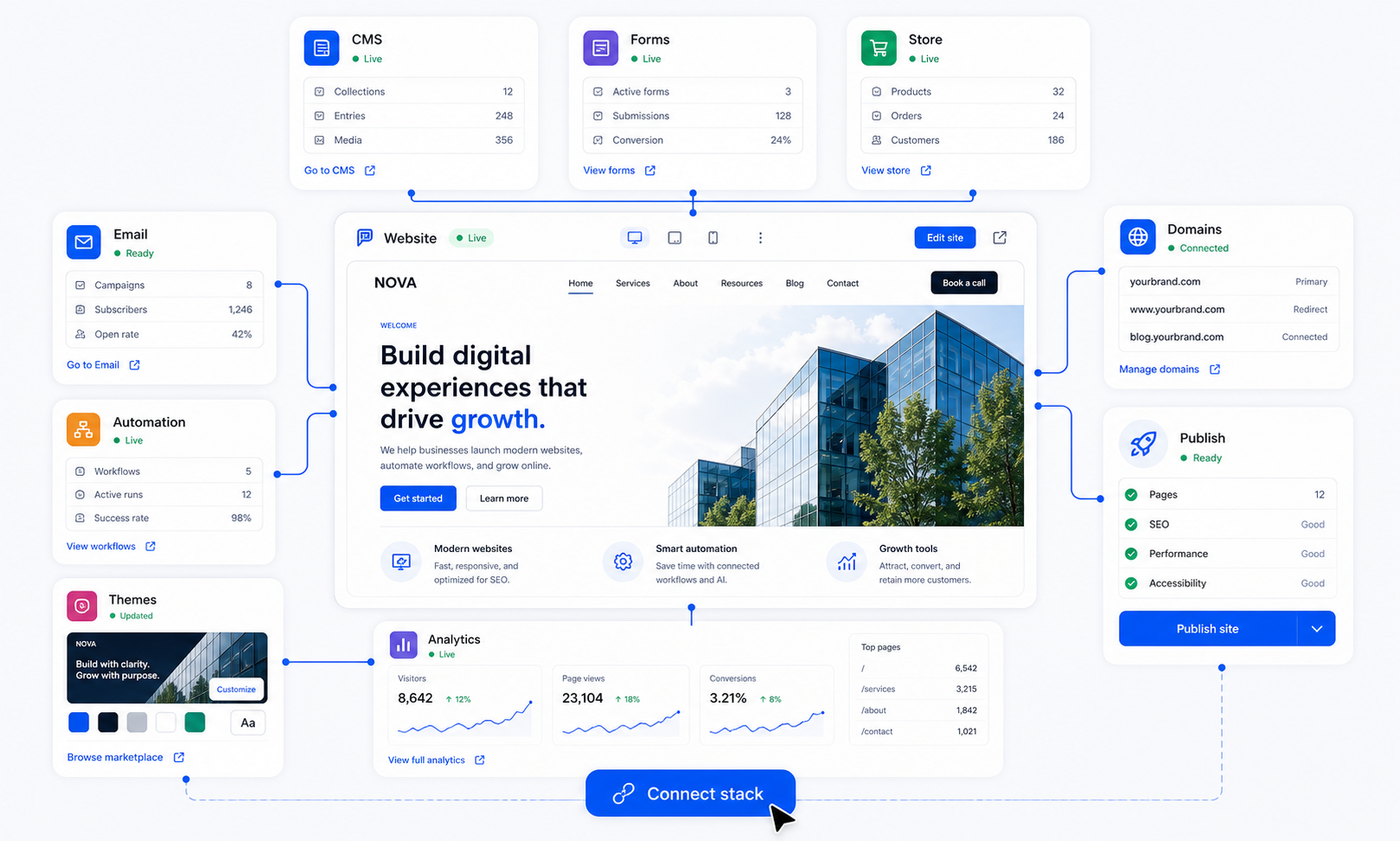
Generate
Create the first useful website draft with pages, sections, copy direction, and launch tasks.
Build
Edit pages, content, navigation, theme controls, forms, and media from one workspace.
Operate
Connect commerce, email, automation, search, analytics, domains, and ongoing improvements.
Scale
Use marketplace themes, reusable content, and workspace controls as the business grows.
Build
Generate and edit production-ready pages with reusable blocks.
Connected layer
Manage
Run content operations from one structured workspace.
Connected layer
Grow
Capture demand, process payments, and automate follow-up.
Connected layer
Launch
Connect domains, search, analytics, publishing checks, and workspace operations around the live website.
Operating layer
How it works
Build, run, and improve the site from one product surface.
The product story is simple: generate the first useful version, organize the system behind it, connect business tools, and keep operating the website after launch.
AI first draft
Start with a useful website system, not a disposable mockup.
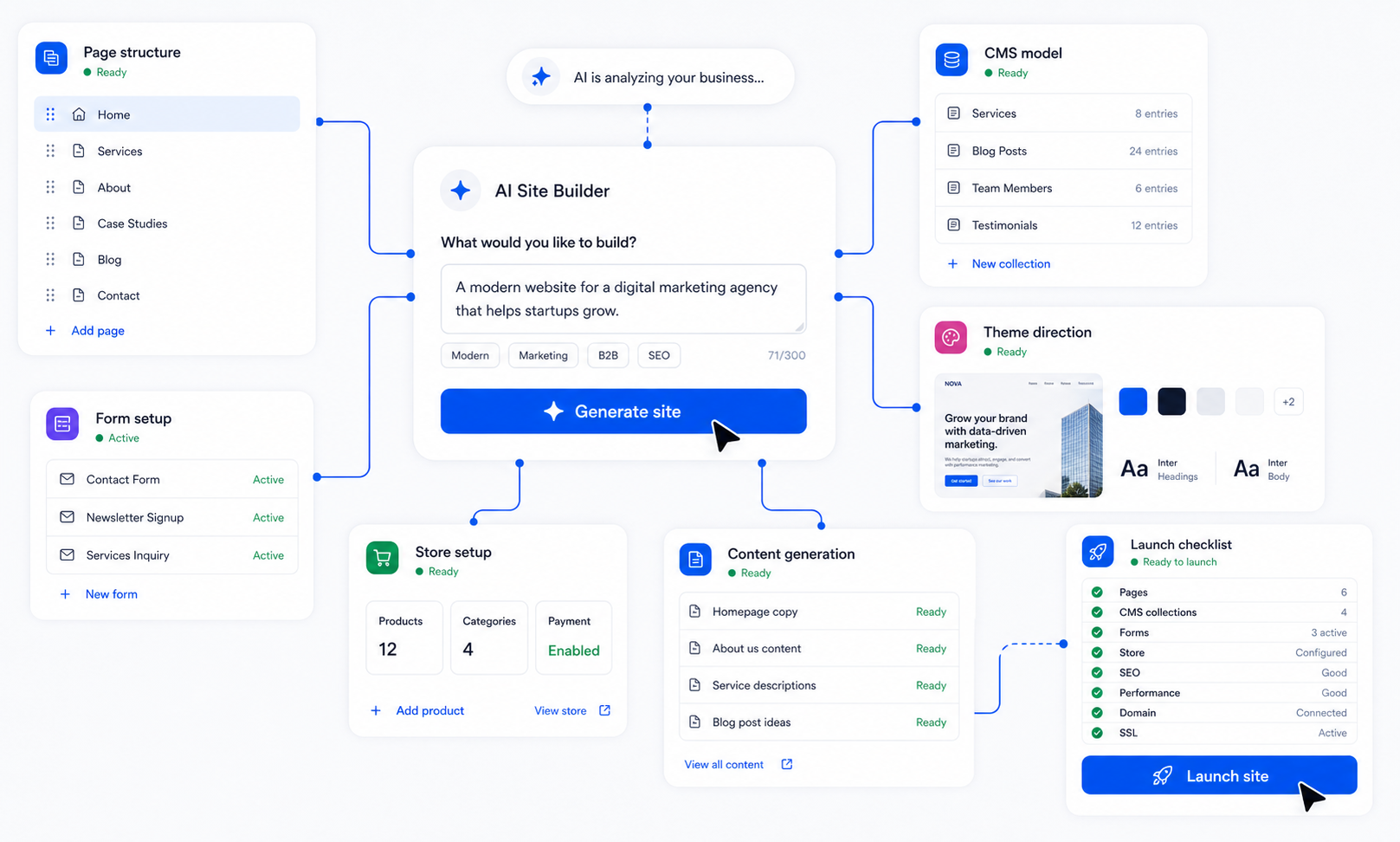
Paazaa should not stop at a pretty mockup. The first draft becomes a real workspace with pages, sections, content needs, forms, and launch tasks ready for review.
Generate page structure
Draft copy and sections
Keep the result editable
Content and pages
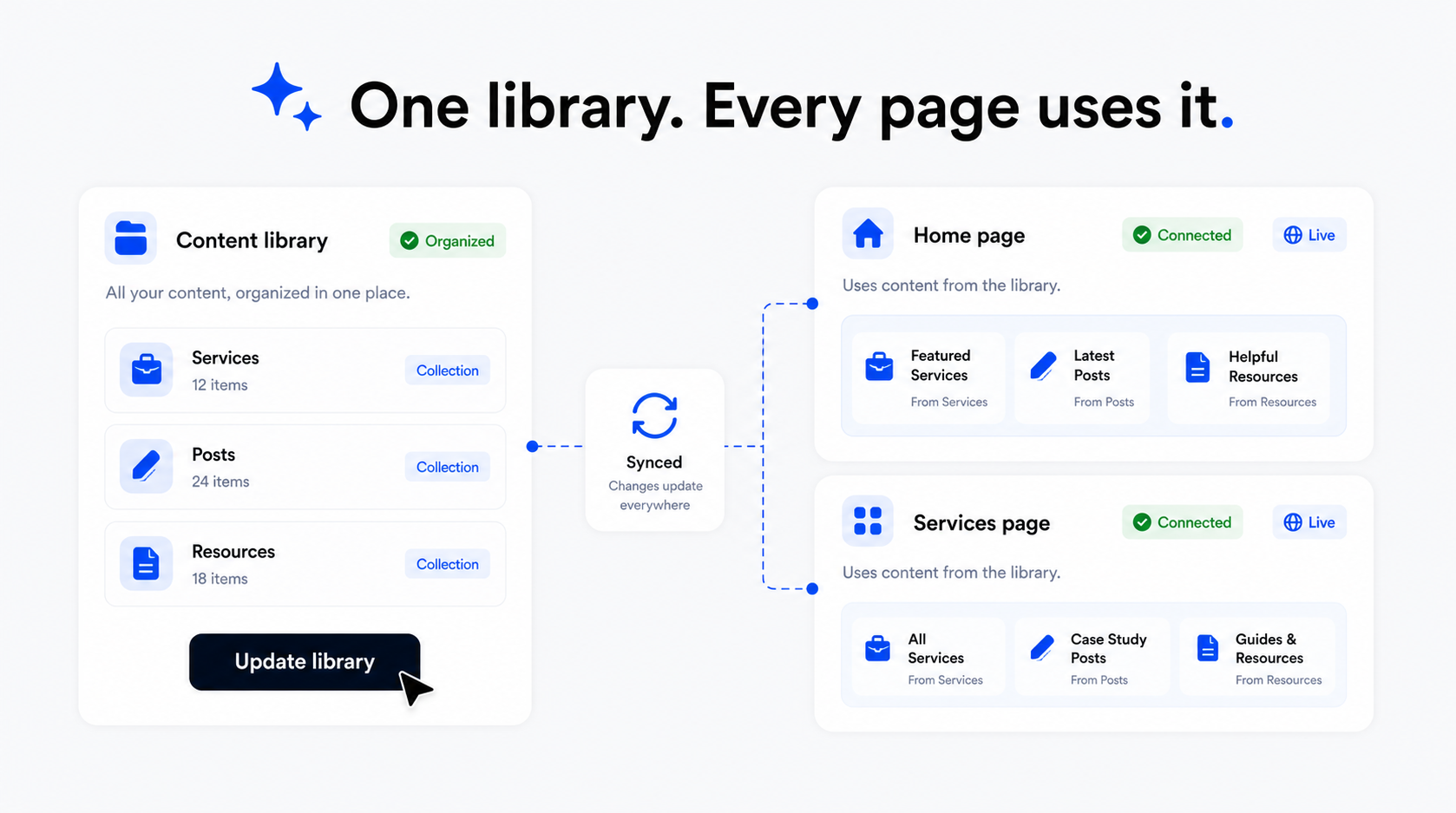
Keep pages and CMS content working together.
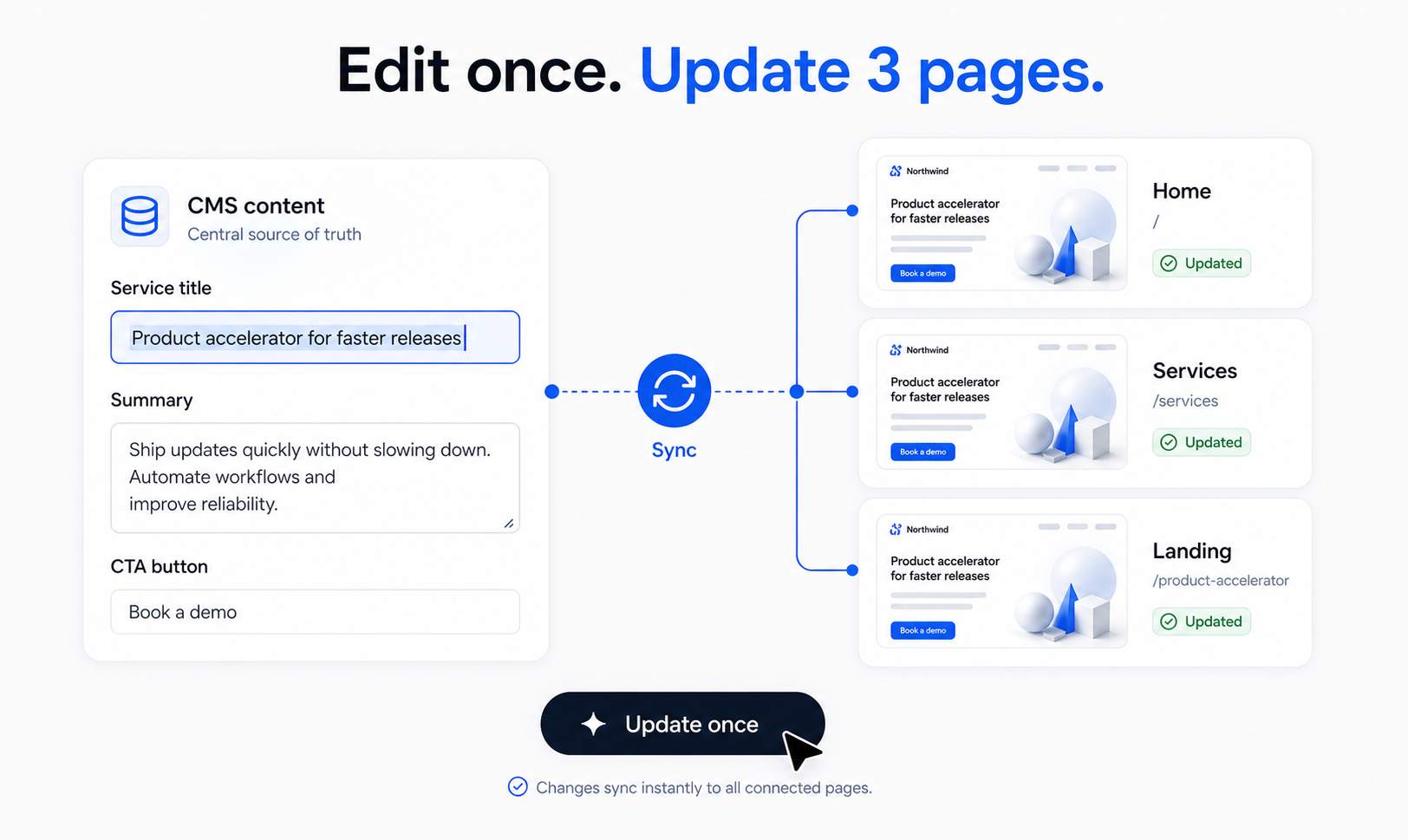
Pages work better when the content behind them has structure. CMS, page sections, and brand controls stay connected so updates do not turn into scattered page edits.
Model reusable content
Keep shared details consistent
Publish approved updates
Business tools
Add the tools that turn the site into an operating channel.
Forms, store flows, email, and automation sit around the website instead of becoming disconnected add-ons. The site can keep doing business after launch.
Collect leads
Sell products and services
Follow up from real events
Launch and improve
Operate the website from the same place you built it.
The website stays useful after it goes live. Publishing, domains, search, analytics, and workspace controls make ongoing improvement part of the same system.
Connect domains
Review analytics
Improve after launch
Product surfaces
The main surfaces stay easy to compare.
Move across the product without losing how pages, content, commerce, follow-up, and operations fit together.
Website Builder
Pages, sections, navigation, CTAs, and responsive structure.
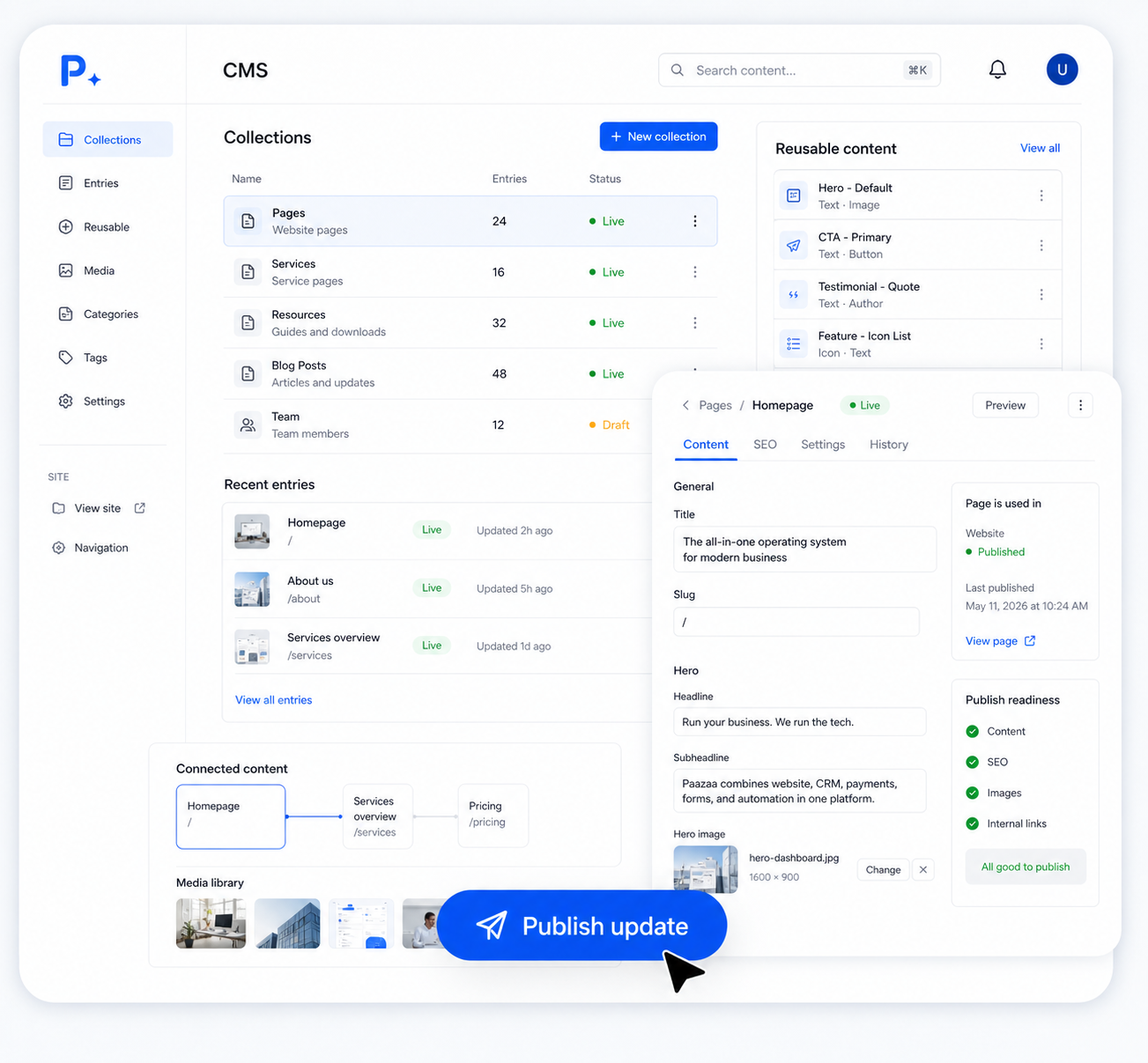
CMS
Content models, entries, reusable details, and publishing flow.
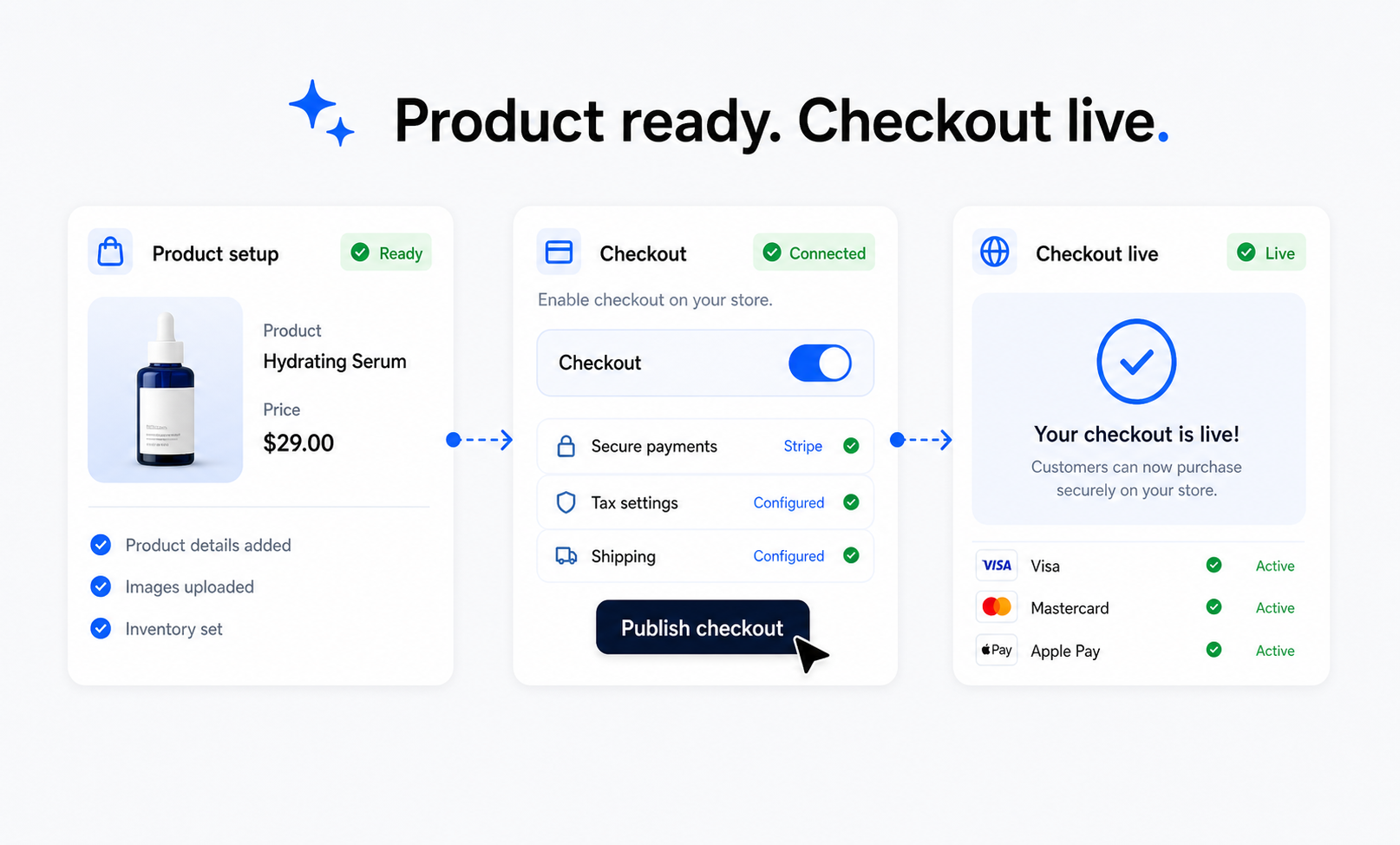
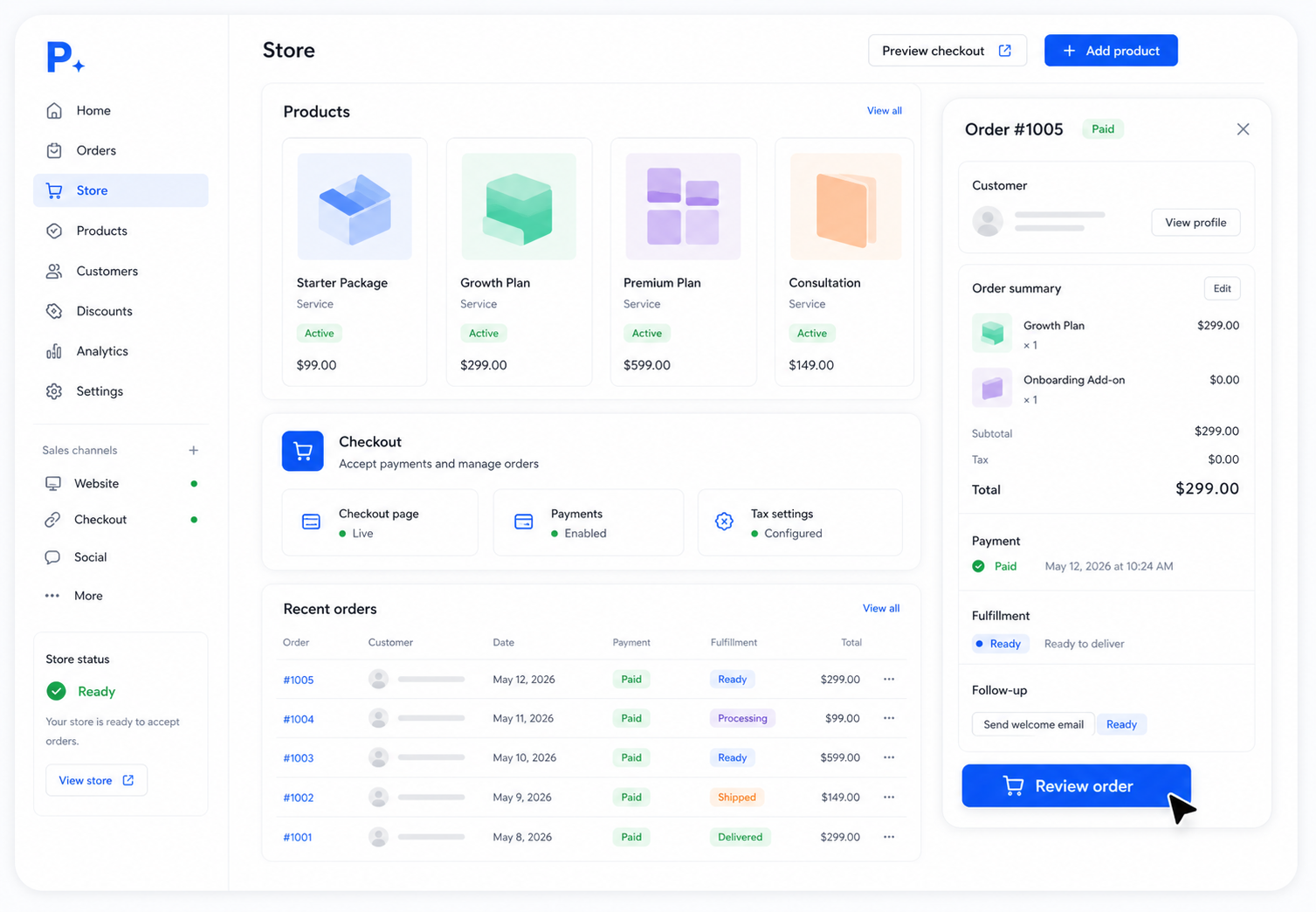
Store
Products, checkout paths, orders, paid services, and customers.
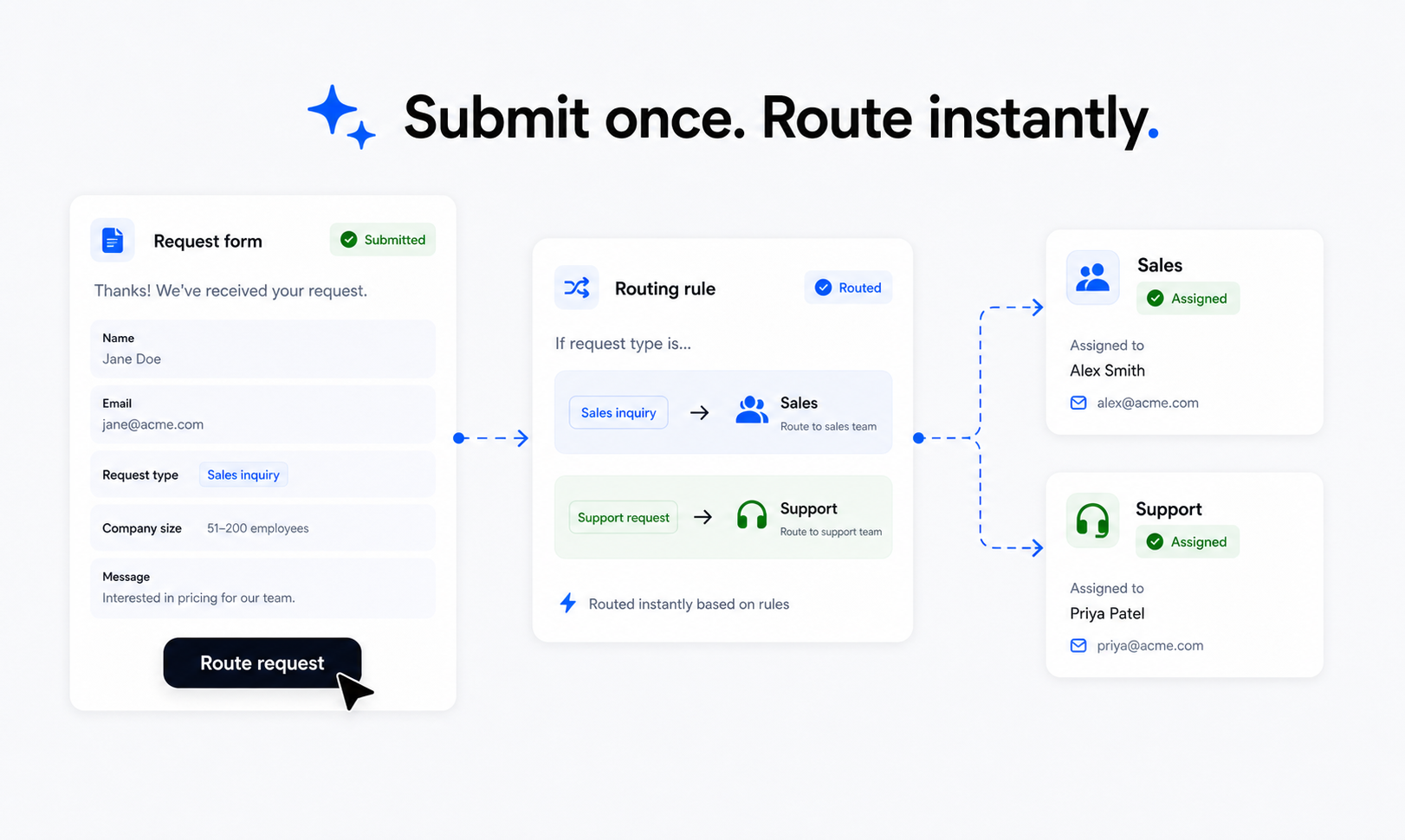
Forms
Forms, responses, routing, and follow-up workflows.
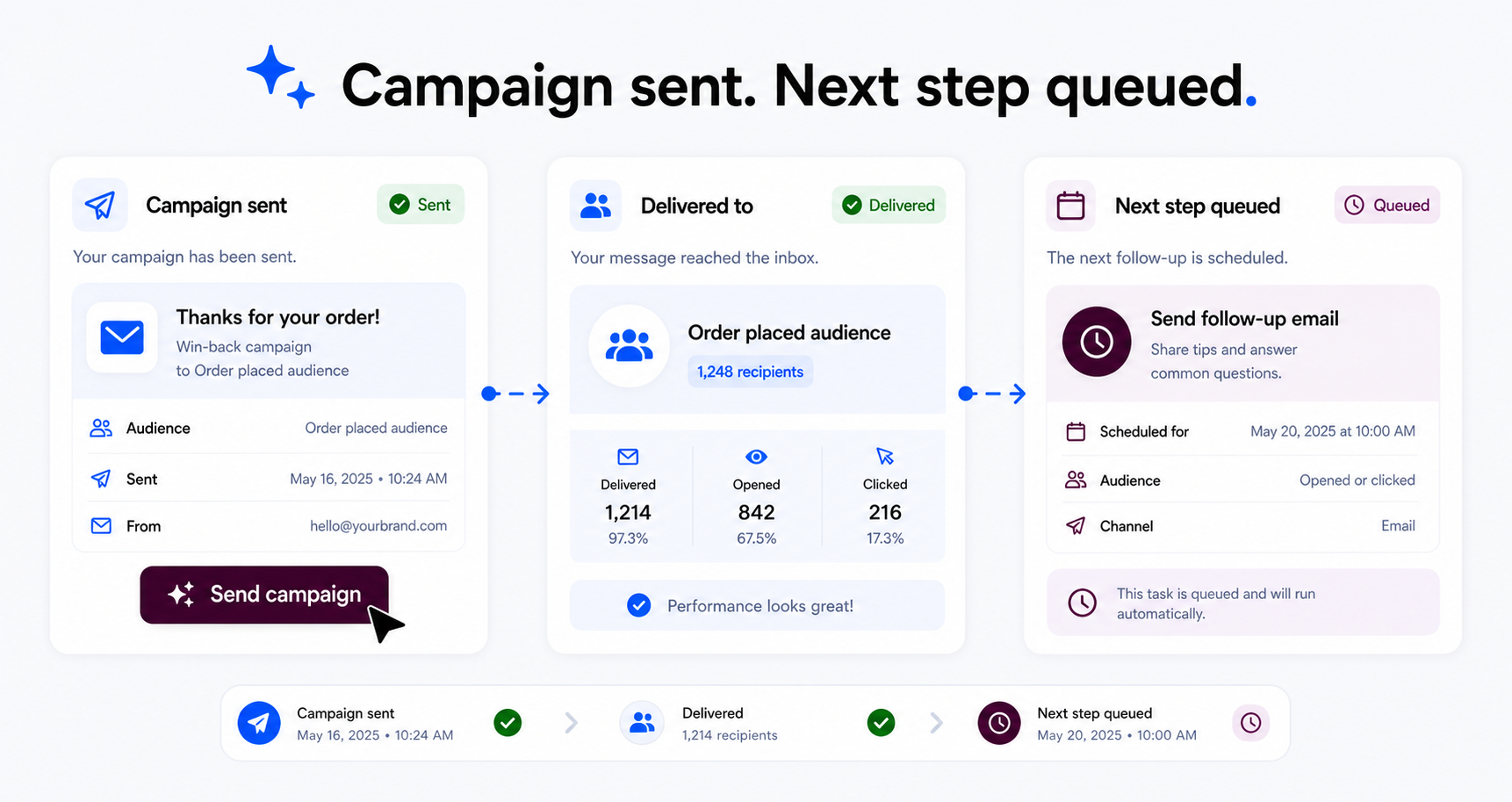
Paazaa Parrot
Paazaa Parrot messages, campaigns, and event-based follow-up.
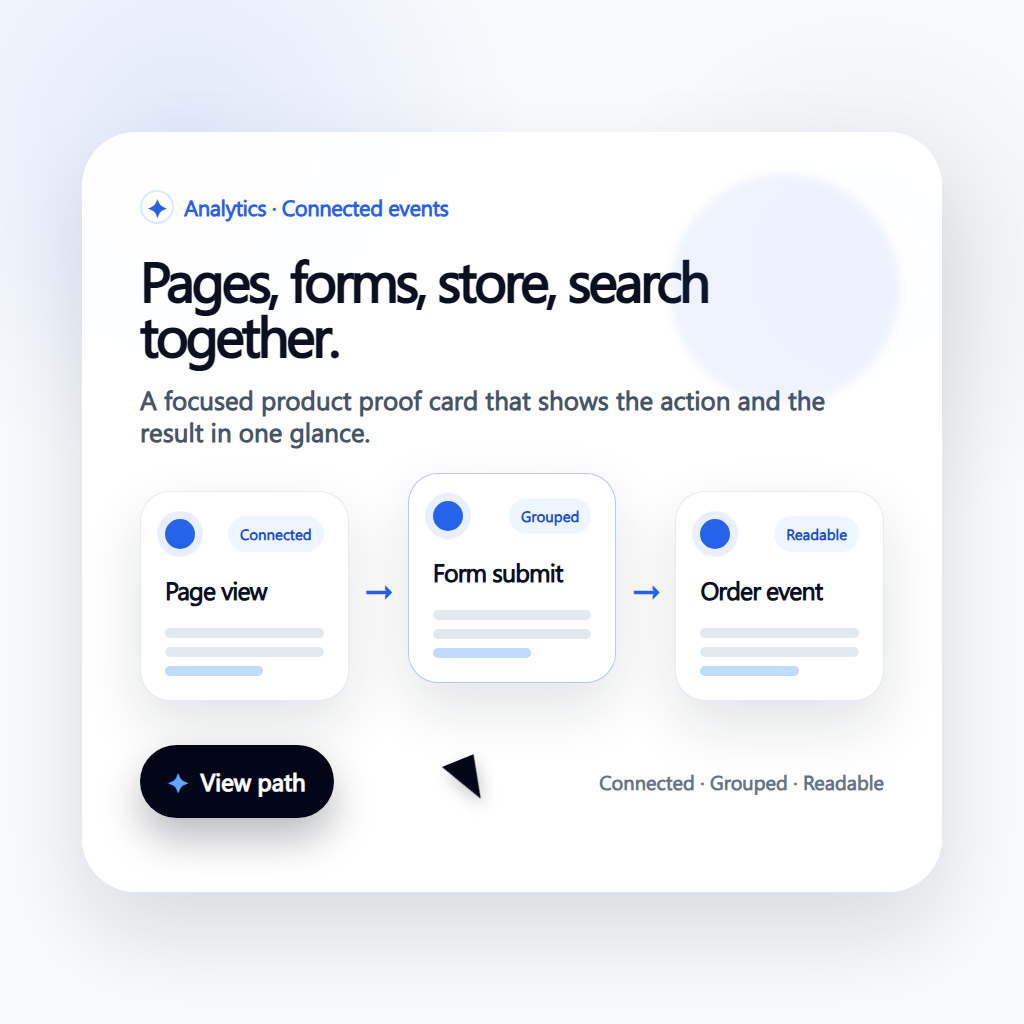
Operations
Search, analytics, domains, launch checks, and operations.
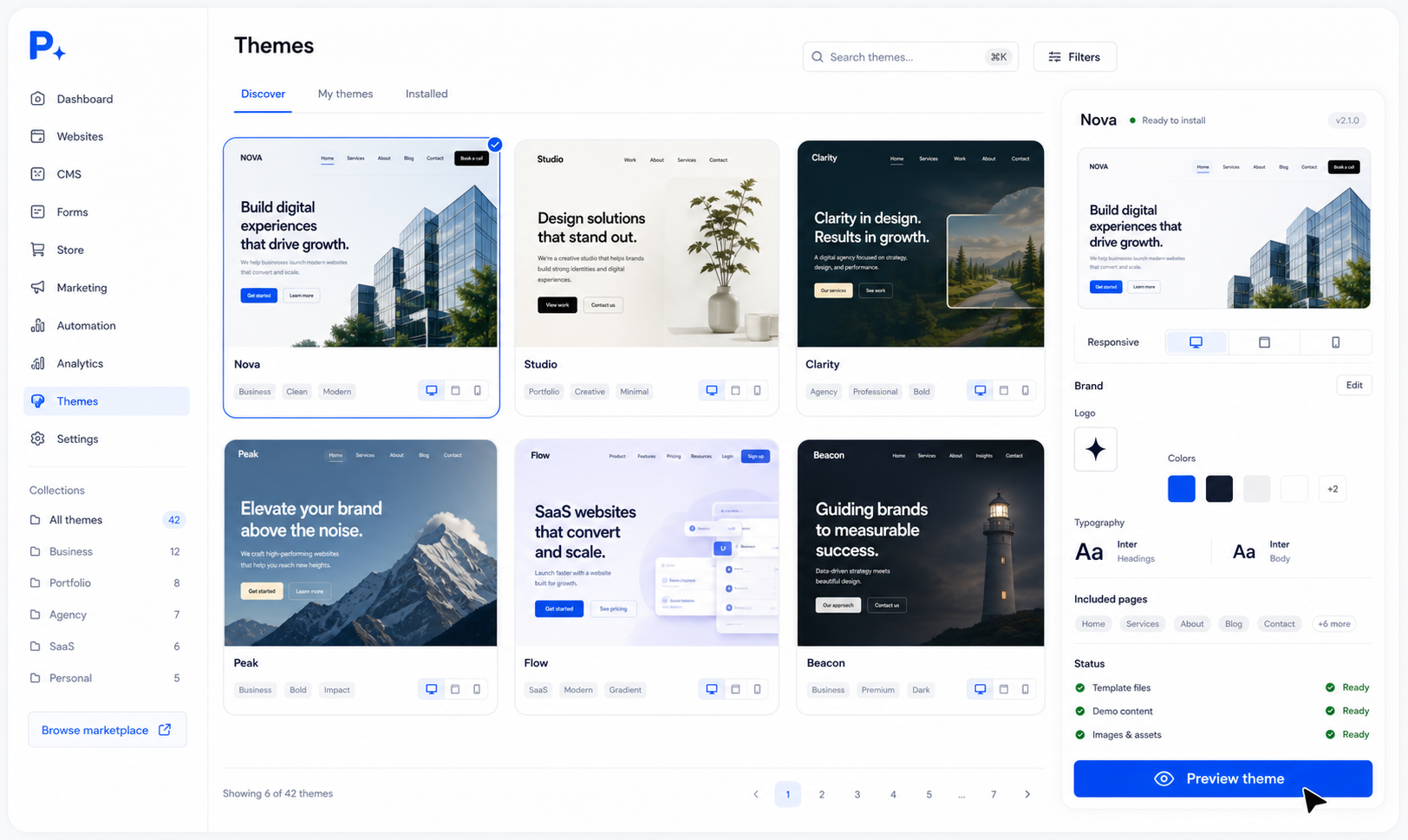
Theme library
Start from a full theme, then customize the workspace behind it.
Connected platform
Start with a website. Keep the whole business connected.
Launch the first site with pages, CMS, templates, forms, hosting, and a custom domain. Add checkout, email, automation, search, analytics, and workspace controls only when the business needs them.
Website builder
Create the pages customers actually see.
The website builder is the visible layer of the workspace. It gives teams a real page surface for shaping the public site, connecting sections to content, and getting a clean first version online quickly.
- 1Design landing pages, service pages, about pages, and campaign pages from reusable sections.
- 2Keep navigation, calls to action, responsive layout, SEO basics, and publishing status in one place.
- 3Update the live website without rebuilding every page from scratch.
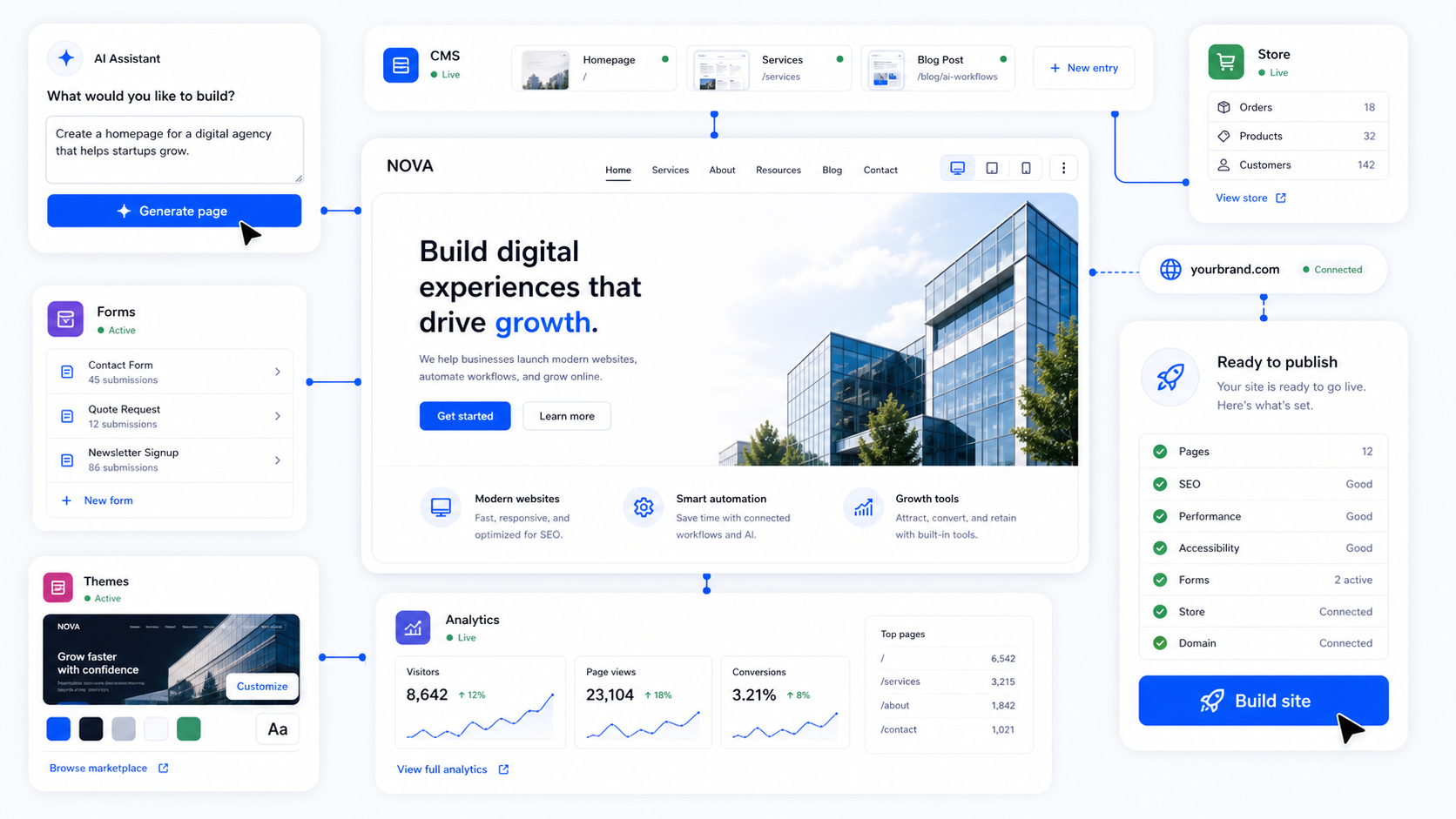
Connected capabilities
More than pages. Everything connected.
The useful version of a website builder is not just a page editor. It is a system where pages, content, forms, commerce, email, automation, and publishing can share the same workspace.
01
Pages & Publishing
Compose and ship responsive pages fast with reusable layouts and blocks.
02
CMS + Blog
Model your content once and publish everywhere without duplicating work.
03
Storefront
Sell products, services, bookings, and memberships from one checkout flow.
04
Forms
Capture leads, requests, and bookings with structured submission management.
05
Automations
Trigger follow-up actions from form, content, and purchase events.
06
Paazaa Parrot
Run customer messages and transactional updates from the same workspace.
Build flow
Live in seconds. Refine for as long as you need.
The AI flow ships a real first draft: pages, copy, sections, CMS models, forms, and launch tasks. You stay in full control after generation.
01
Describe
Tell Paazaa what you sell, who you serve, what pages you need.
02
Generate
Get a site plan, page sections, content, forms, and style direction.
03
Launch
Edit visually, connect business tools, and publish.
Use cases
Start with the website each business actually needs.
Paazaa should feel useful on day one: local pages and quote forms for services, content and offers for creators, client workspaces for agencies, and structured updates for teams that keep growing.
Explore all use cases →Local services
Launch local service pages, quote forms, location content, trust signals, and follow-up paths without starting with a heavy stack.
View use case →
Plumbing
Publish emergency plumbing pages, service-area content, quote forms, reviews, and local proof for urgent customer searches.
View use case →
Creators
Publish content, grow an audience, capture signups, and prepare digital offers or memberships from the same workspace.
View use case →
Ebook creators
Build ebook launch pages, author proof, sample chapter forms, email capture, checkout paths, and reader follow-up.
View use case →
Agencies
Run client sites with reusable delivery kits, workspace boundaries, content handoffs, and standards that scale beyond one project.
View use case →
Restaurants
Keep menus, events, hours, catering requests, reservations, and local promotions easy to update after launch.
View use case →
Real estate agents
Create listing pages, neighborhood guides, buyer and seller forms, open house pages, and reusable market content.
View use case →
Consultants
Turn expertise into authority pages, proof content, lead magnets, booking forms, and resources that support the sales conversation.
View use case →
Course creators
Launch course landing pages, waitlists, learner resources, checkout paths, and member-ready follow-up workflows.
View use case →
Multi-brand teams
Operate multiple sites with brand-level workspaces, shared standards, controlled publishing, and clearer governance.
View use case →
Explore
Product pages for every part of the platform.
Website Builder
Build pages, content, forms, media, and publishing from one workspace.
AI Website Builder
Generate a useful first website draft from a business idea.
Landing Page Builder
Create focused offer and campaign pages.
Landing Pages
Publish search-friendly pages with internal links and analytics.
Business Website Builder
Launch pages, forms, content, commerce, and domains together.
Webflow Alternative
Connect pages, CMS, forms, publishing, and workspace tools.
Wix Alternative
Build a business website workspace with pages, forms, content, and growth tools.
WordPress Alternative
Use connected CMS, pages, forms, media, and publishing tools.
Store / Commerce
Sell products, services, packages, and subscriptions.
Commerce Operations
Connect revenue moments to checkout and orders.
Pricing
Start lean. Grow into the platform.
Website
Basic website, hosting, limited themes, pages, forms, publishing, and custom domain support.
Start with WebsiteBusiness Website
More room for small business publishing, SEO basics, forms, and business-ready limits.
Start with Business WebsiteCommerce
Products, checkout, orders, customers, commerce emails, and store-focused analytics.
Start with Commerce