
Control every workspace from one admin experience
Give workspace teams one admin control surface for pages, content, navigation, roles, and operations without custom per-workspace code paths.

Run every workspace with clearer control and fewer mistakes
What workspace operators should publish first
Start with pages, CMS, forms, and themes in one admin shell, then make the page specific enough for a visitor to understand the offer, the proof, and the next action. This keeps the first version focused while still creating a foundation for workspace-aware navigation.
What should connect behind the page
The page should hand work to the right system after a visitor acts. Connect workspace-aware roles, permissions, and actions to role-based operations, ownership, status, and follow-up so the team is not copying context between tools.
How to know the rollout is working
Use operational visibility for installs, updates, and governance as the operational check, then measure whether lower operational complexity across multiple teams. and whether reduce admin mistakes with policy-aware controls.. If those results are weak, improve the page structure before adding more traffic.
Readiness checks before this solution goes live
Visitor decision points
Make the page answer the questions a visitor has before they act: what is offered, why it is credible, what happens next, and how fast the team can respond. For workspace operators, workspace-aware navigation should be visible enough that the next step feels obvious rather than buried in a generic contact path.
Team ownership
Assign a clear owner for role-based operations before launch. The page should have someone responsible for content accuracy, submission review, status updates, and stale information. That keeps the workflow useful when traffic, requests, or publishing volume increases.
Expansion path
Use Admin Control and Workspace Management when the first version needs more depth. The goal is not to add features everywhere; it is to strengthen unified operations only where it helps lower operational complexity across multiple teams. and reduce admin mistakes with policy-aware controls..
Capabilities that make this solution operational
Workspace-Aware Navigation
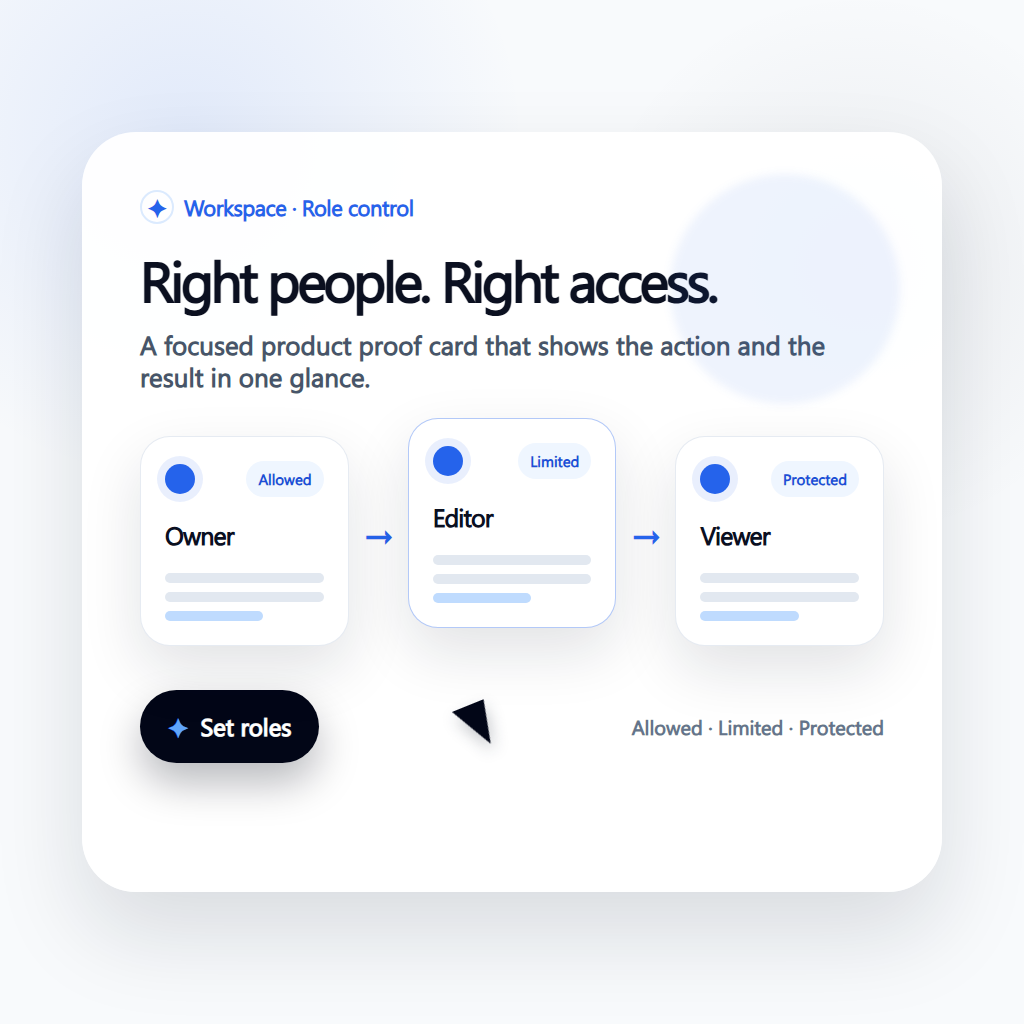
Show controls based on workspace capabilities and permissions.
Role-Based Operations
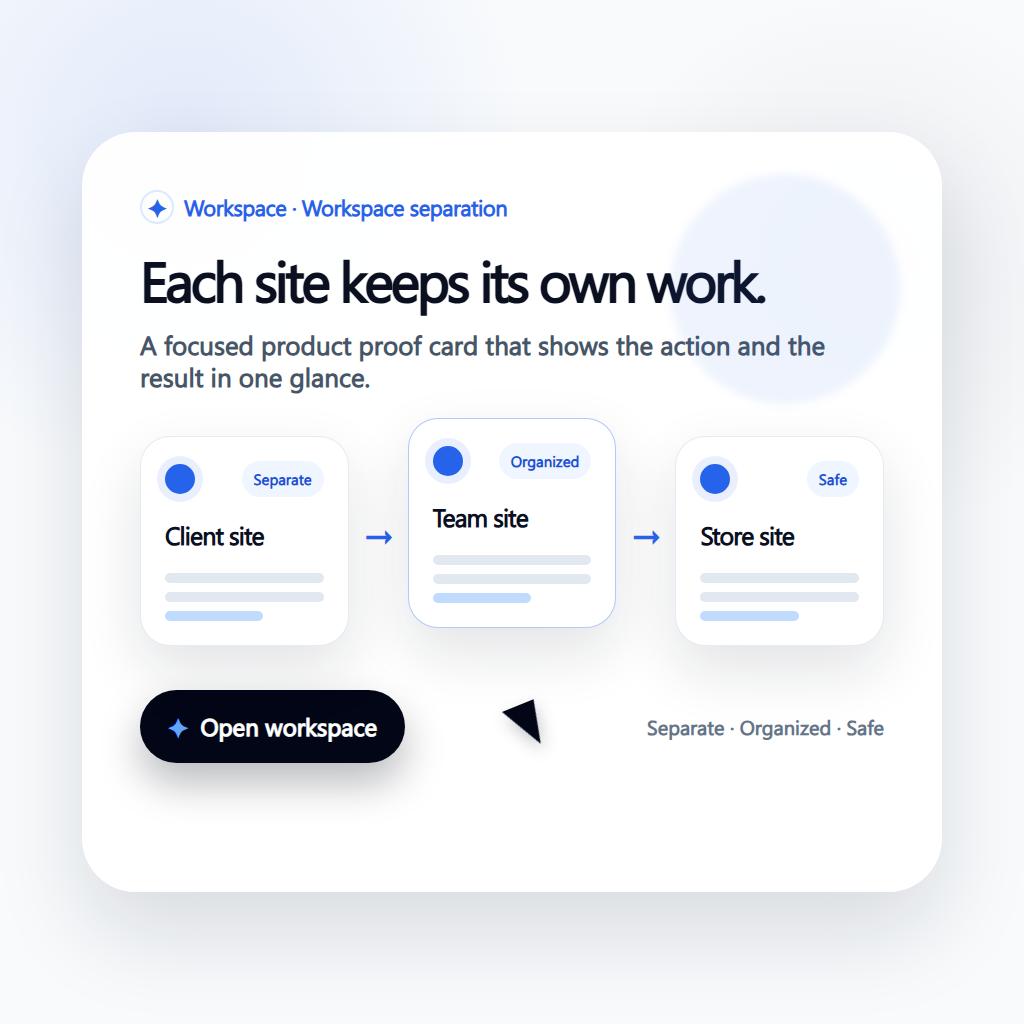
Enforce access, approvals, and operational boundaries consistently.
Unified Operations
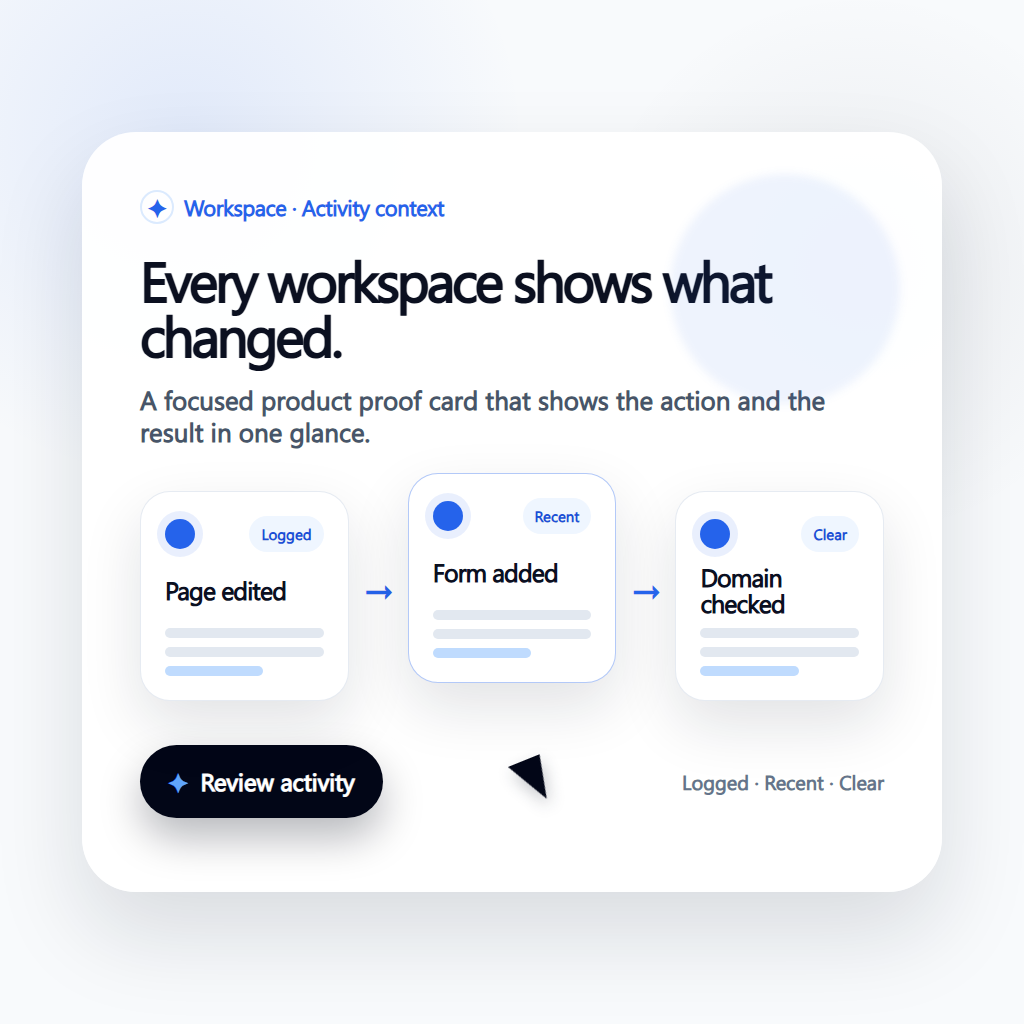
Handle content, publishing, and automation actions from one interface.
How teams put this solution to work
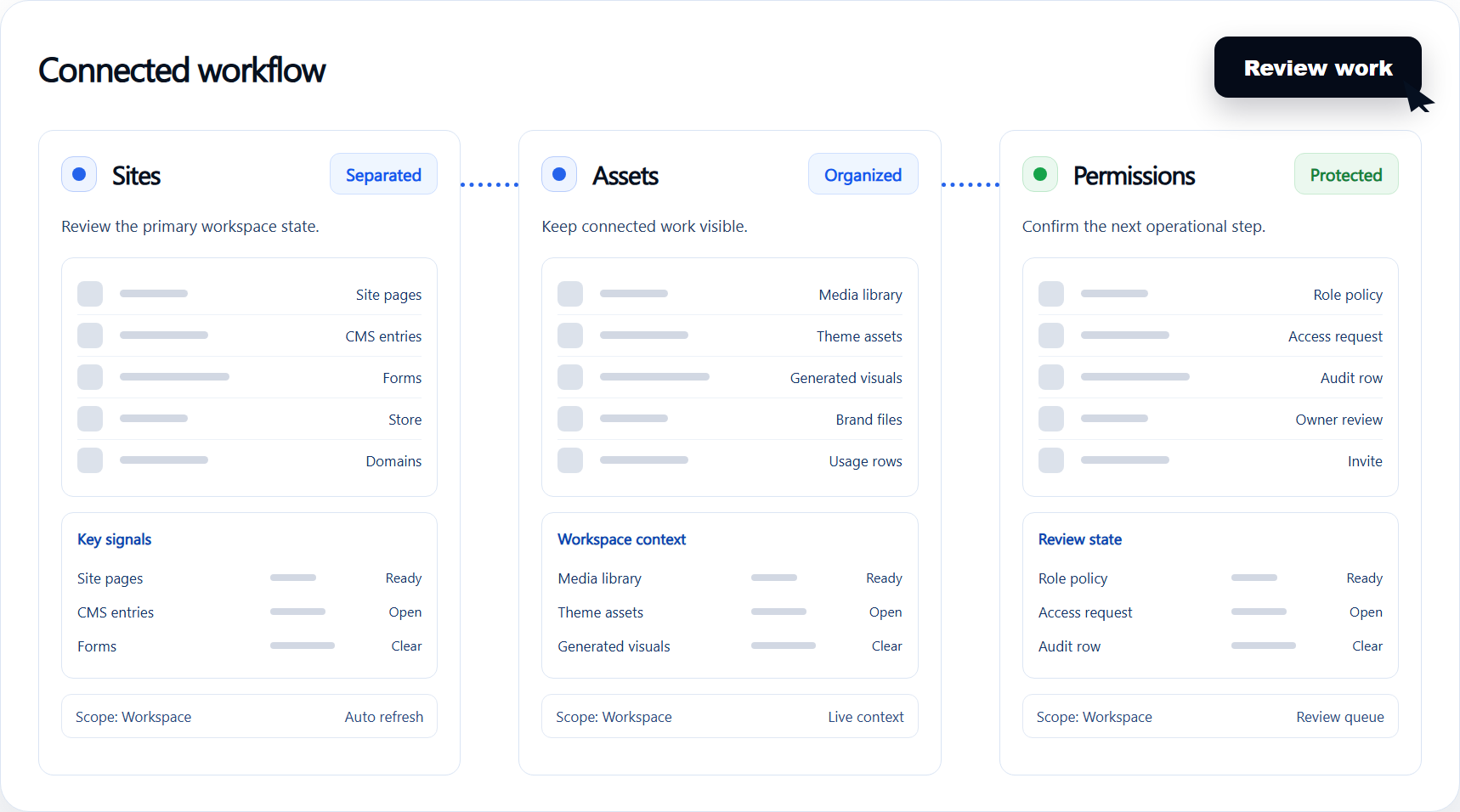
Workspace-Aware Navigation
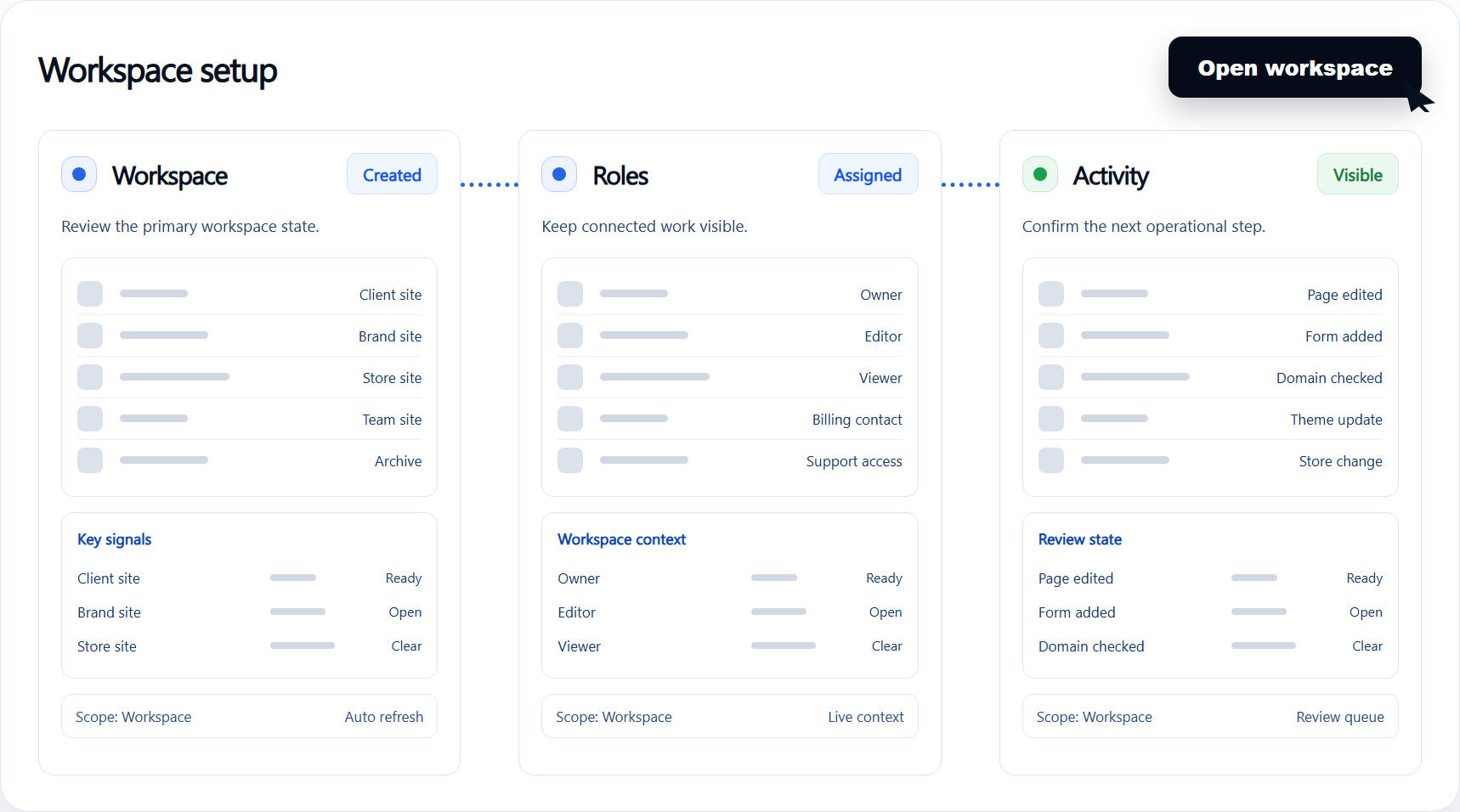
Show controls based on workspace capabilities and permissions.
Lower operational complexity across multiple teams.
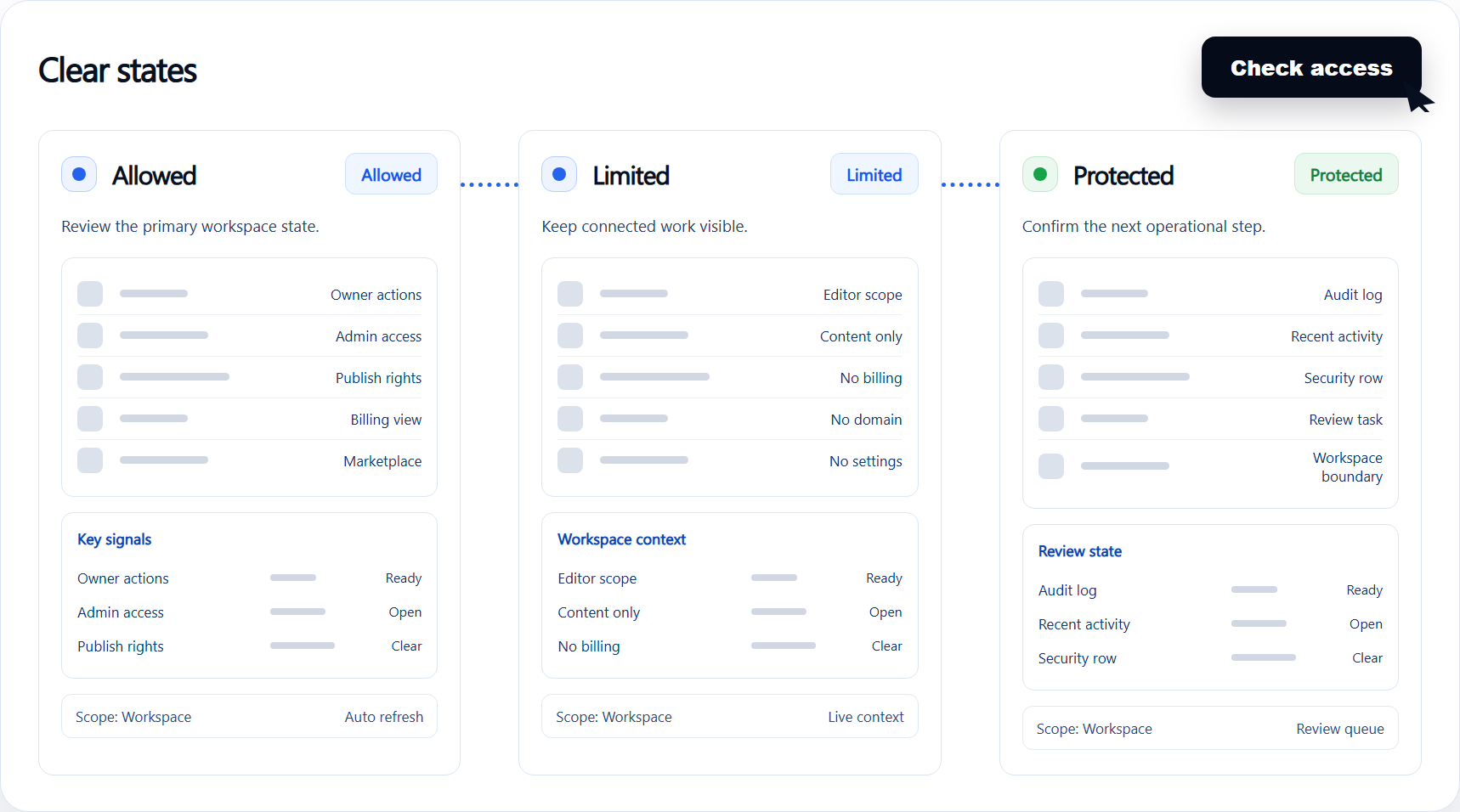
Role-Based Operations
Enforce access, approvals, and operational boundaries consistently.
Reduce admin mistakes with policy-aware controls.
Unified Operations
Handle content, publishing, and automation actions from one interface.
Scale workspace operations without adding forks.
Run every workspace with clearer control and fewer mistakes
Pages, CMS, forms, and themes in one admin shell
Workspace-aware roles, permissions, and actions
Operational visibility for installs, updates, and governance
Business results to watch after rollout
- 1
Lower operational complexity across multiple teams.
- 2
Reduce admin mistakes with policy-aware controls.
- 3
Scale workspace operations without adding forks.