
AI Website Builder
Generate the first version, then keep full control.
Turn a prompt into editable pages, CMS structure, theme settings, forms, and launch workflow your team can keep operating.

Paazaa is an AI-assisted website production team in a box: developer, designer, content strategist, SEO assistant, and operator, all working inside one structured website framework.
Generate real website workspaces
Turn a prompt into editable pages, CMS structure, theme settings, forms, and launch workflow your team can keep operating.
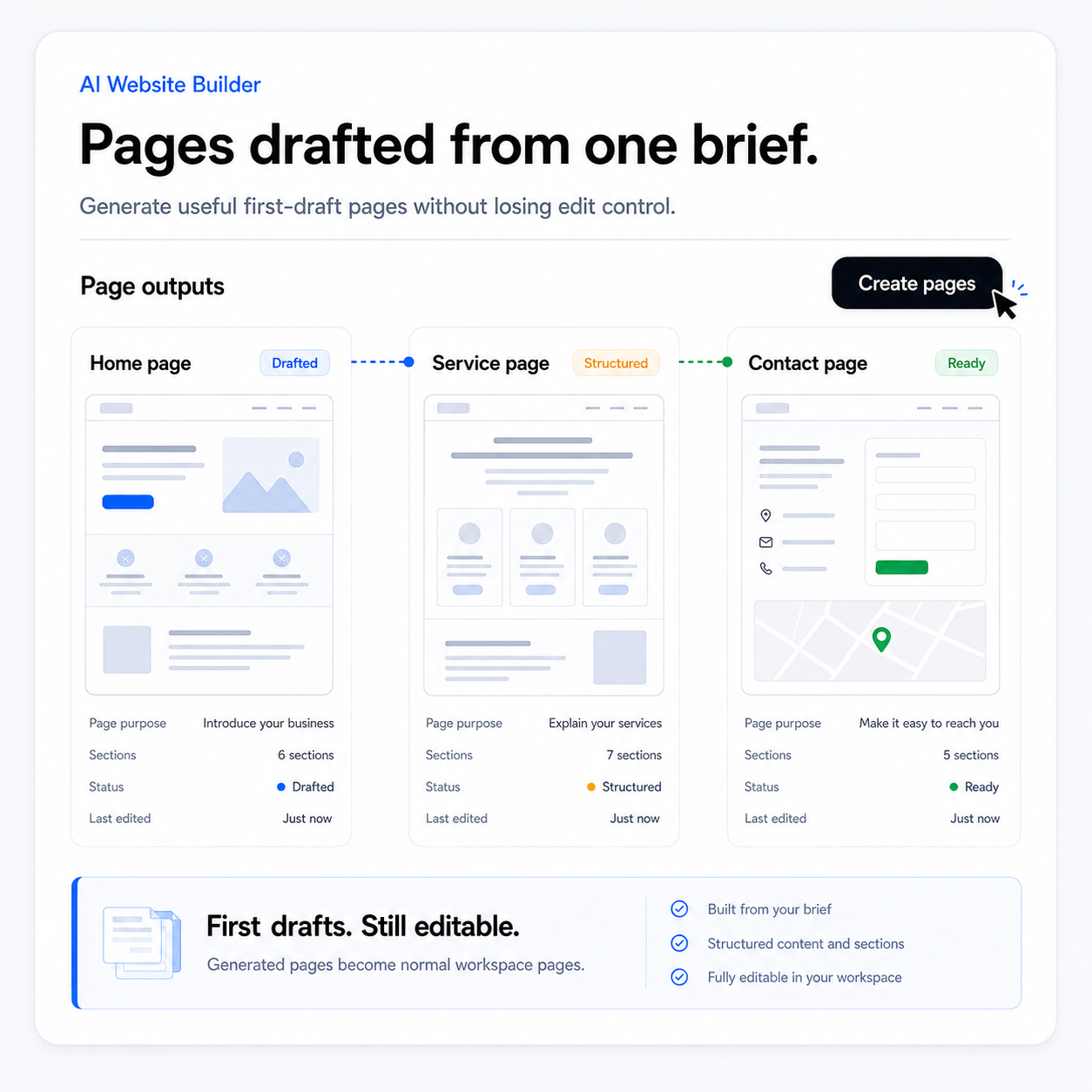
AI should support the production roles a real website needs.
The work should separate planning, design, content, build structure, SEO, launch readiness, and operations instead of hiding everything behind one generic output.
Open Business Website Framework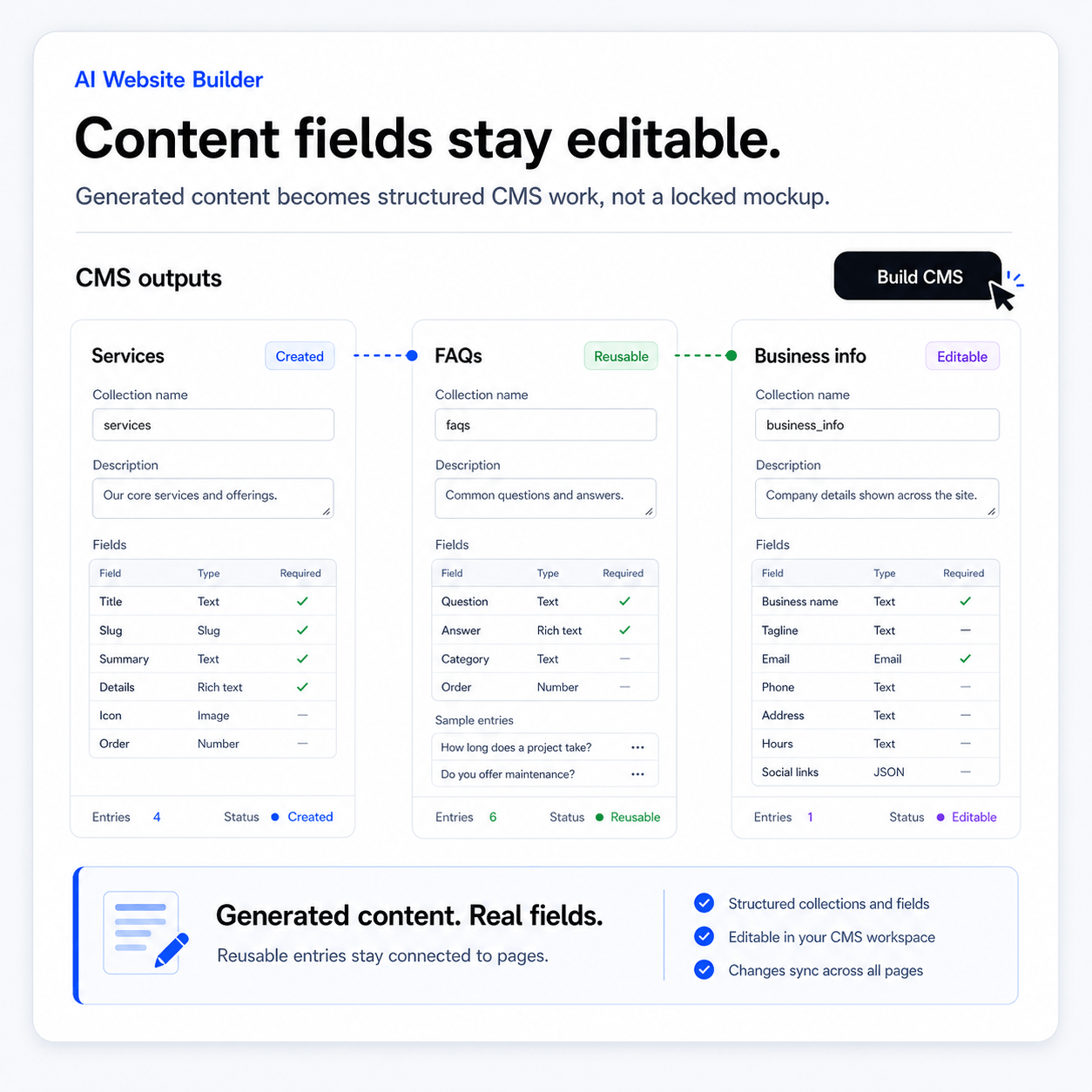
Keep the human in the website framework.
Users need clear controls after the first version exists. They should be able to change copy, swap sections, apply a theme, connect forms, improve SEO, and publish when ready.
Open Website Production System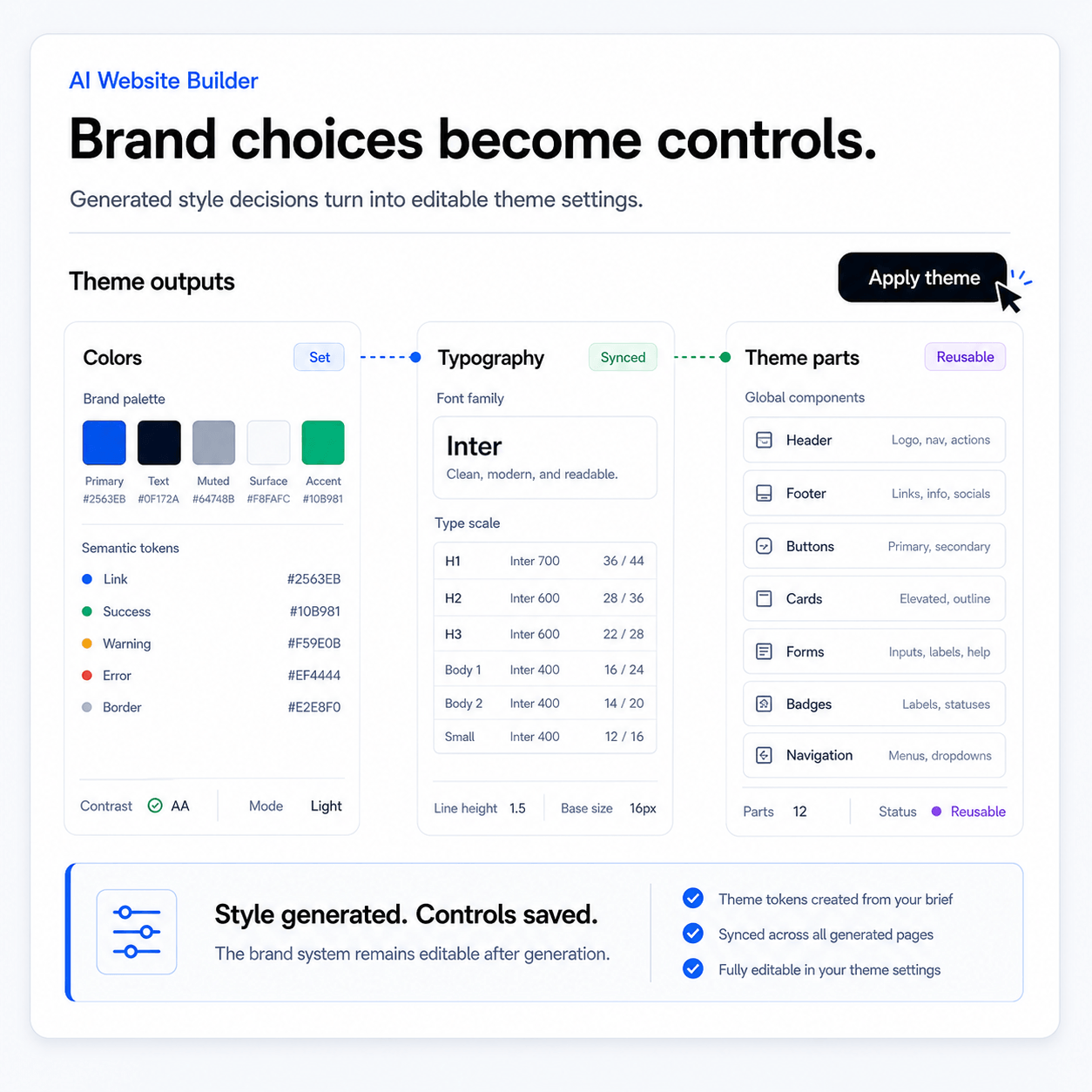
Produced pages must still use the Paazaa runtime.
The AI-assisted output should not bypass the real systems. It should produce pages that work with the theme system, CMS bindings, forms, commerce, SEO, analytics, and publishing.
Open AI Web Design Team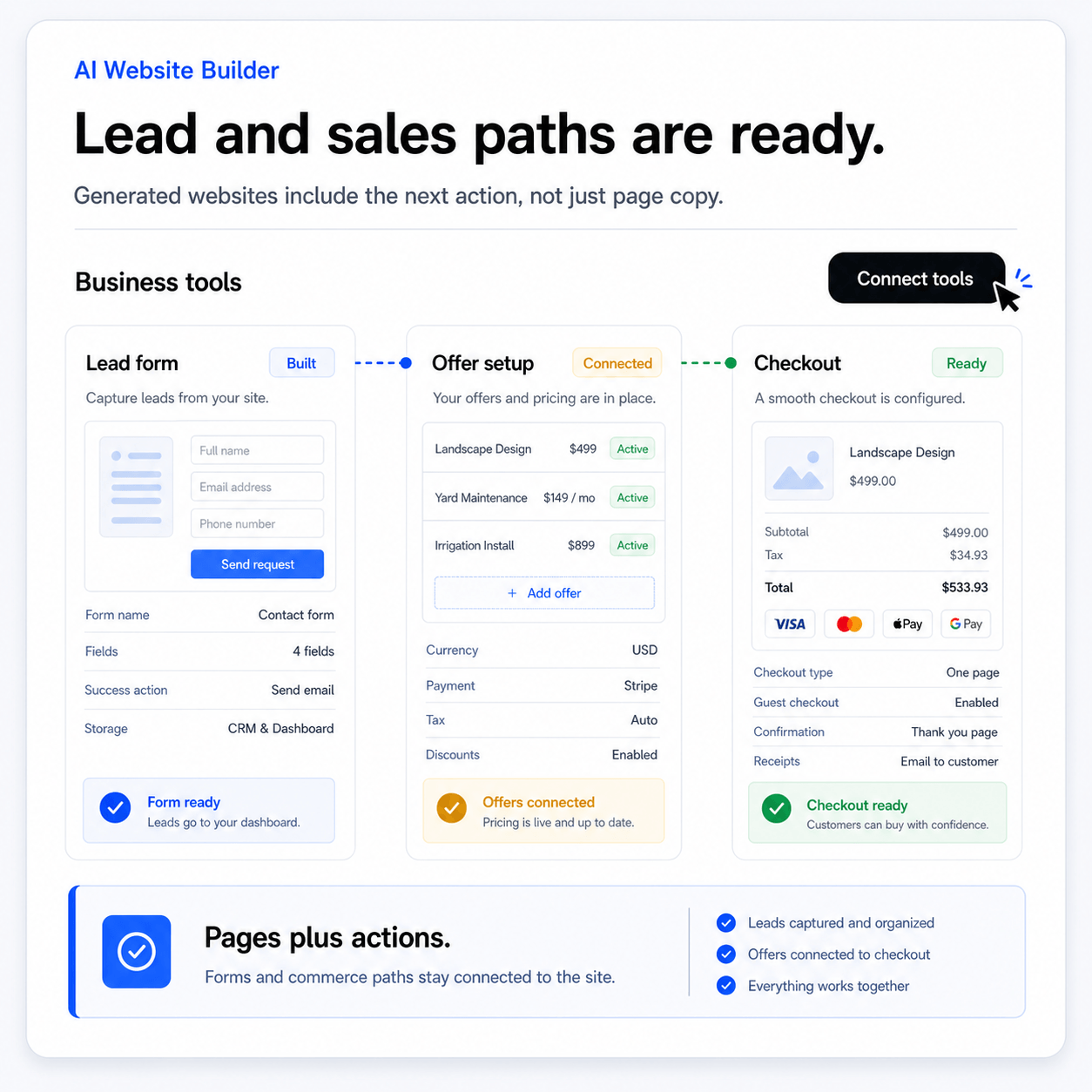
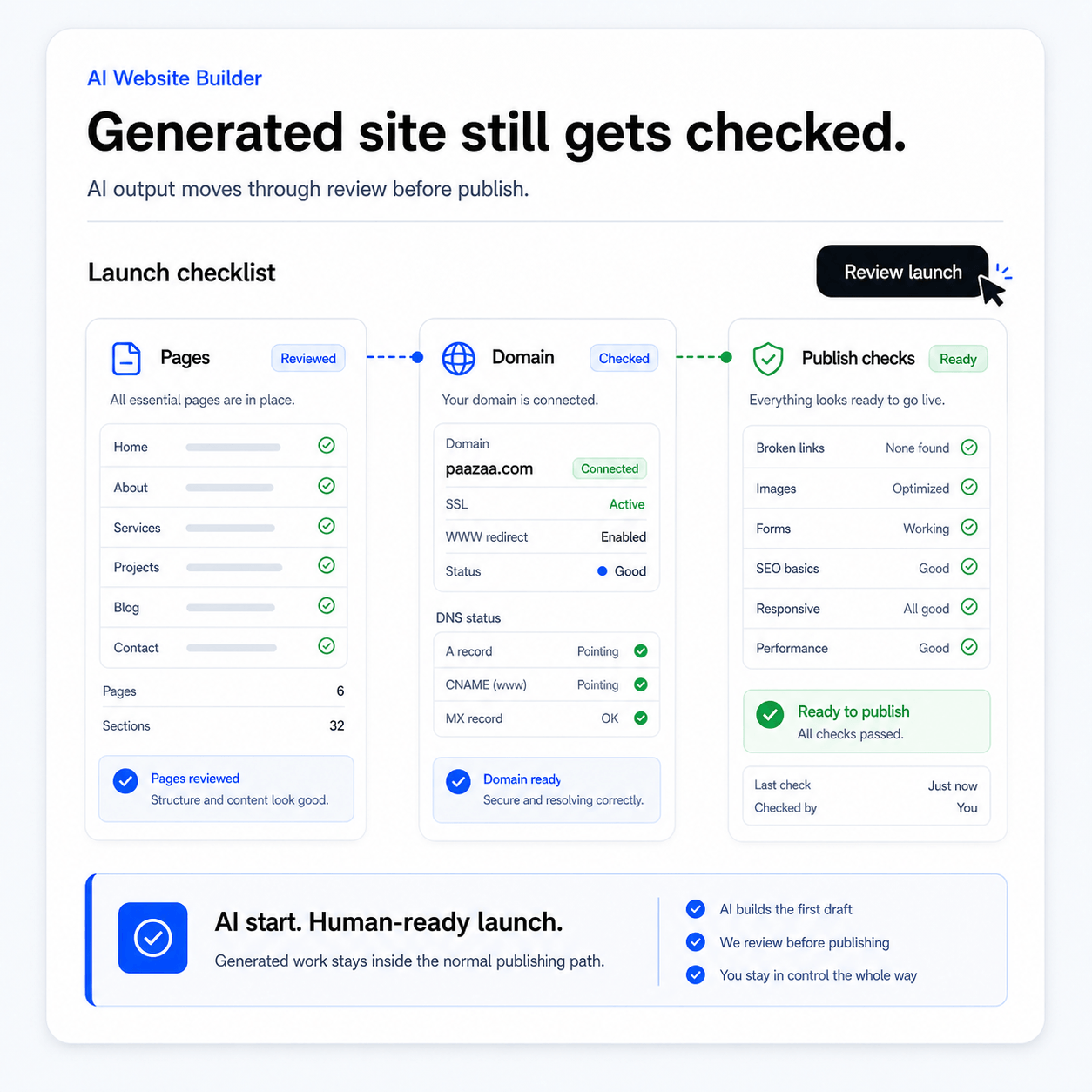
The work should end with a launch and improvement path.
A business website still needs review, responsive checks, domain setup, forms, SEO basics, analytics, and operating tasks before and after publish.
Open Pages & PublishingWhat AI changes when it is connected to the workspace.
Create a useful website plan faster.
Paazaa is an AI-assisted website production team in a box: developer, designer, content strategist, SEO assistant, and operator, all working inside one structured website framework.
Generate real website workspaces, not throwaway drafts.
Turn a prompt into editable pages, CMS structure, theme settings, forms, and launch workflow your team can keep operating.
Business brief
The guided input that describes the site goal, offer, audience, and business context.
Website plan
The structure that turns the brief into pages, content, design, SEO, and launch work.
Produced pages
Editable page drafts created inside the Paazaa framework.
CMS suggestions
Structured content recommendations for reusable updates.
AI generation flow
The AI workflow should turn a business brief into structured website production work, then leave the user with normal Paazaa controls for editing, branding, content, forms, commerce, SEO, and launch.
- 01
Brief
Enter the business, audience, offer, style direction, competitors, and pages the site needs.
- 02
Plan
Create the sitemap, page priorities, content needs, design direction, SEO tasks, and launch path.
- 03
Produce
Create structured pages, copy, CMS needs, suggested sections, forms, and business surfaces.
- 04
Refine
Edit the page content, section order, theme direction, media choices, and SEO details.
Where this connects in the platform.
Use these connected surfaces to keep this workflow integrated with the rest of your website business.
Business Website Framework
The guided input that describes the site goal, offer, audience, and business context.
Website Production System
The structure that turns the brief into pages, content, design, SEO, and launch work.
AI Web Design Team
Editable page drafts created inside the Paazaa framework.
Pages & Publishing
Structured content recommendations for reusable updates.
Create a useful website plan faster.
Keep AI output editable. Connect produced pages to real tools. Avoid throwaway mockups. Move from idea to launch with less confusion.
Related questions