Website tools that connect.
Build Pages, manage CMS content, collect Form responses and customize your Theme. Add the tools your Website needs.
A connected Website
Pages, content and Forms stay editable in their native tools.
Editable Website Pages
Build Home, service, project and contact Pages with a shared navigation.
- Text, images and reusable sections
- Desktop, tablet and mobile previews
- Drafts and publishing controls
Explore Website tools
Landing Pages
Present an offer, launch or event with a focused Page and a clear visitor action.
Website builder
Create Pages, connect CMS content and Forms, and choose a Theme. Start with a Website kit or build from scratch.
Page Builder
Arrange text, images, sections, CMS content and Forms. Edit visually, preview different screens and publish your Page.
Content & CMS
Define content types, add related Entries and present published content on your Website. Manage projects, articles, directories and catalogs.
Forms
Create contact Forms, questionnaires and applications. Customize the questions and layout, then review private responses in your Website dashboard.
Theme & styles
Choose a Theme and edit its supported fonts, colors, navigation, headers and footers. Preview the design with your own Pages and content.
Media
Upload Website assets, find them in Media and select them while editing Pages and content.
Pages & publishing
Review your Website’s Pages, content and visitor actions. Publish the version you are ready to share, with hosting included.
Domains
Start with an included Paazaa address. Connect a domain or subdomain you own on Starter.
Composer
Request and review supported Website edits.
Visitor Ask
Answer questions using configured Website sources.
Creative Studio
Create galleries, image treatments and interactive visuals.
Website starting points
Compare published examples and inspect the resources each kit includes.
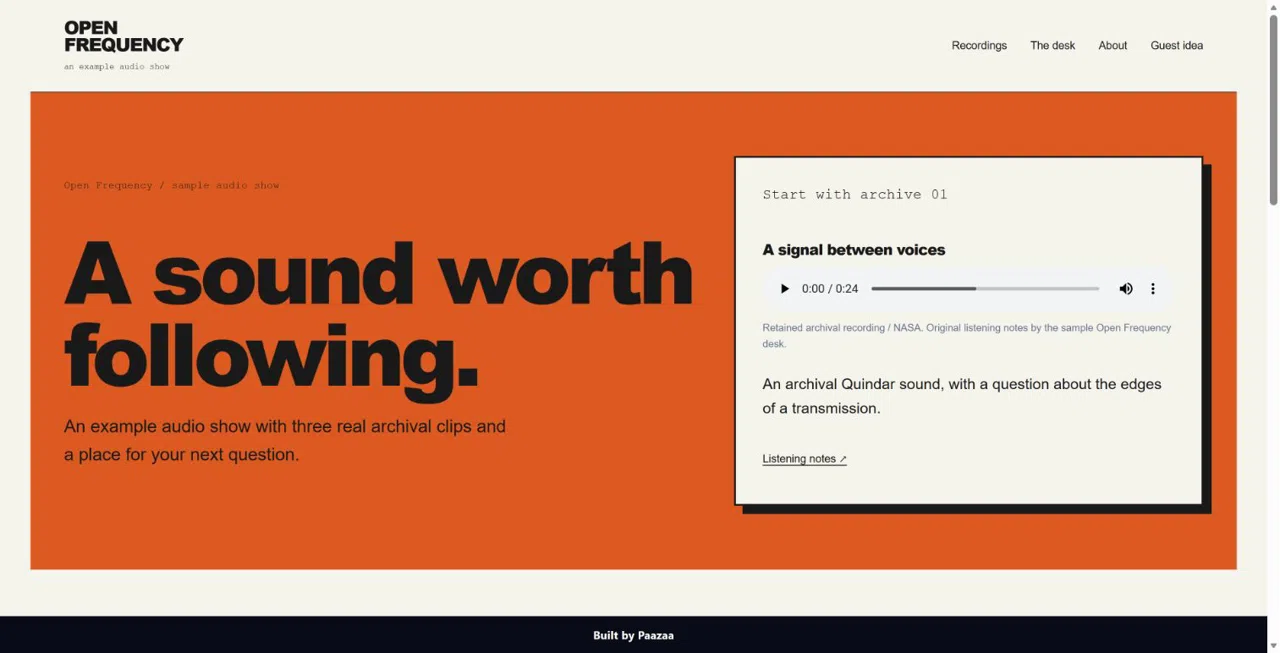
Browse Website kits ↗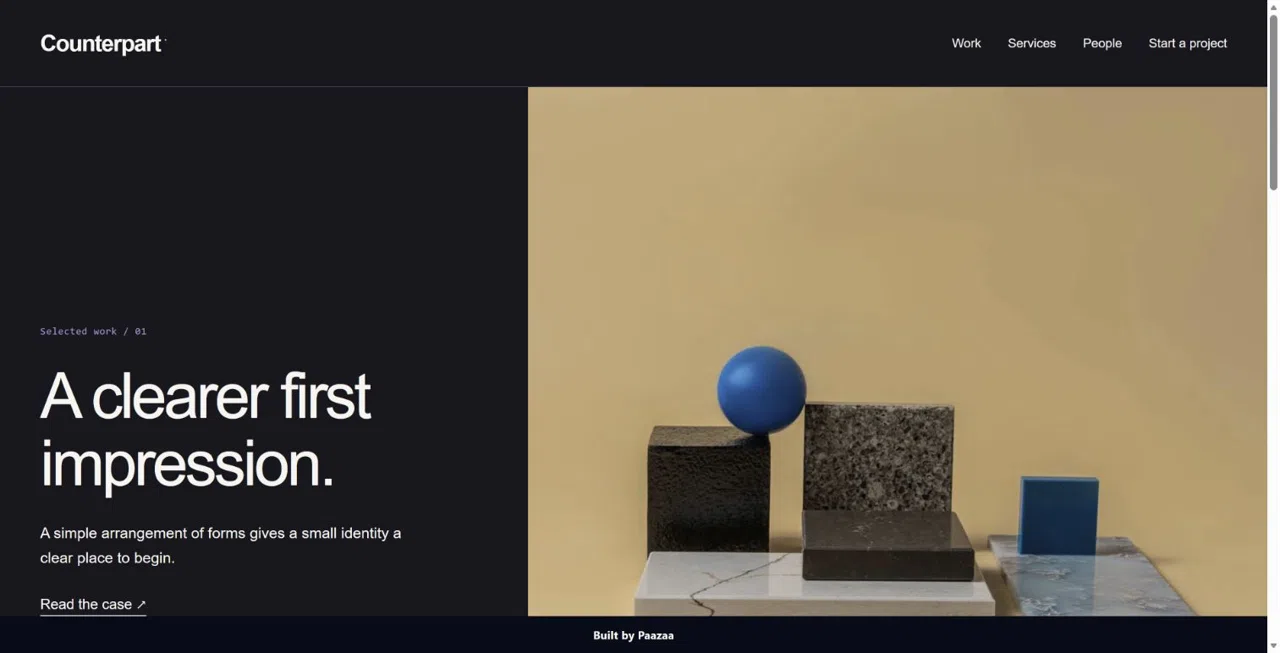
Counterpart Agency Case-Study
A case-study Website with a strong visual opening and a clear project inquiry.
Preview product ↗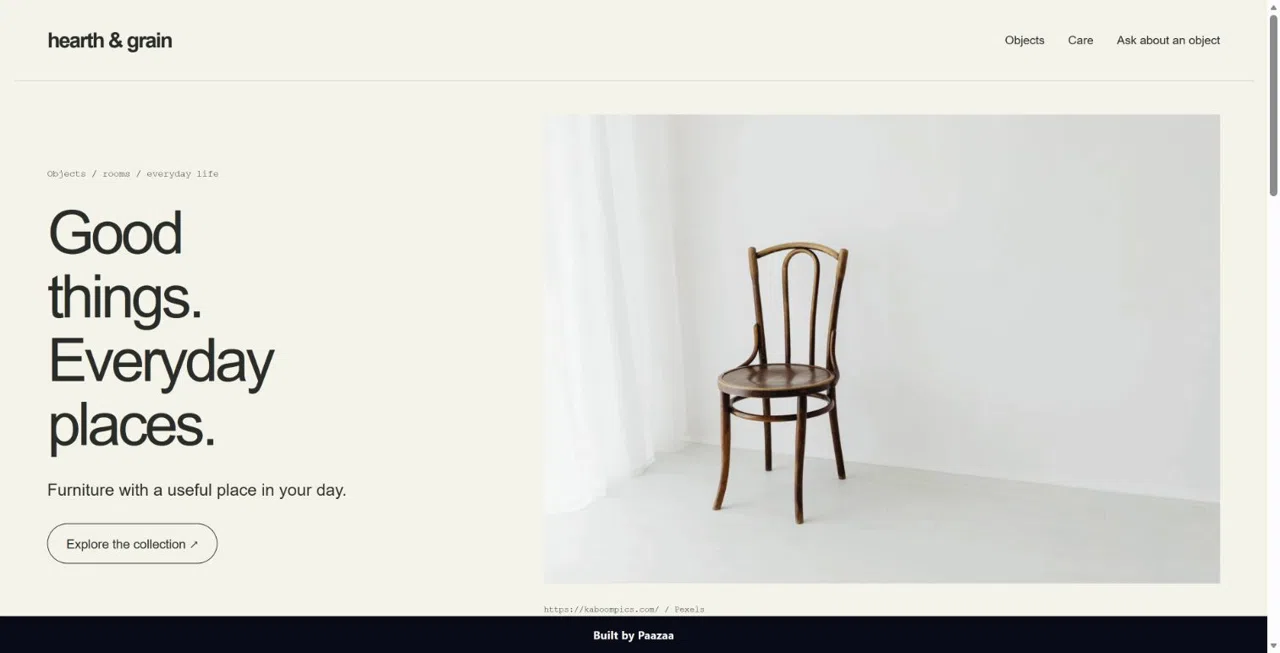
Hearth & Grain Furniture Catalogue
An image-led furniture catalogue with product content and an inquiry path.
Preview product ↗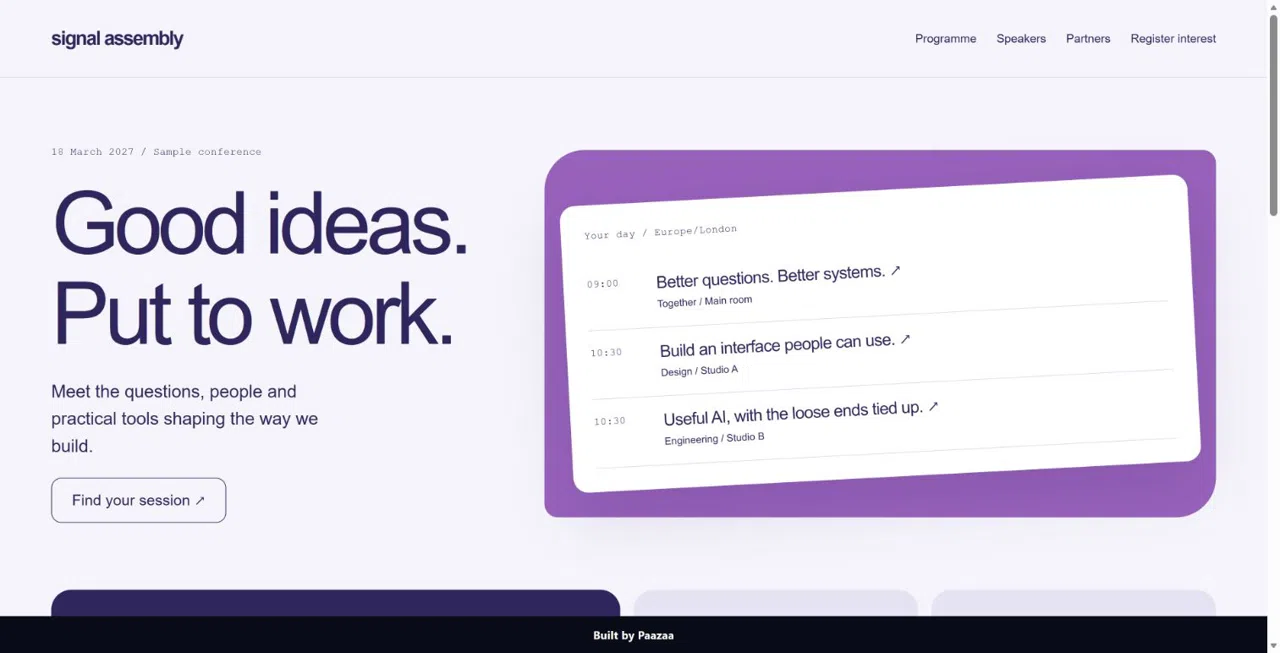
Signal Assembly Conference
A conference Website for a programme, speakers and registration interest.
Preview product ↗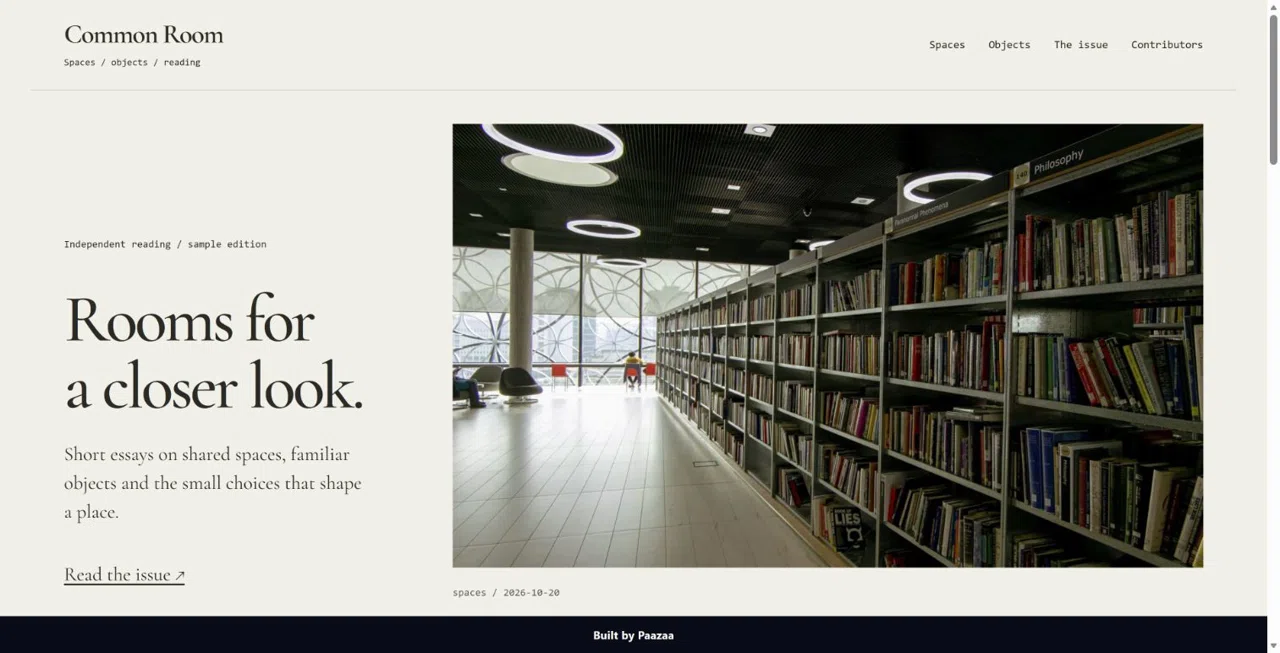
Common Room
Published Website kit
Preview product ↗Published product examples. Included resources and setup vary by product.
Choose how to start
Website kit
Install the Pages and resources listed in the product, then replace its sample content.
Theme
Choose shared presentation for your Website’s Pages and content.
Individual product
Add a Page, Block, Form or CMS kit when you need a focused addition.
Optional AI assistance
Use the editors directly or request a supported AI action.
Composer
Plan a Website change and review its proposed result in the owning editor.
Creative tools
Choose supported image, configuration, animation or narration actions.
Visitor Ask
Connect trusted sources and test answers before enabling the visitor experience.
Save drafts, then publish
Pages, CMS Entries and Forms keep their own editing and publication controls. Review the complete visitor journey before sharing the Website.
- Preview your Page and connected published content
- Test visitor Forms and inspect private submissions
- Check the public address after publication
Build your first Website
Choose a starting point
Start with a Website kit, a Theme or a blank Website.
Add your content
Edit Pages, configure Forms and replace sample CMS Entries.
Check and publish
Review layouts, content and visitor actions, then publish what is ready.
Website tool questions
Do I need every feature when I start?
No. Start with the Pages and visitor actions you need, then add compatible resources as the Website grows.
What is the difference between Pages and CMS?
Pages are Website destinations. CMS Content types define shared fields for Entries such as articles, projects and listings.
Does saving publish my changes?
No. Review saved drafts and publish the Pages and content that are ready.
Do I have to use AI?
No. AI assistance is optional and depends on the tool, configuration and credits.