
Paazaa Parrot
Send better email from live website context.
Create campaigns, confirmations, and follow-up from the same workspace where pages, forms, and commerce events happen.

Paazaa Parrot keeps send customer messages connected to the website, workspace, and follow-up after launch.
Keep email tied to website context and customer actions
Create campaigns, confirmations, and follow-up from the same workspace where pages, forms, and commerce events happen.
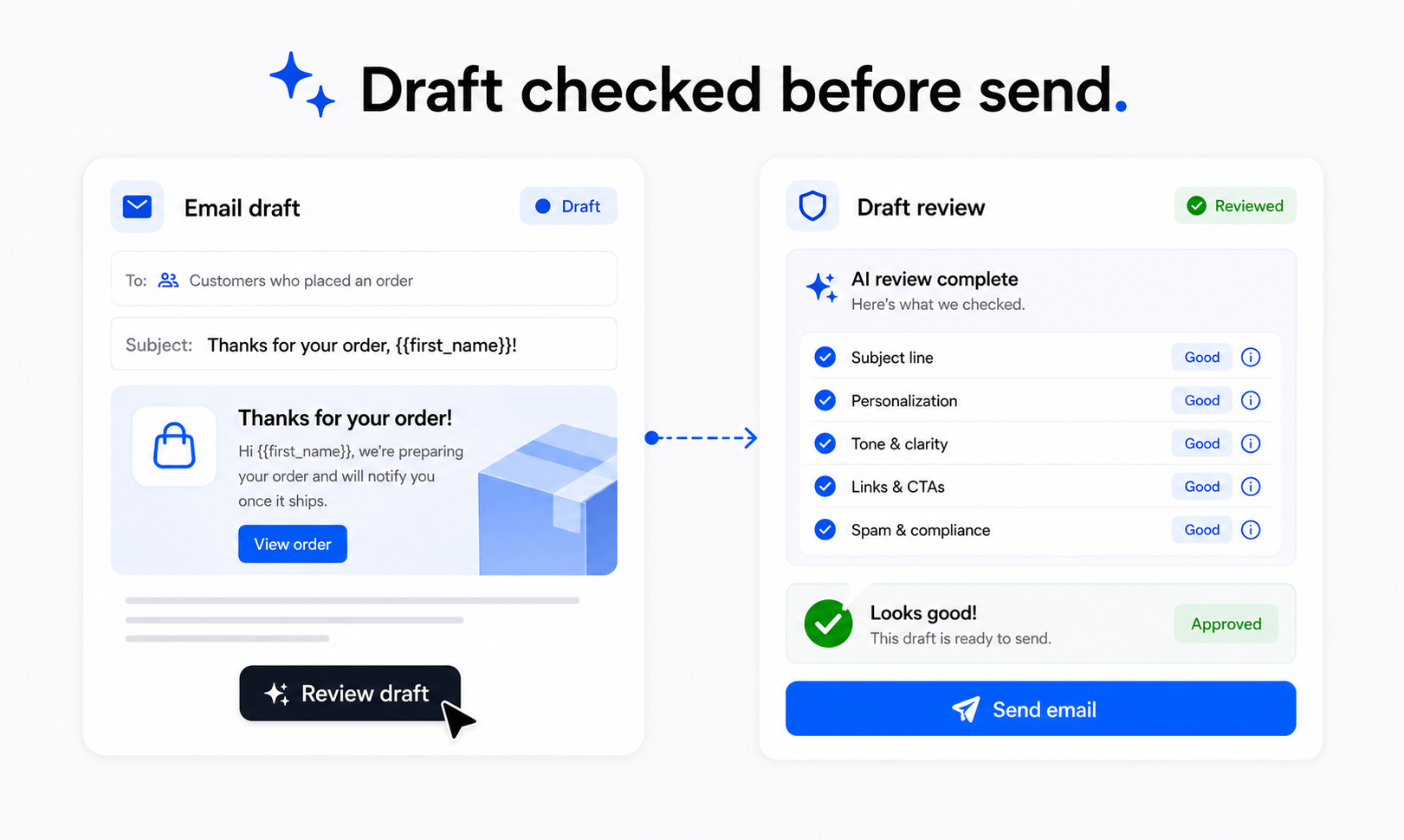
Set up Paazaa Parrot around the actual website workflow.
Paazaa Parrot should be explained as part of the site, not as an isolated feature page. The setup needs to show what the user configures and why it matters.
Open Forms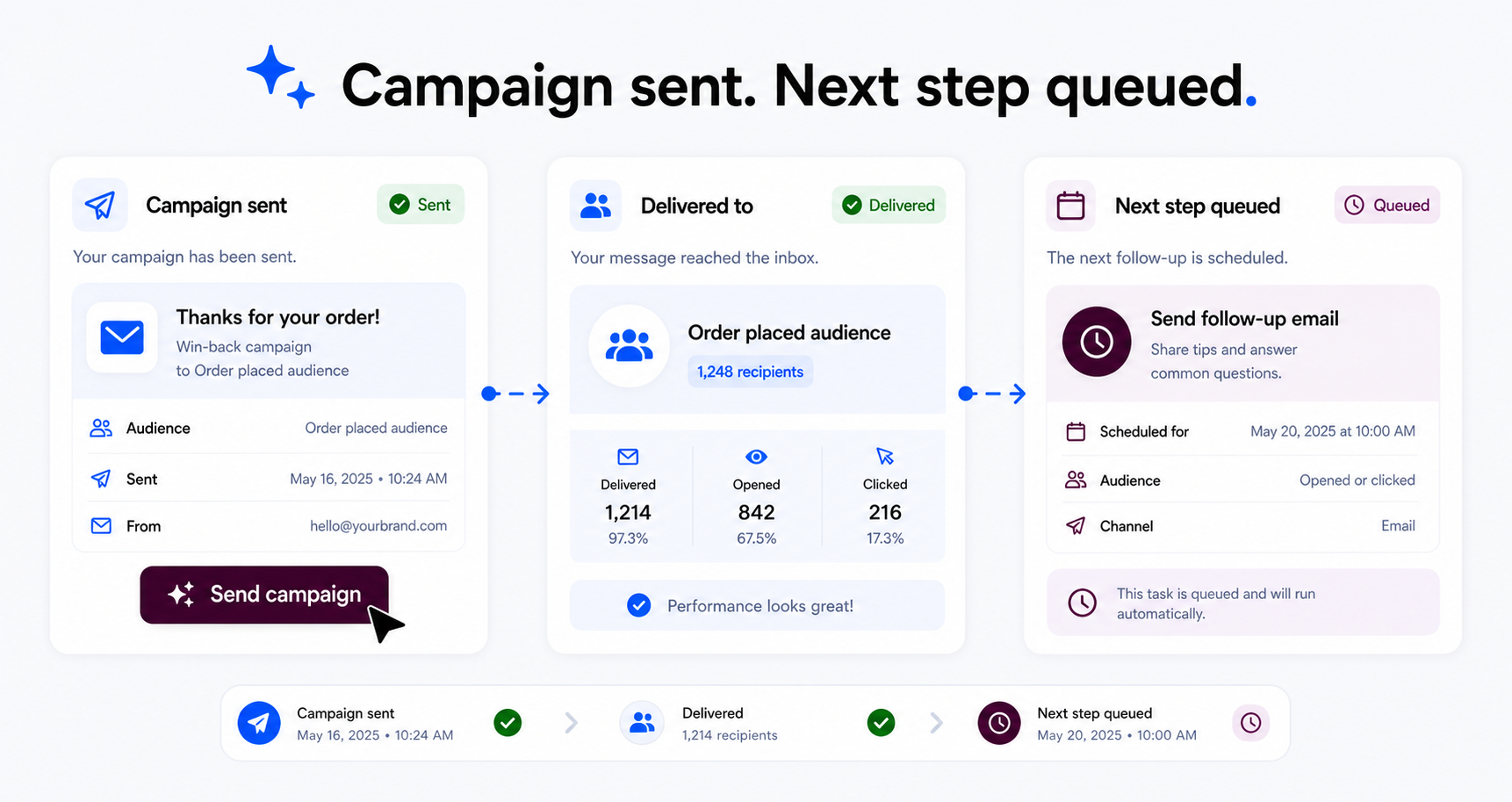
Show how Paazaa Parrot connects to pages, CMS, and launch work.
The strongest Paazaa pages explain how each feature supports the rest of the platform and what becomes easier when the systems share context.
Open Automation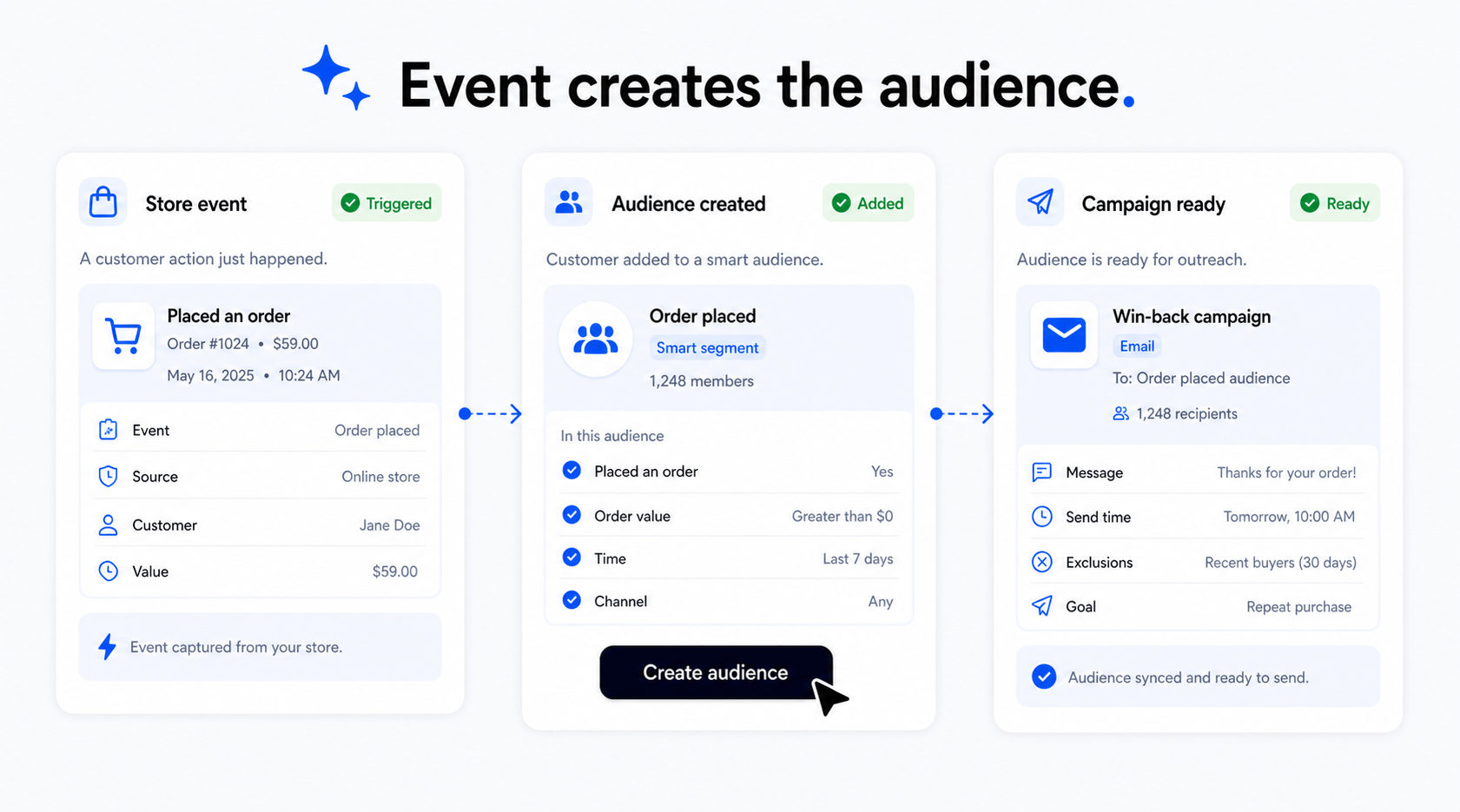
Make Paazaa Parrot useful after the first launch.
After setup, the workflow keeps ownership, review signals, and improvement tasks visible for the team.
Open StoreShow clear states and real workflow behavior.
Each feature explains what exists, what is ready, and how the workflow connects to live website work.
Open AnalyticsWhat improves when email is connected to website activity.
Make paazaa parrot easier to understand.
Paazaa Parrot keeps send customer messages connected to the website, workspace, and follow-up after launch.
Keep email tied to website context and customer actions.
Create campaigns, confirmations, and follow-up from the same workspace where pages, forms, and commerce events happen.
audience context
The primary workspace area for Paazaa Parrot.
drafts
The supporting surface that connects Paazaa Parrot to the live site.
review
The readiness and review area that keeps the feature honest.
send readiness
The follow-through surface used after visitors or team members interact with it.
Paazaa Parrot flow
Plan the setup, connect it to pages and content, review readiness, then improve it from real activity.
- 01
Plan
Decide what Paazaa Parrot needs to support and which pages or workspace surfaces it should connect to.
- 02
Configure
Set up audience context, drafts, and the required settings inside the workspace.
- 03
Connect
Attach the workflow to pages, CMS content, brand controls, automation, or launch checks where relevant.
- 04
Review
Check review, readiness, ownership, and any missing information before publishing.
Where this connects in the platform.
Use these connected surfaces to keep this workflow integrated with the rest of your website business.
Forms
The primary workspace area for Paazaa Parrot.
Automation
The supporting surface that connects Paazaa Parrot to the live site.
Store
The readiness and review area that keeps the feature honest.
Analytics
The follow-through surface used after visitors or team members interact with it.
Make paazaa parrot easier to understand.
Connect the feature to the website workflow. Reduce disconnected setup work. Give teams clearer next steps after launch. Avoid shallow pages with vague feature claims.