
Sell from the same workspace that runs the website
Connect products, services, packages, paid bookings, deposits, checkout paths, customer context, and order follow-up to the public website instead of treating commerce as a separate bolt-on.

Keep selling operations connected to the website experience
What commerce operators should publish first
Start with products, services, packages, deposits, and paid offers, then make the page specific enough for a visitor to understand the offer, the proof, and the next action. This keeps the first version focused while still creating a foundation for product and service offers.
What should connect behind the page
The page should hand work to the right system after a visitor acts. Connect checkout paths tied to campaign and page context to checkout context, ownership, status, and follow-up so the team is not copying context between tools.
How to know the rollout is working
Use post-purchase updates, workflows, and customer visibility as the operational check, then measure whether move from brochure pages to paid customer actions. and whether keep selling paths connected to content, campaigns, and forms.. If those results are weak, improve the page structure before adding more traffic.
Readiness checks before this solution goes live
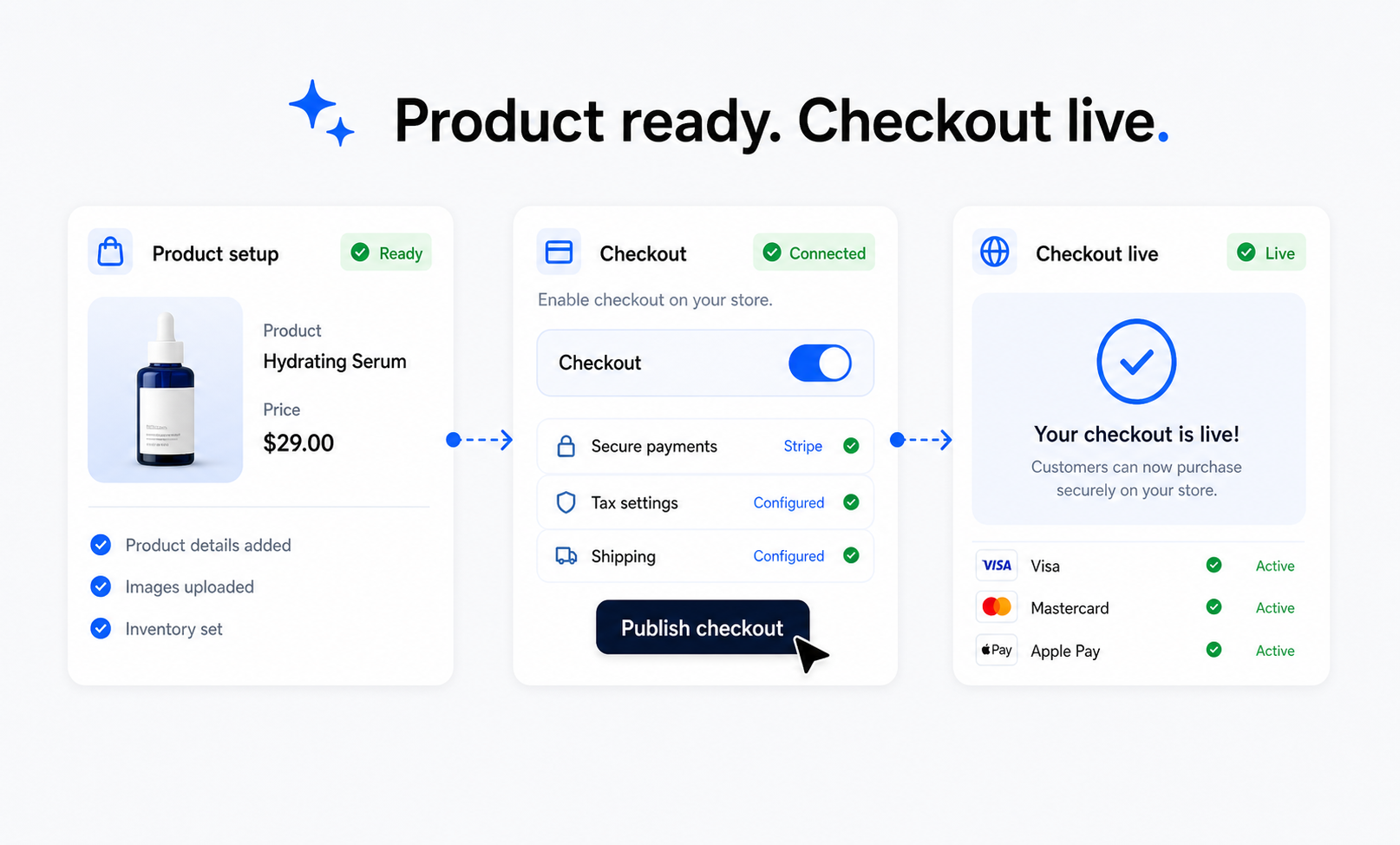
Visitor decision points
Make the page answer the questions a visitor has before they act: what is offered, why it is credible, what happens next, and how fast the team can respond. For commerce operators, product and service offers should be visible enough that the next step feels obvious rather than buried in a generic contact path.
Team ownership
Assign a clear owner for checkout context before launch. The page should have someone responsible for content accuracy, submission review, status updates, and stale information. That keeps the workflow useful when traffic, requests, or publishing volume increases.
Expansion path
Use Store and Forms when the first version needs more depth. The goal is not to add features everywhere; it is to strengthen operational follow-up only where it helps move from brochure pages to paid customer actions. and keep selling paths connected to content, campaigns, and forms..
Capabilities that make this solution operational
Product and Service Offers
Create storefront paths for physical products, digital offers, packages, services, and paid resources.
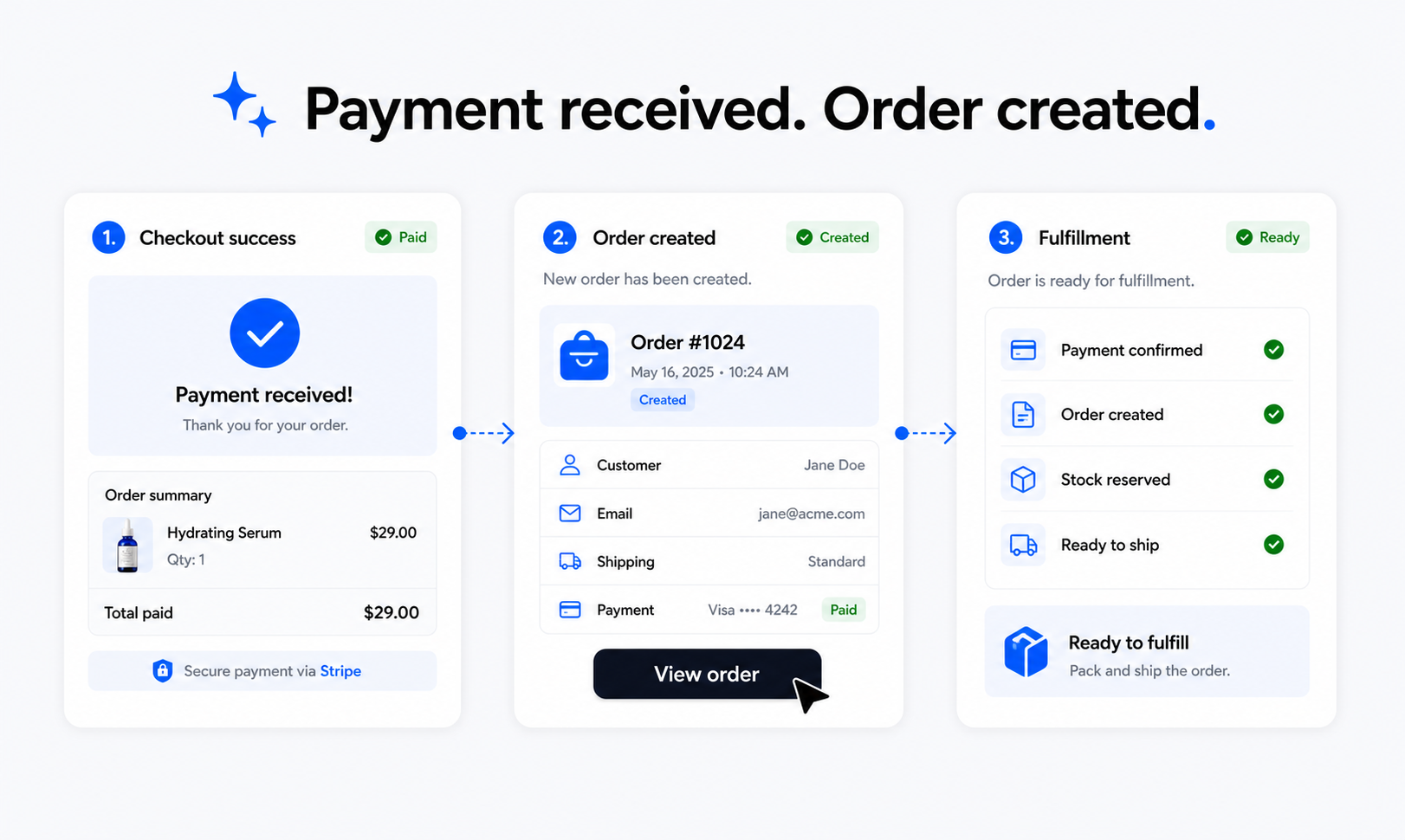
Checkout Context
Keep checkout tied to the page, offer, customer action, booking, or campaign that started the purchase.
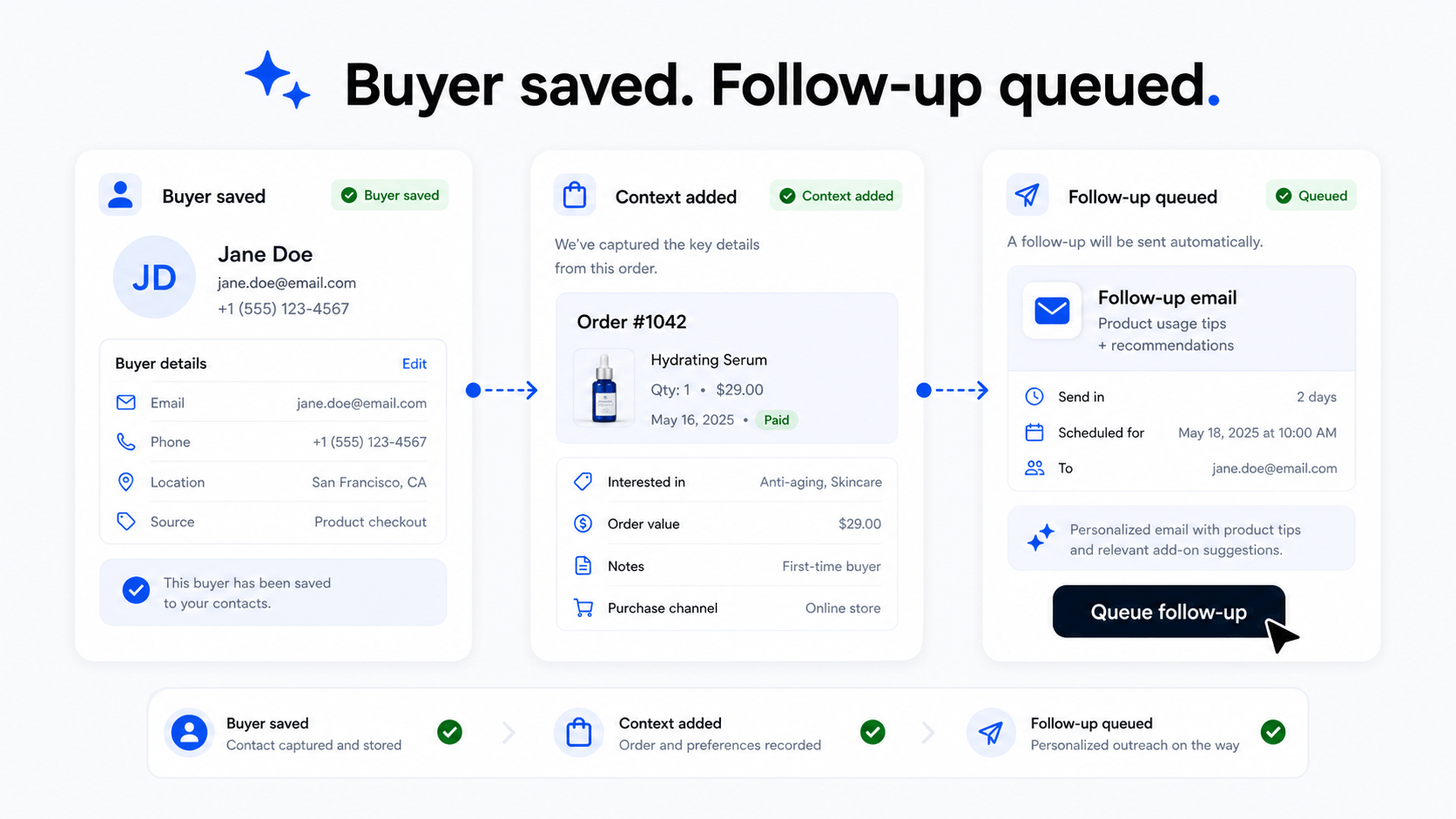
Operational Follow-Up
Use order status, payments, email, and automation to keep commerce work moving after checkout.
How teams put this solution to work
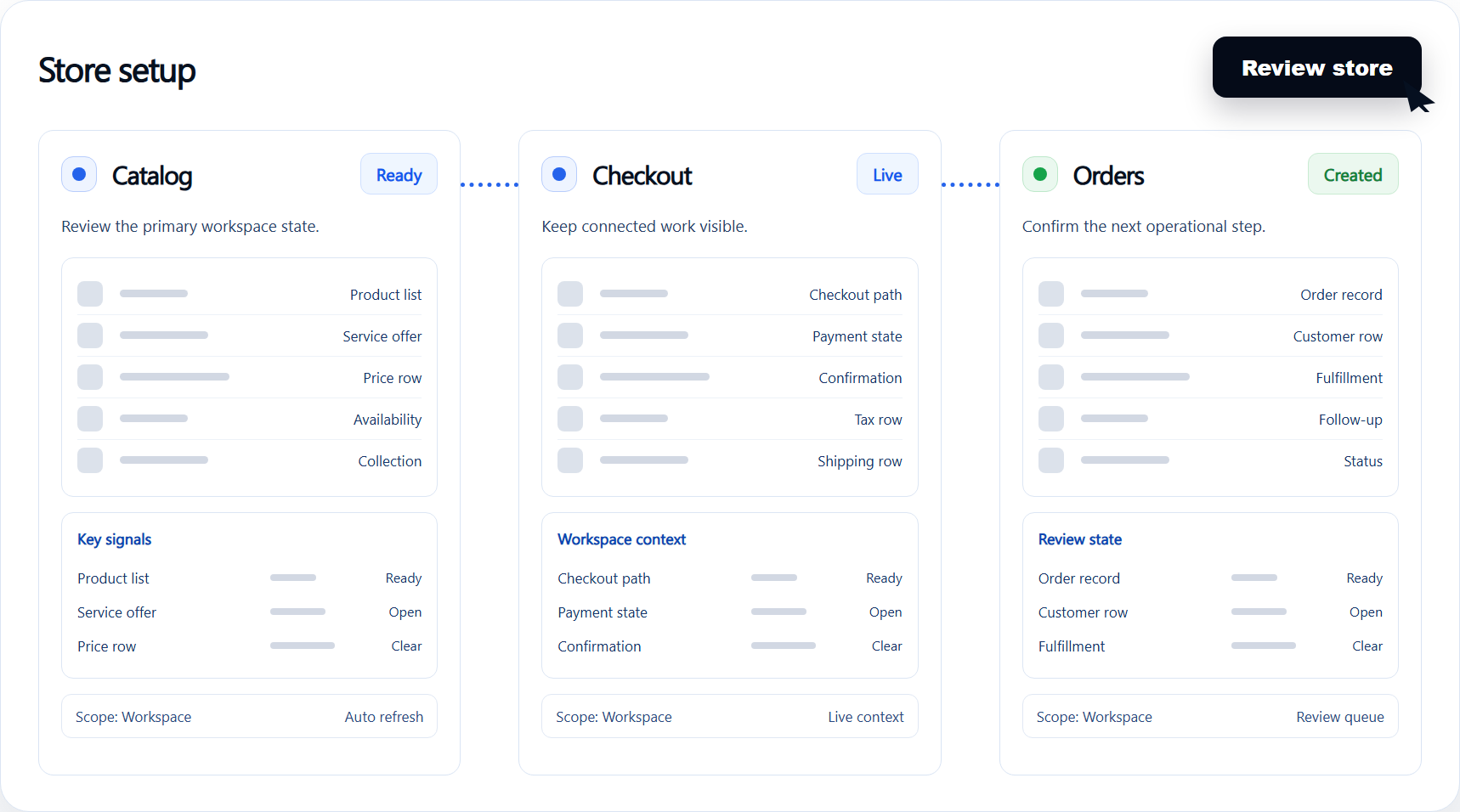
Product and Service Offers
Create storefront paths for physical products, digital offers, packages, services, and paid resources.
Move from brochure pages to paid customer actions.
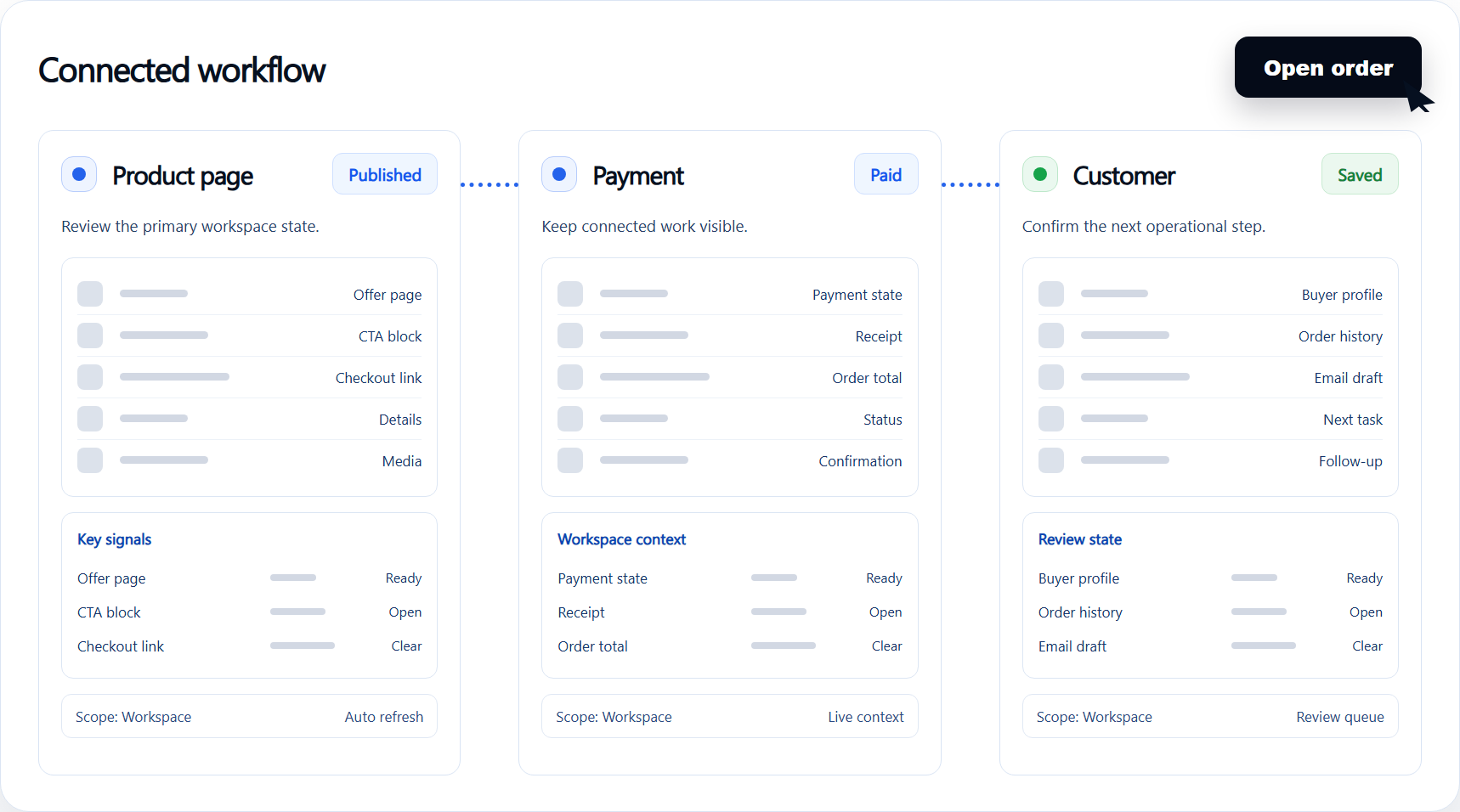
Checkout Context
Keep checkout tied to the page, offer, customer action, booking, or campaign that started the purchase.
Keep selling paths connected to content, campaigns, and forms.
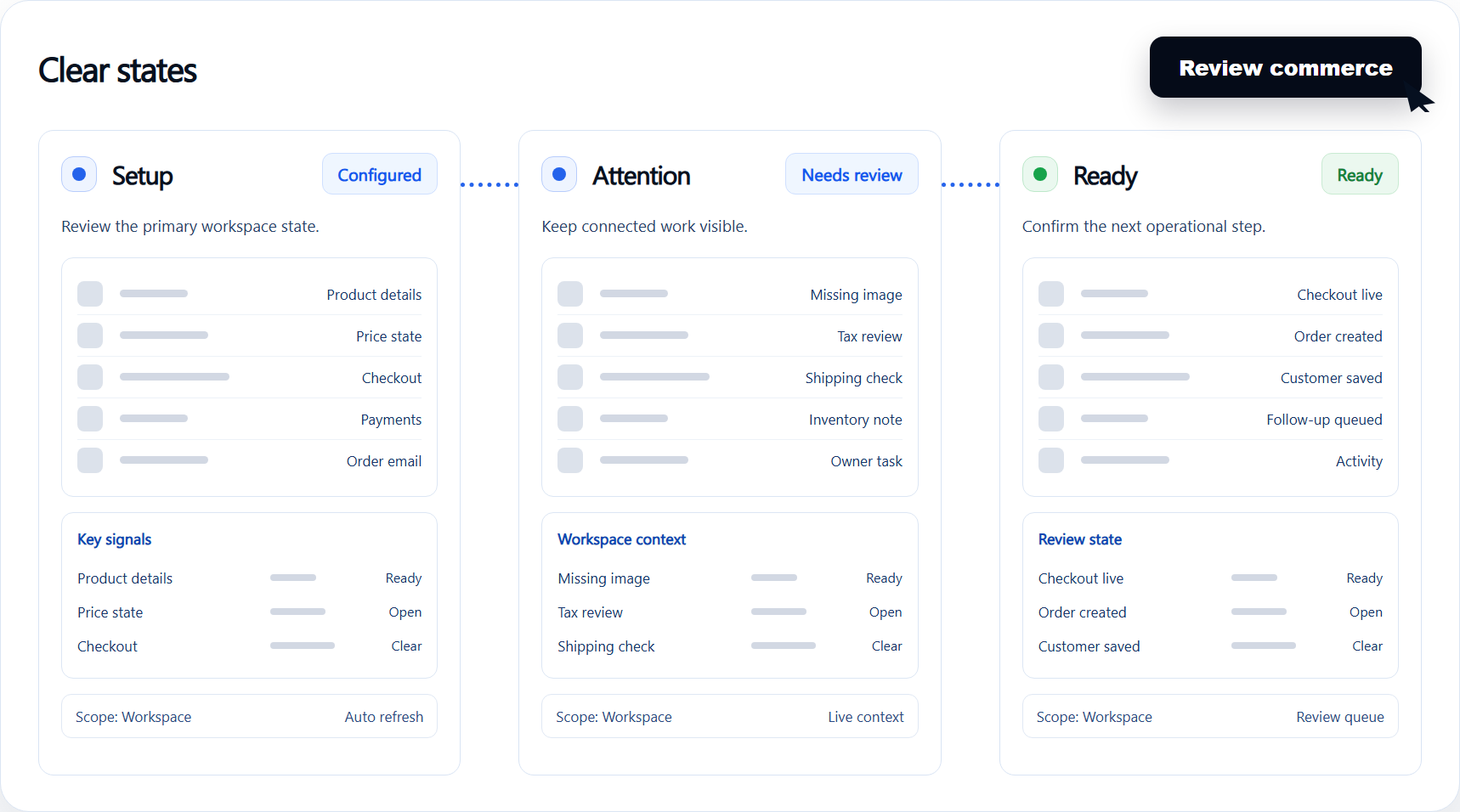
Operational Follow-Up
Use order status, payments, email, and automation to keep commerce work moving after checkout.
Support deposits, service payments, and product sales without rebuilding the site.
Keep selling operations connected to the website experience
Products, services, packages, deposits, and paid offers
Checkout paths tied to campaign and page context
Post-purchase updates, workflows, and customer visibility
Business results to watch after rollout
- 1
Move from brochure pages to paid customer actions.
- 2
Keep selling paths connected to content, campaigns, and forms.
- 3
Support deposits, service payments, and product sales without rebuilding the site.