
Choose the website stack your business can run.
Pick a launch path, then keep the site, content, revenue, and follow-up tools working from one Paazaa workspace.



Services, lead capture, booking, products, content, and launch checks.
Pick the workspace that matches the job.
Choose a starter for the kind of business you are building, then add the pages, forms, commerce, content, and launch tools it needs.

Book, quote, and follow up.
Launch pages, lead forms, proof sections, service areas, reviews, and follow-up from one place.
- Pages
- Forms
- Reviews

Sell without rebuilding.
Publish a store that connects products, payments, orders, customer messages, and post-purchase email.
- Products
- Checkout

Publish the whole offer.
Turn content, links, sponsor pages, media kits, and inquiries into one focused web presence.
- Media
- Links
- Inquiries

Make content searchable.
Ship directories, listings, search pages, content collections, local guides, and submission workflows.
- Listings
- Search
- Submissions
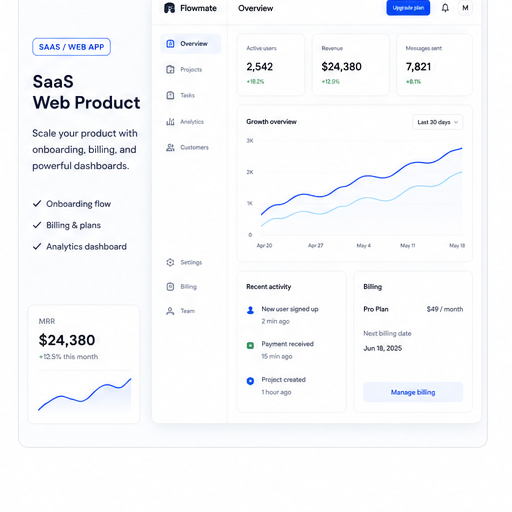
Launch from a real starter.
Start with a polished theme, then add pages, navigation, brand controls, and publishing checks.
- Themes
- Navigation
- Publish

Run the site after launch.
Connect the workspace to launch tasks, domains, analytics, emails, and post-launch improvements.
- Domains
- Analytics
- Launch
Marketplace starters
Do not start from a blank page.
Themes should carry the first pages, content structure, runtime hooks, and launch proof for the business shape you are building.
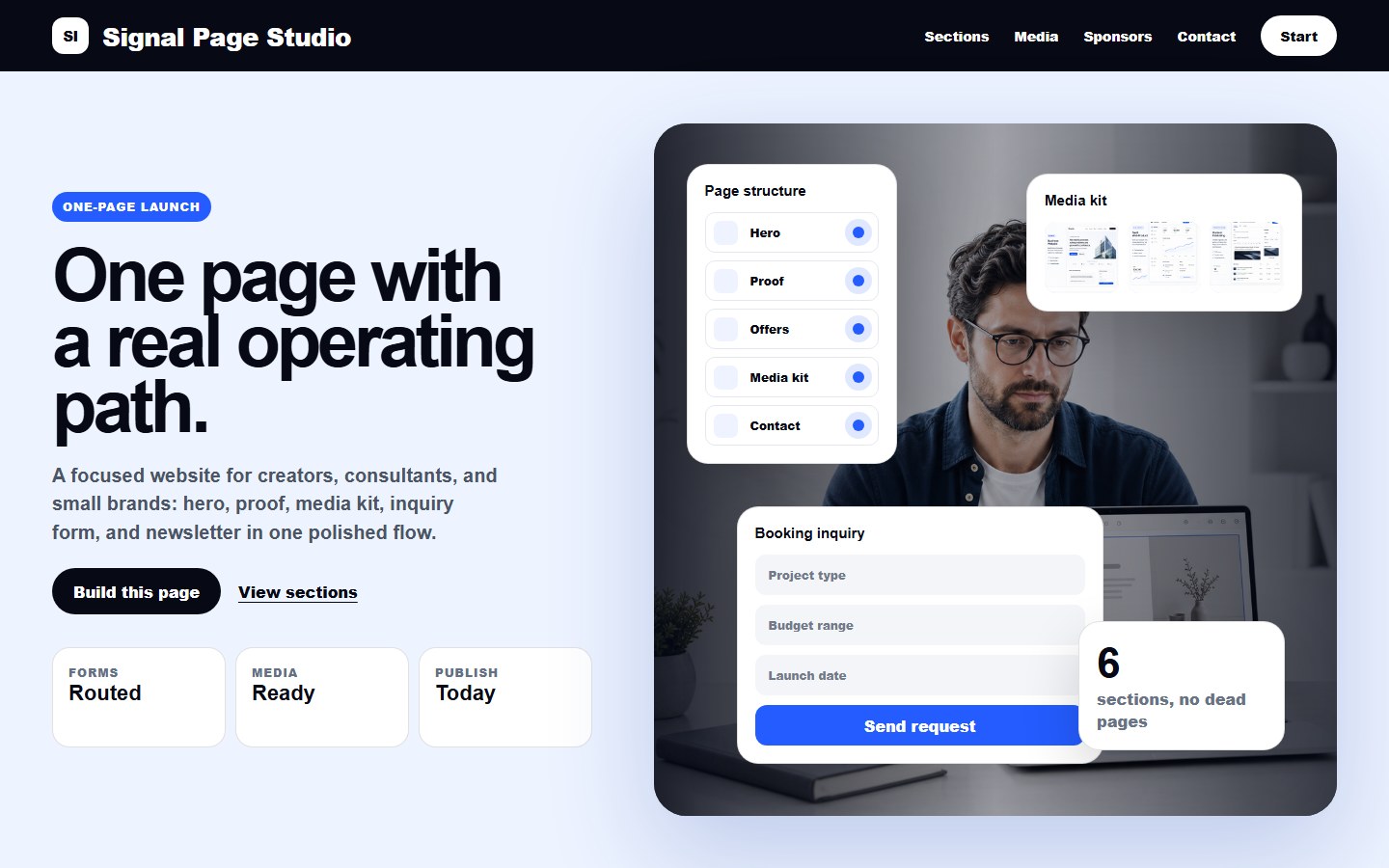
One-page starter
Launch a focused one-page site with clear sections, lead capture, and fast publishing.
View Signal Page StudioThe apps work together instead of feeling bolted on.
A page, form, product, email, collection, domain, and launch check can belong to the same business workspace.

Website builder
Pages, themes, navigation, domains, forms, launch checks, and publishing.
Commerce and bookings
Products, service payments, orders, customer records, and booking paths.
CMS and listings
Content models, collections, listings, search, submissions, and gated pages.
Business operations
Email, automation, analytics, permissions, Cloudflare, and post-launch team workflows.
From idea to operating website.
Start with the business shape, build the site, connect the tools, then keep improving from the same workspace.
Plan
Choose the website shape and the business work it needs to support.
Build
Create pages, themes, content, forms, checkout, or booking surfaces.
Connect
Attach customers, email, payments, analytics, domains, and Cloudflare.
Operate
Use the same workspace to improve what happens after launch.