
Compare: GoDaddy
Paazaa vs GoDaddy for small business website operations
GoDaddy is strong for domains and fast DIY setup. Paazaa is positioned for businesses that want the website, CMS, forms, templates, marketplace products, and follow-up workflows in one workspace.
Starting point
Growth
Lead capture

GoDaddy is strong for domains and fast DIY setup. Paazaa is positioned for businesses that want the website, CMS, forms, templates, marketplace products, and follow-up workflows in one workspace.
Compare: GoDaddyExecution model
A cleaner path from godaddy to Paazaa
The page should explain the offer, capture the right next action, and give the team enough structure to improve it after launch.
Audit the godaddy setup
Start by naming what works today and what creates drag. The common tradeoff is fast diy website and domain setup, while Paazaa focuses on managed website workspace with content, forms, templates, and launch tools.
Map the content and workflow gaps
Compare the content model, publishing path, forms, follow-up, and owner controls. The goal is to move from good for getting online quickly to built to add cms, seo pages, marketplace products, and follow-up workflows.
Launch the connected workspace
Use the switch to reduce basic contact and marketing features and keep quote, booking, intake, and local-service forms tied to page context visible after the public site is live.
Readiness checklist
Checks before moving from godaddy
These checks keep the page from becoming a thin landing page with no operational follow-through.
Current stack audit
Document the live godaddy pages, plugins, integrations, forms, checkout paths, and content ownership before making the switch.
Workspace migration map
Decide which pages, content models, forms, products, analytics events, and automations should move together so the new site starts as an operating workspace.
Launch and improvement loop
Keep redirects, SEO metadata, page ownership, follow-up, and analytics visible after launch so the comparison turns into a cleaner operating model.
Core capabilities
Capabilities to compare beyond page design
These capabilities turn compare: godaddy from a page idea into a working path for visitors, content owners, and operators.
01
Website Workspace
Build and maintain pages, content, forms, marketplace templates, and launch settings from one operating surface.
02
Lead Capture Depth
Use quote, booking, intake, contact, and local-service forms as part of the site instead of treating them as add-ons.
03
Growth Content System
Move beyond a simple brochure site with reusable CMS content, SEO pages, templates, and vertical workflows.
Operational modules
How the connected workspace replaces scattered tools
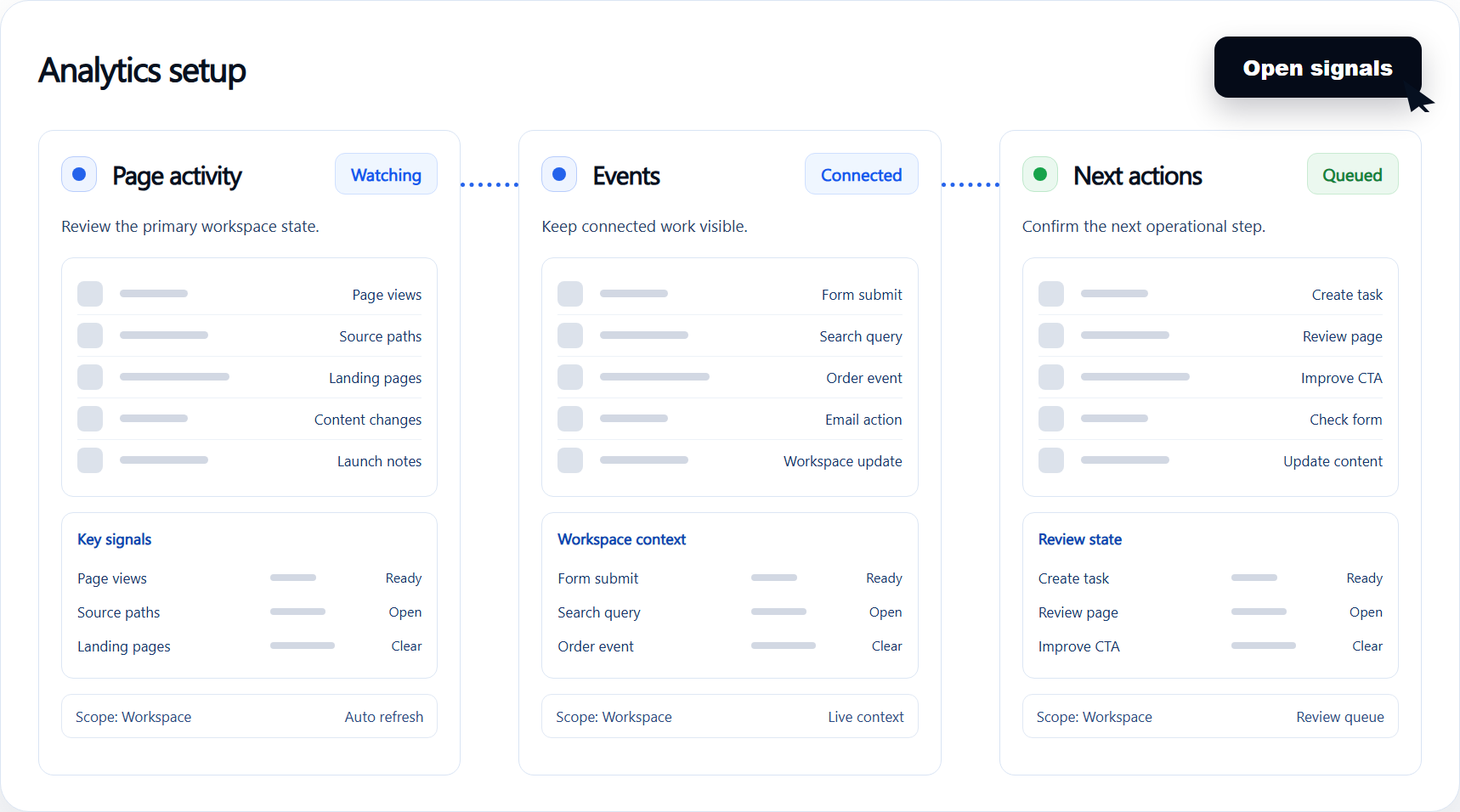
Each module connects a visible website surface to the behind-the-scenes work that keeps the page accurate, useful, and ready for follow-up.
Module 1
Website Workspace
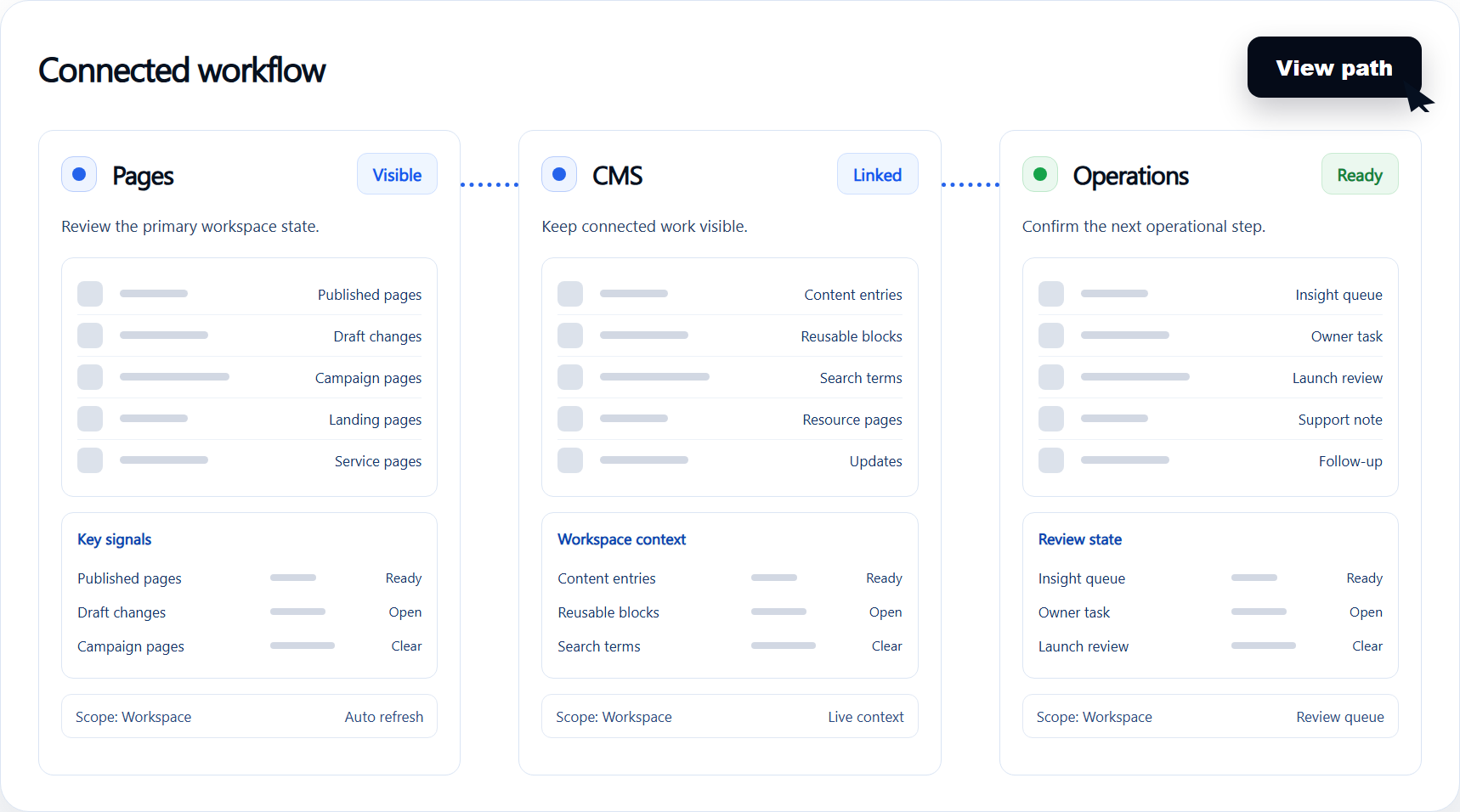
Build and maintain pages, content, forms, marketplace templates, and launch settings from one operating surface.
Compete for small business website builder queries without centering the whole strategy on cheap hosting.
Module 2
Lead Capture Depth
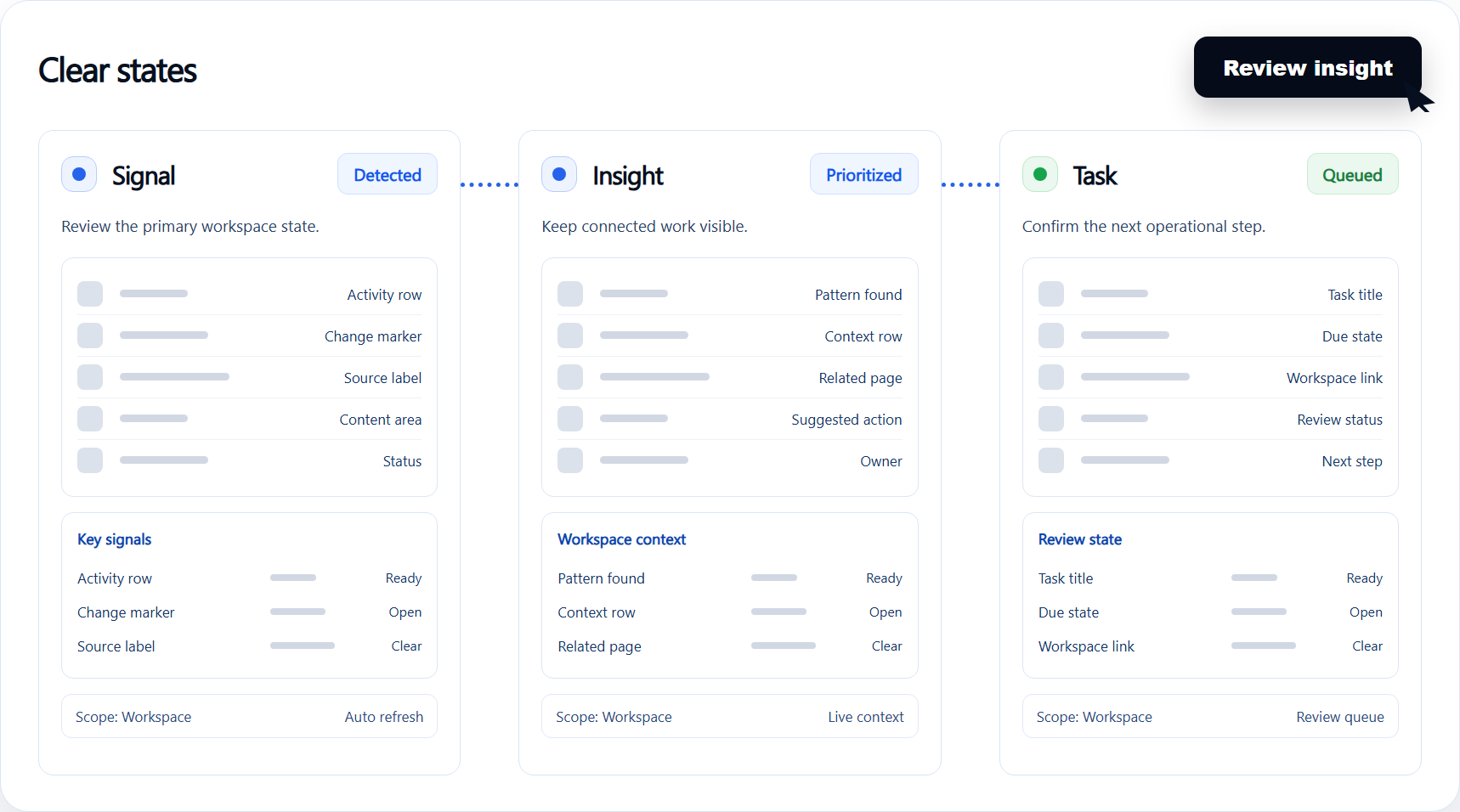
Use quote, booking, intake, contact, and local-service forms as part of the site instead of treating them as add-ons.
Give local services, restaurants, creators, and consultants clearer paths from launch to lead capture.
Module 3
Growth Content System
Move beyond a simple brochure site with reusable CMS content, SEO pages, templates, and vertical workflows.
Position Paazaa as the workspace a business grows into after the first site goes live.
Outcomes
Results to watch after switching
These are the business-level results to track once this workflow is live.
- 1
Compete for small business website builder queries without centering the whole strategy on cheap hosting.
- 2
Give local services, restaurants, creators, and consultants clearer paths from launch to lead capture.
- 3
Position Paazaa as the workspace a business grows into after the first site goes live.
Next
Comparison paths to review next
Move to related pages when you need to connect this path with publishing, forms, content, commerce, brand control, or workspace operations.