Post to Visual Story
Bring article sections and images together as a readable visual story.
Sign in and choose a Website to create.
Example photos & credits
Illustrative stock photography with sample text, shown in the actual tool. This example is not a customer Website or an AI generation.
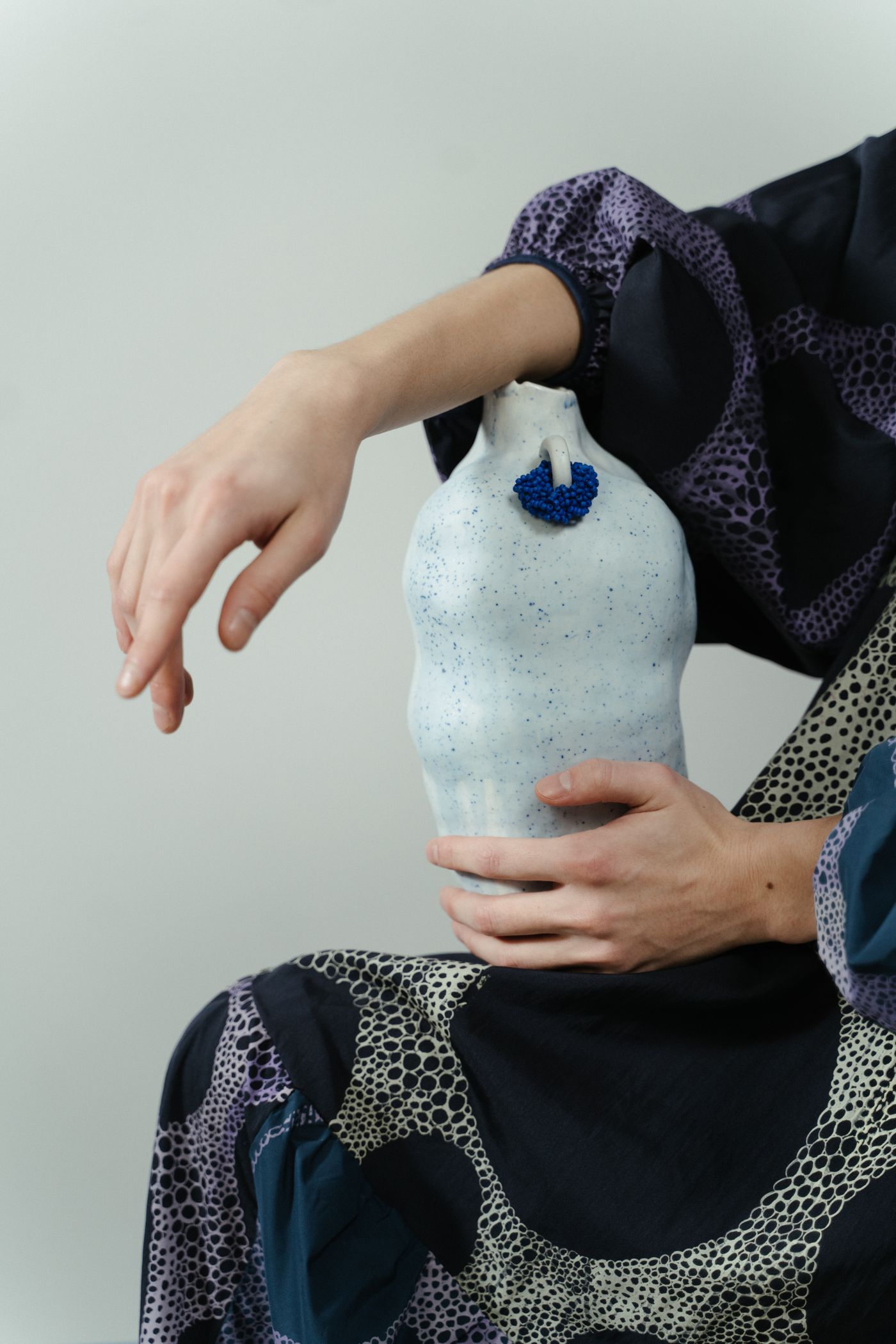
- Photo: cottonbro studio / PexelsA person holding a white ceramic vase with blue accents against patterned fabric
- Photo: cottonbro studio / PexelsHands rolling a sheet of clay on a wooden workshop table
- Photo: cottonbro studio / PexelsTwo women working with clay together at a pottery studio table
- Photo: cottonbro studio / PexelsPottery tools in the foreground with a woman shaping a clay vessel behind them
Choose your source content
Giving existing editorial content a visual companion.
- Start with
- Images + text
- Output formats
- Website section, Marketplace Block, PNG
- Edit in
- Creative Studio in your Website
Adjust the presentation
Replace sample media and text, then use the controls available for this tool.
- Creative direction
- Chapter layout
- Image treatment
Optional AI actions
Review the selected model, limits and maximum credit charge before generation. Preview the result and choose what to Keep.
- Copy and design suggestions
- Image analysis
- Image editing
- Image upscaling
Create, review and place
Add your content
Start with images + text.
Edit
Adjust the layout, text and images.
Use the output
Add it to a Page or create a Marketplace Block draft. Publish separately.
Check output and publication
Page placement creates or updates a draft. Publishing stays a separate action.
Open your Websites ↗