Pinned Product Story
Hold the visual stage in place while visitors move through your story chapters.
Sign in and choose a Website to create.

Example photos & credits
Illustrative stock photography with sample text, shown in the actual tool. This example is not a customer Website or an AI generation.
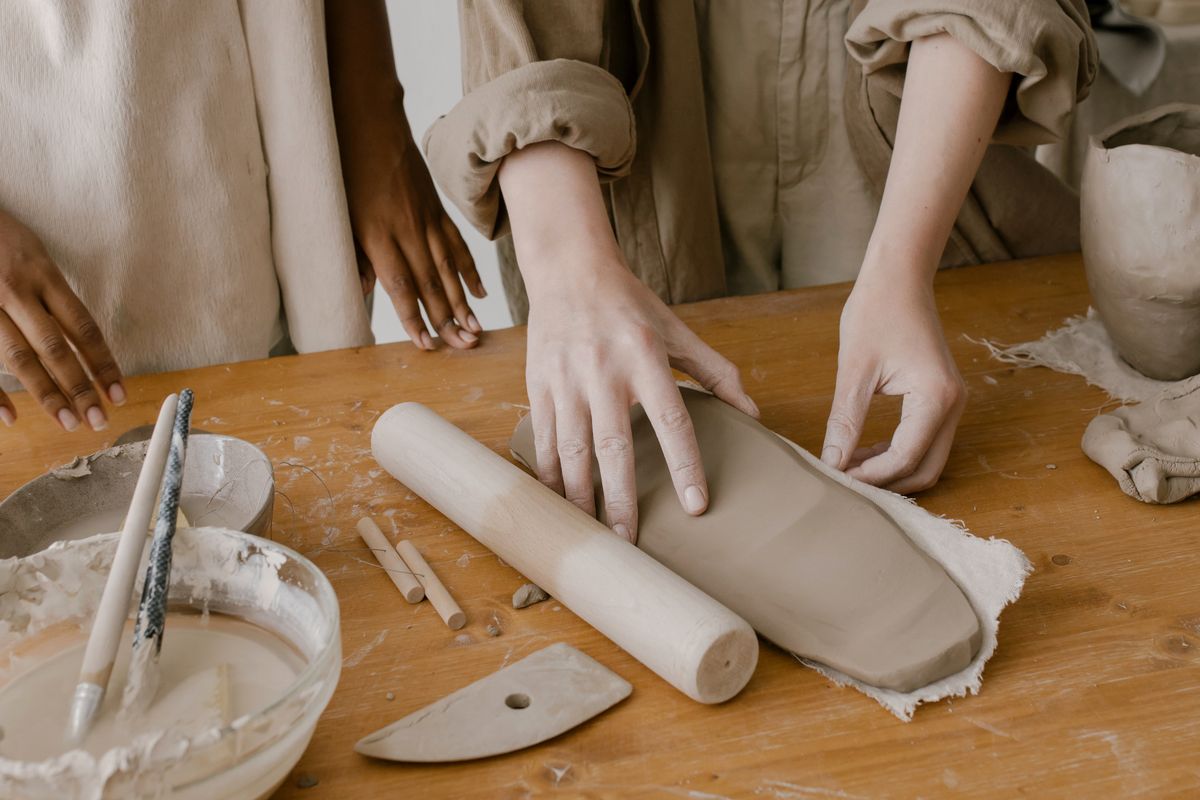
- Photo: cottonbro studio / PexelsTwo women working with clay together at a pottery studio table
- Photo: cottonbro studio / PexelsHands rolling a sheet of clay on a wooden workshop table
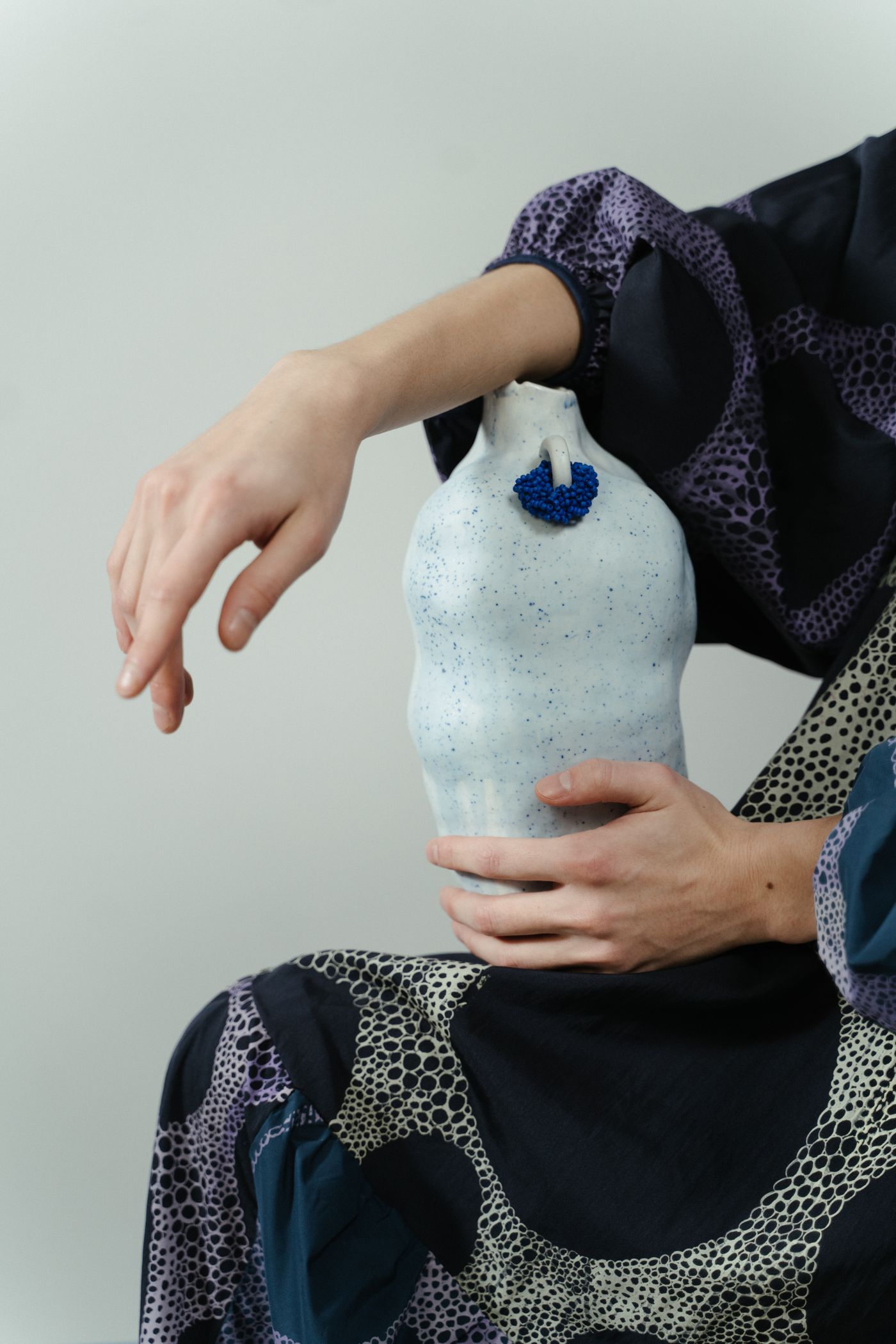
- Photo: cottonbro studio / PexelsA person holding a white ceramic vase with blue accents against patterned fabric
- Photo: cottonbro studio / PexelsPottery tools in the foreground with a woman shaping a clay vessel behind them
Choose your source content
Explaining an idea through a sequence of details.
- Start with
- Images + text
- Output formats
- Website section, Marketplace Block
- Edit in
- Creative Studio in your Website
Adjust the presentation
Replace sample media and text, then use the controls available for this tool.
Optional AI actions
Review the selected model, limits and maximum credit charge before generation. Preview the result and choose what to Keep.
- Copy and design suggestions
- Image analysis
- Image editing
- Image upscaling
Create, review and place
Add your content
Start with images + text.
Edit
Adjust the layout, text and images.
Use the output
Add it to a Page or create a Marketplace Block draft. Publish separately.
Check output and publication
Page placement creates or updates a draft. Publishing stays a separate action.
Open your Websites ↗