Connected Website kit
Contact Wall
Loading product…
Sample content. Preview and publish separately after installation.
Build instructions
Prepare your photographs
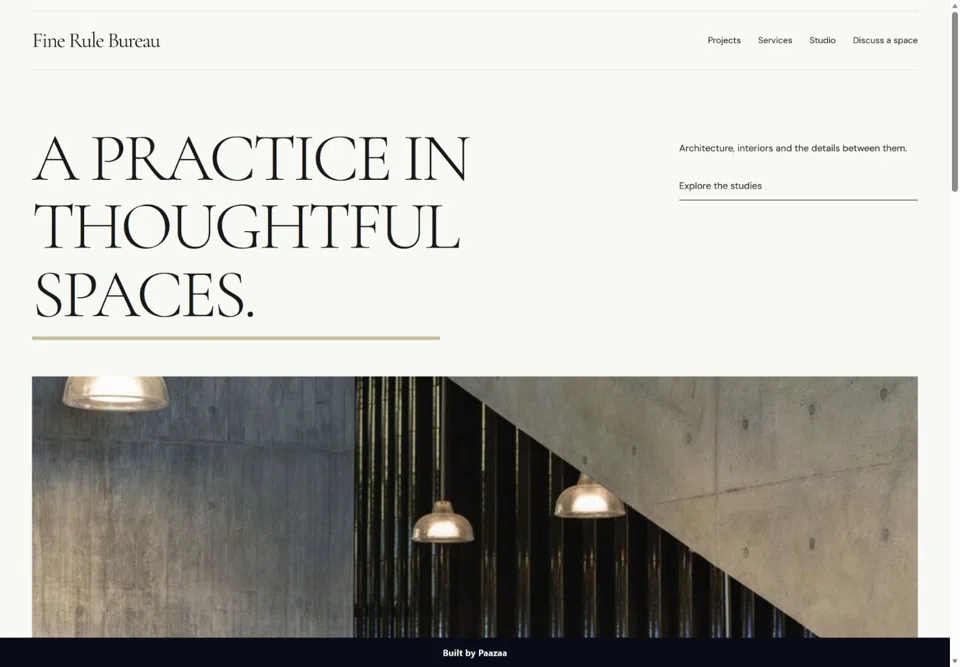
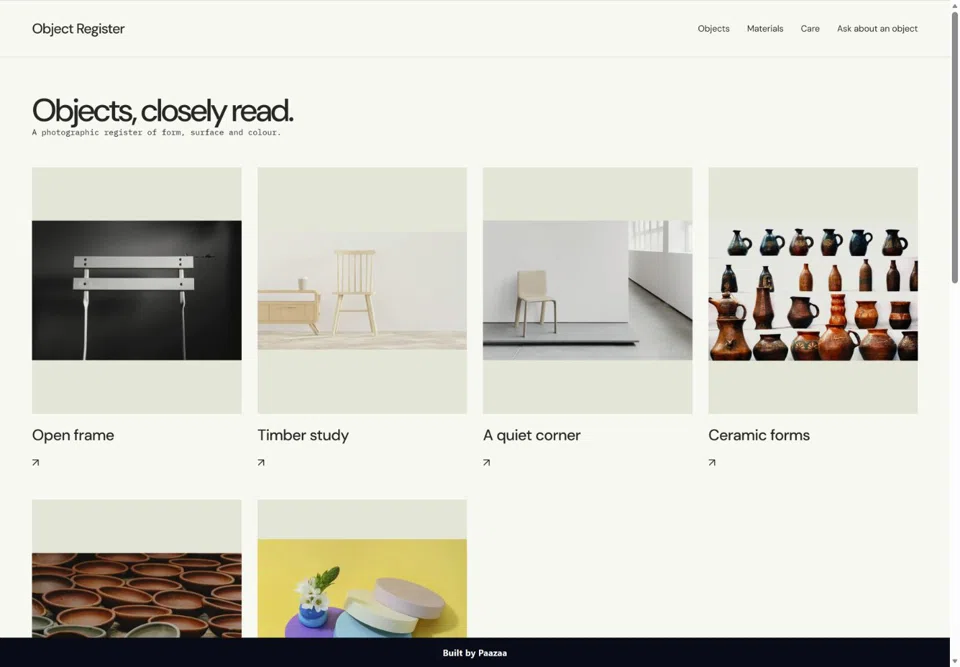
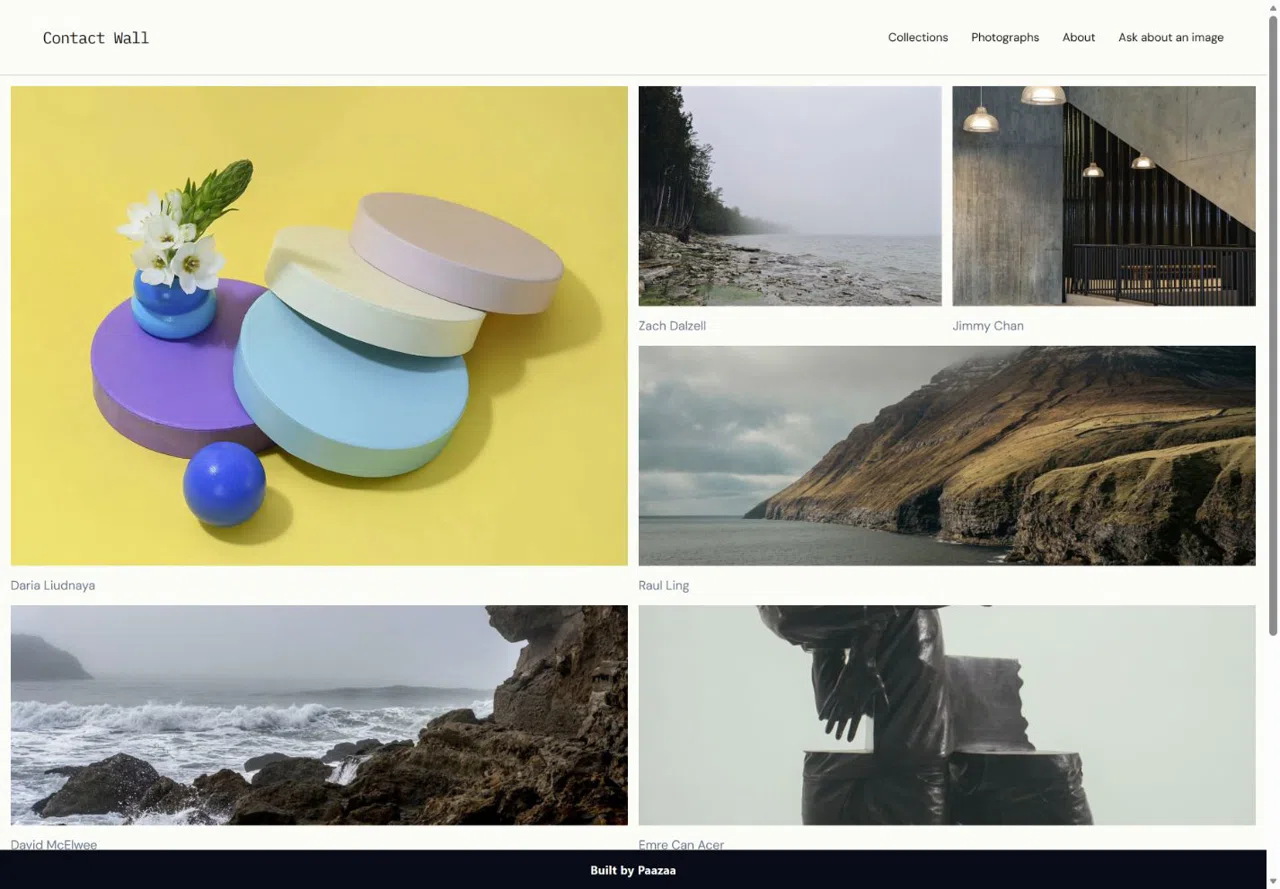
Choose one lead image and five collection images. Keep original crops, write six captions and group the images into three Series. Use your own work; label illustrative or generated imagery.
Open your version ↗Install the kit
Review the Photographs, Series, Pages and private inquiry Form.
Get the Website kit ↗Build your collection
Replace photographs and connect them to Series.
Edit your photographs ↗Choose a direction
Choose design.md rules, a composition and an optional skill. Review the proposed changes in Composer before applying them to the installed Theme.
Choose design guidance ↗Make a new asset or gallery
Open Creative Studio from your version. Create an image or assemble a gallery, save it, then select the image in Content or add the gallery to a Page draft. AI generation is optional and quoted separately.
Open creative tools ↗Finish the inquiry flow
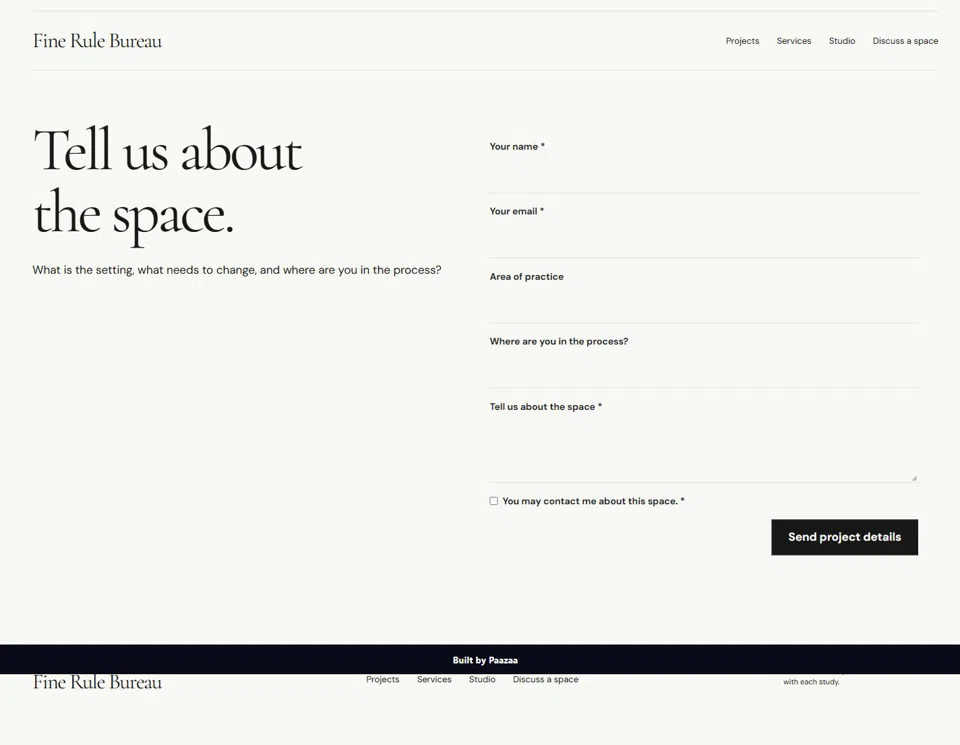
Edit the Contact Page and Form, then preview before publishing.
Edit your inquiry Form ↗