
Paazaa vs Webflow for teams needing stronger admin control
Paazaa combines visual page delivery with workspace governance, operational workflows, and dynamic admin controls for multi-team environments.

A cleaner path from Webflow to Paazaa
Audit the Webflow setup
Start by naming what works today and what creates drag. The common tradeoff is professional visual design, while Paazaa focuses on ai-assisted builder with business operations attached.
Map the content and workflow gaps
Compare the content model, publishing path, forms, follow-up, and owner controls. The goal is to move from strong visual cms to cms plus forms, workflows, commerce, email, and workspace controls.
Launch the connected workspace
Use the switch to reduce often connected through integrations and keep operational workflows live beside the site visible after the public site is live.
Checks before moving from Webflow
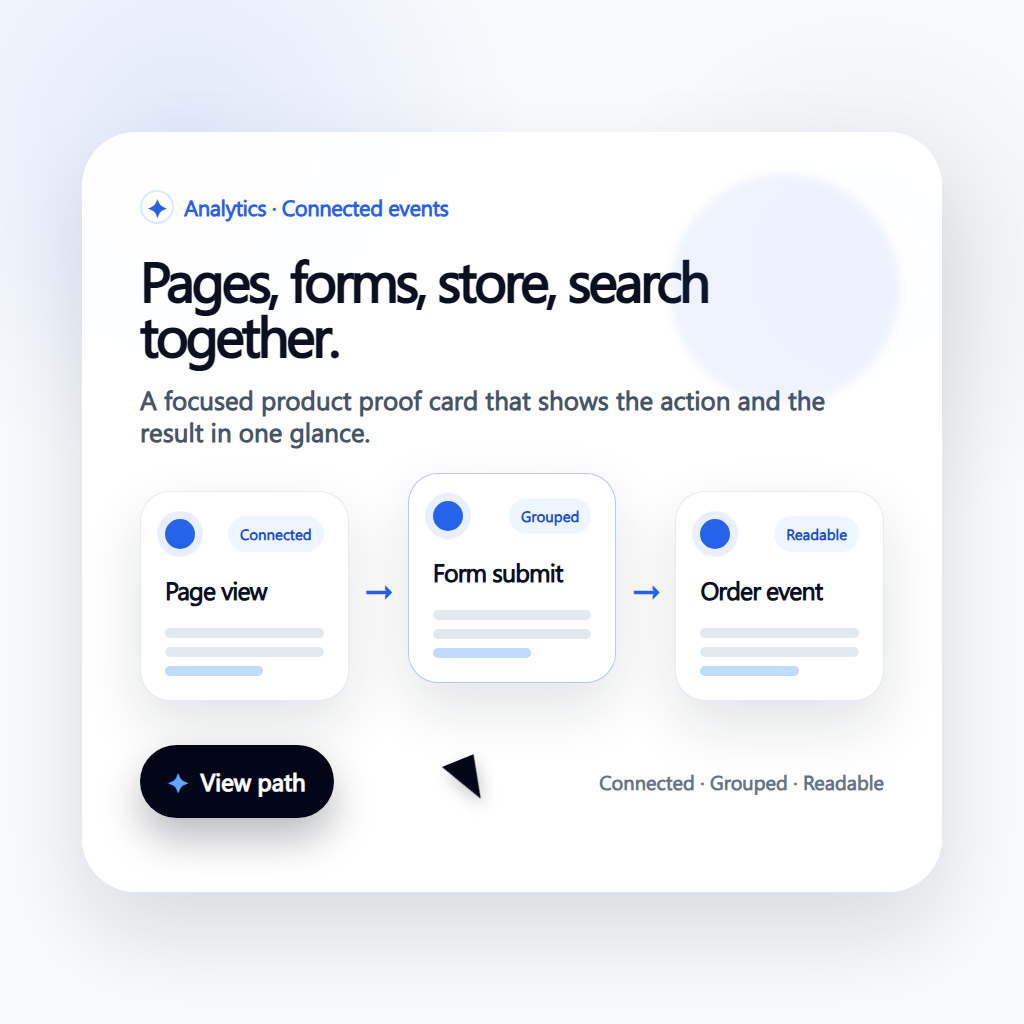
Current stack audit
Document the live Webflow pages, plugins, integrations, forms, checkout paths, and content ownership before making the switch.
Workspace migration map
Decide which pages, content models, forms, products, analytics events, and automations should move together so the new site starts as an operating workspace.
Launch and improvement loop
Keep redirects, SEO metadata, page ownership, follow-up, and analytics visible after launch so the comparison turns into a cleaner operating model.
Capabilities to compare beyond page design
Admin Control Depth
Operate permissions, workflows, and workspace controls centrally.

Operational Workflows
Connect forms and content events to automated business actions.
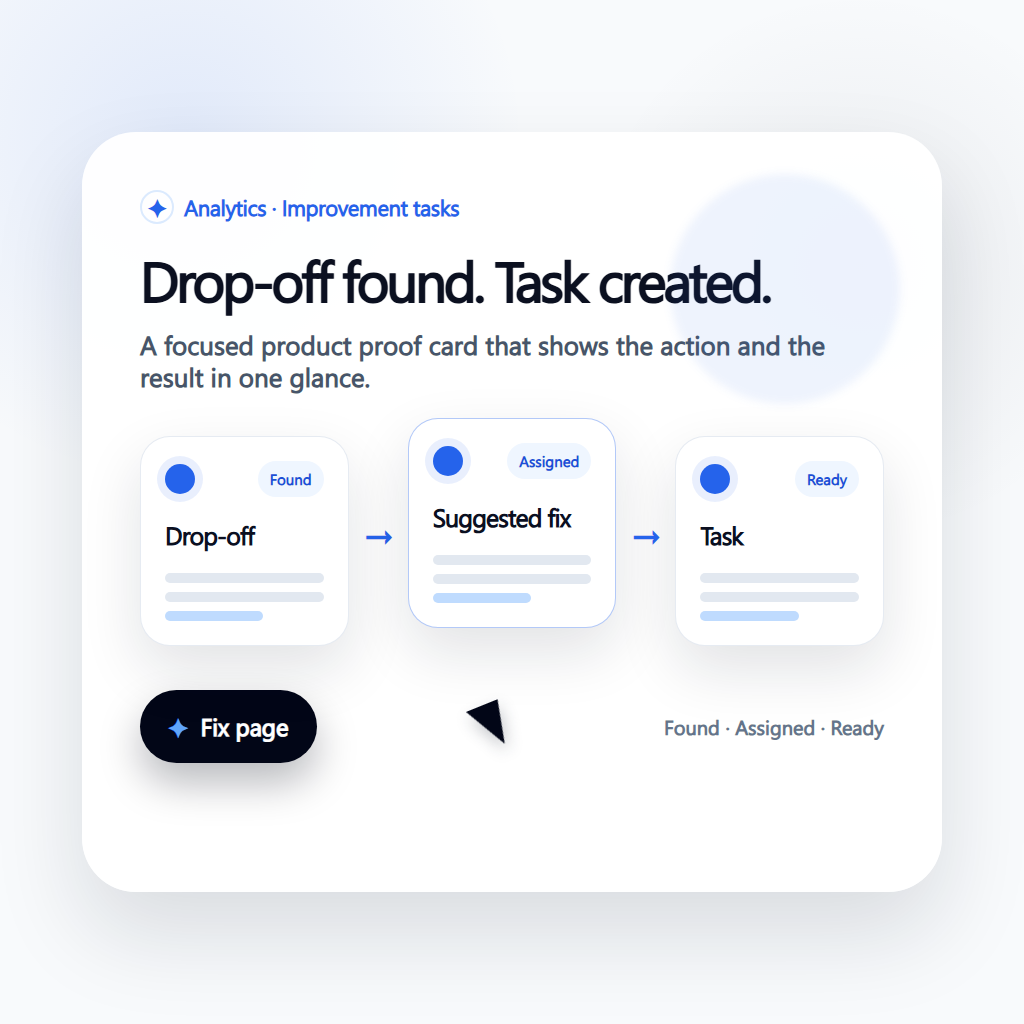
Workspace-Driven Scale
Support growing teams without flattening everything into one site project.
How the connected workspace replaces scattered tools
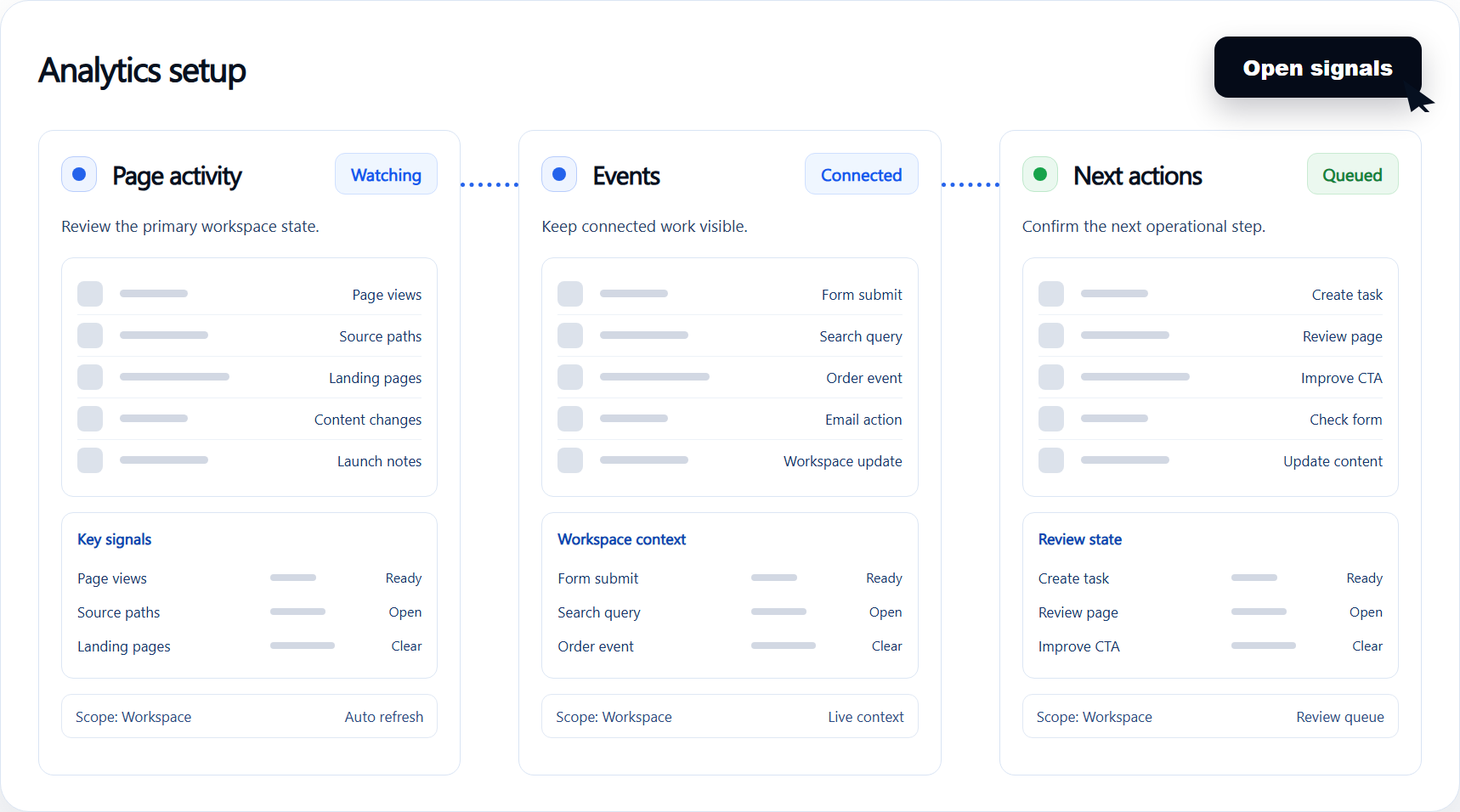
Admin Control Depth
Operate permissions, workflows, and workspace controls centrally.
Keep visual publishing while adding stronger operations.
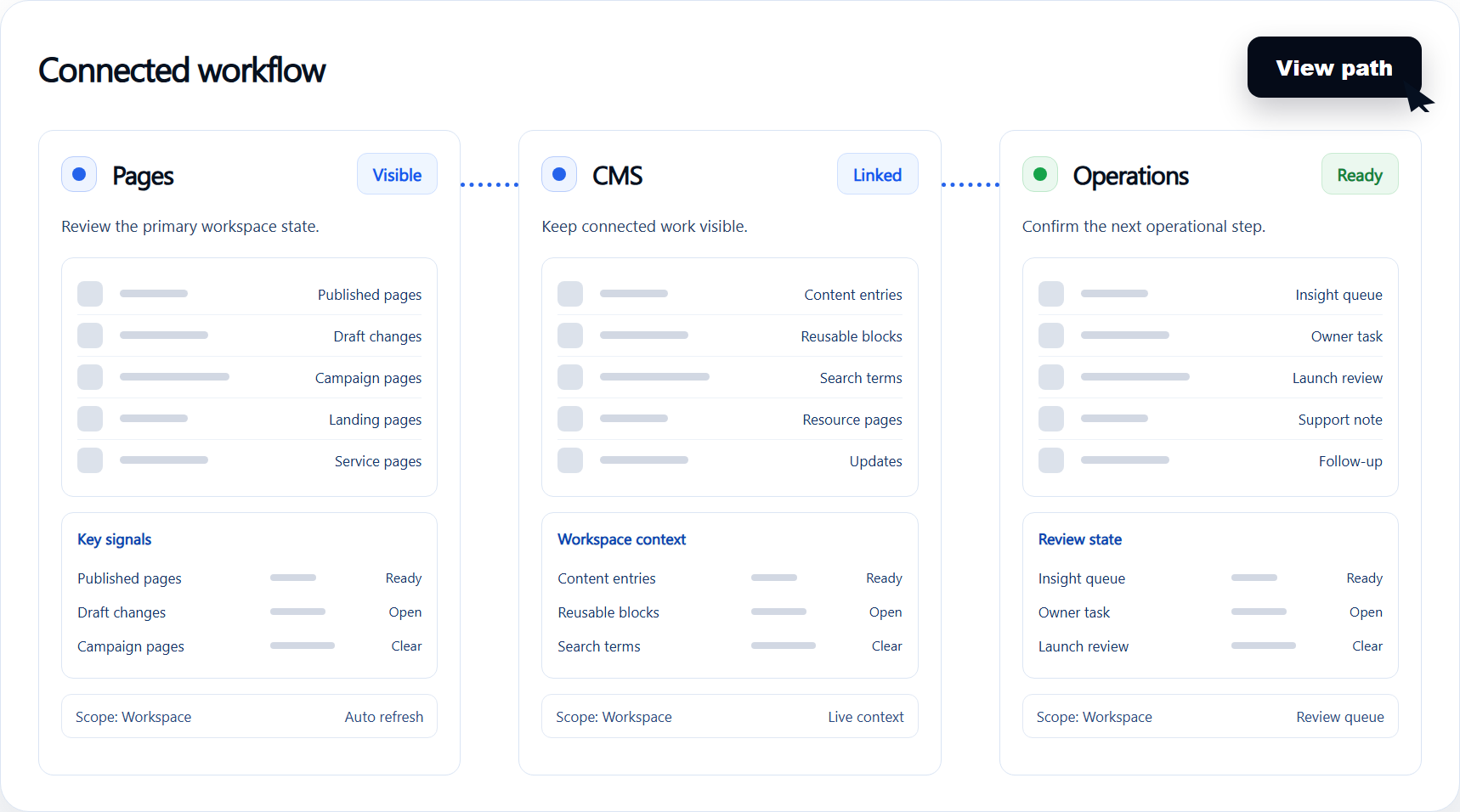
Operational Workflows
Connect forms and content events to automated business actions.
Coordinate teams with cleaner governance boundaries.
Workspace-Driven Scale
Support growing teams without flattening everything into one site project.
Reduce friction between content and operations.
Compare the operating model.
| Area | Typical alternative | Paazaa |
|---|---|---|
| Builder | Professional visual design | AI-assisted builder with business operations attached |
| CMS | Strong visual CMS | CMS plus forms, workflows, commerce, email, and workspace controls |
| Operations | Often connected through integrations | Operational workflows live beside the site |
| Best fit | Design-heavy site production | Businesses that need the site and back office connected |
Results to watch after switching
- 1
Keep visual publishing while adding stronger operations.
- 2
Coordinate teams with cleaner governance boundaries.
- 3
Reduce friction between content and operations.