Build your Website.
Create Pages, connect CMS content and Forms, and choose a Theme. Start with a Website kit or build from scratch.
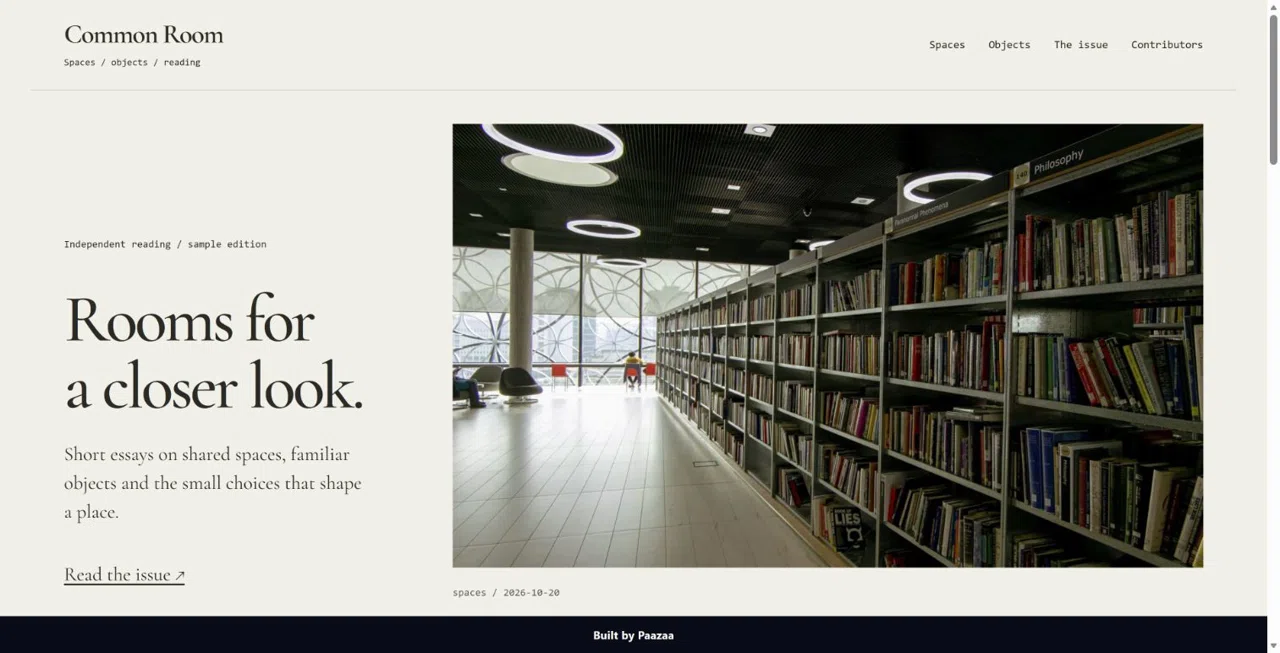
Website kits for different goals
Explore published starting points for studios, catalogs, events, publications and directories.
Browse Website kits ↗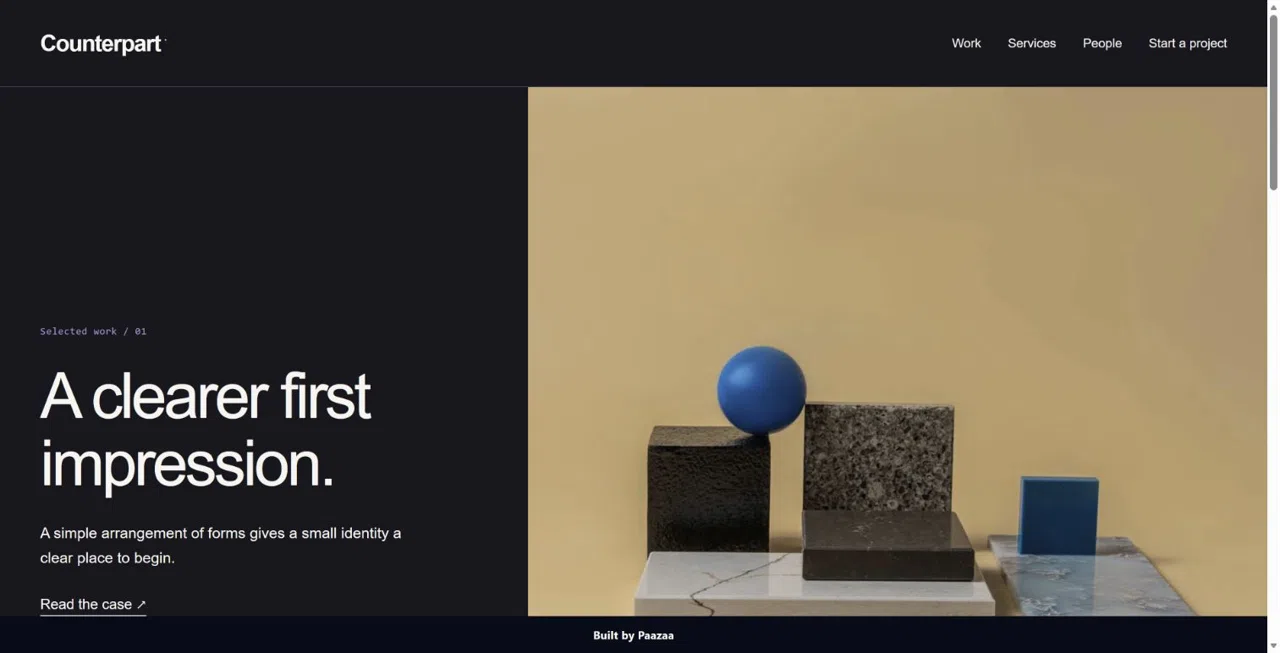
Counterpart Agency Case-Study
A case-study Website with a strong visual opening and a clear project inquiry.
Preview product ↗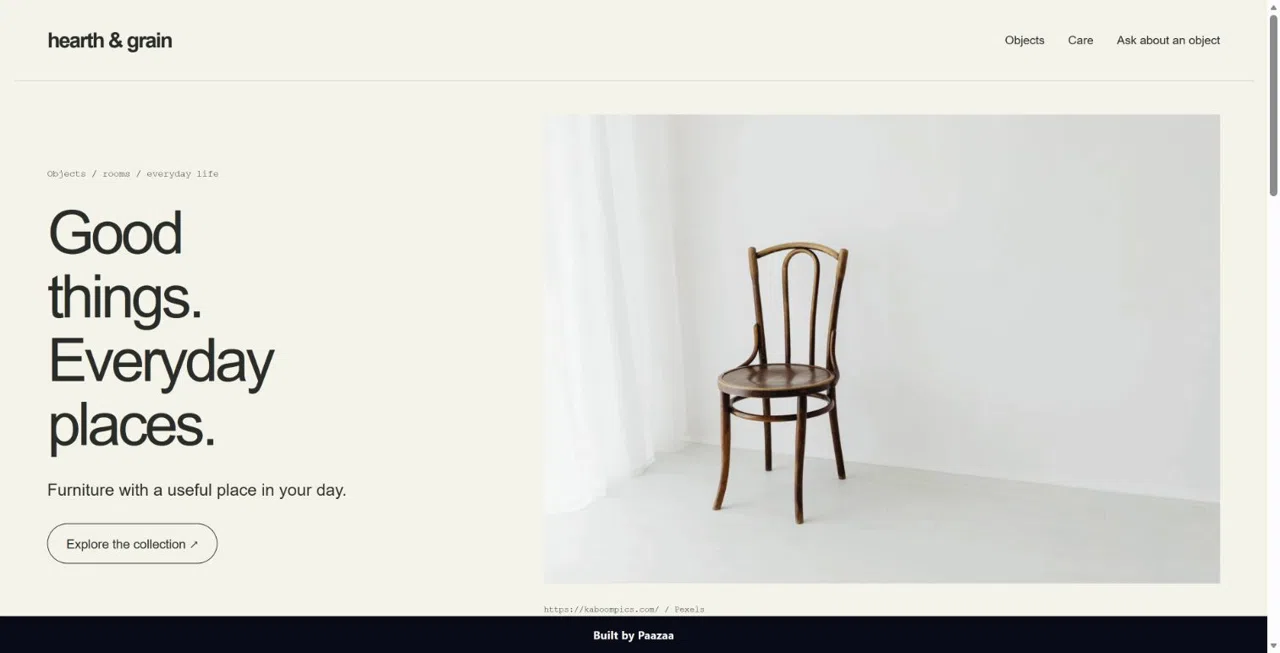
Hearth & Grain Furniture Catalogue
An image-led furniture catalogue with product content and an inquiry path.
Preview product ↗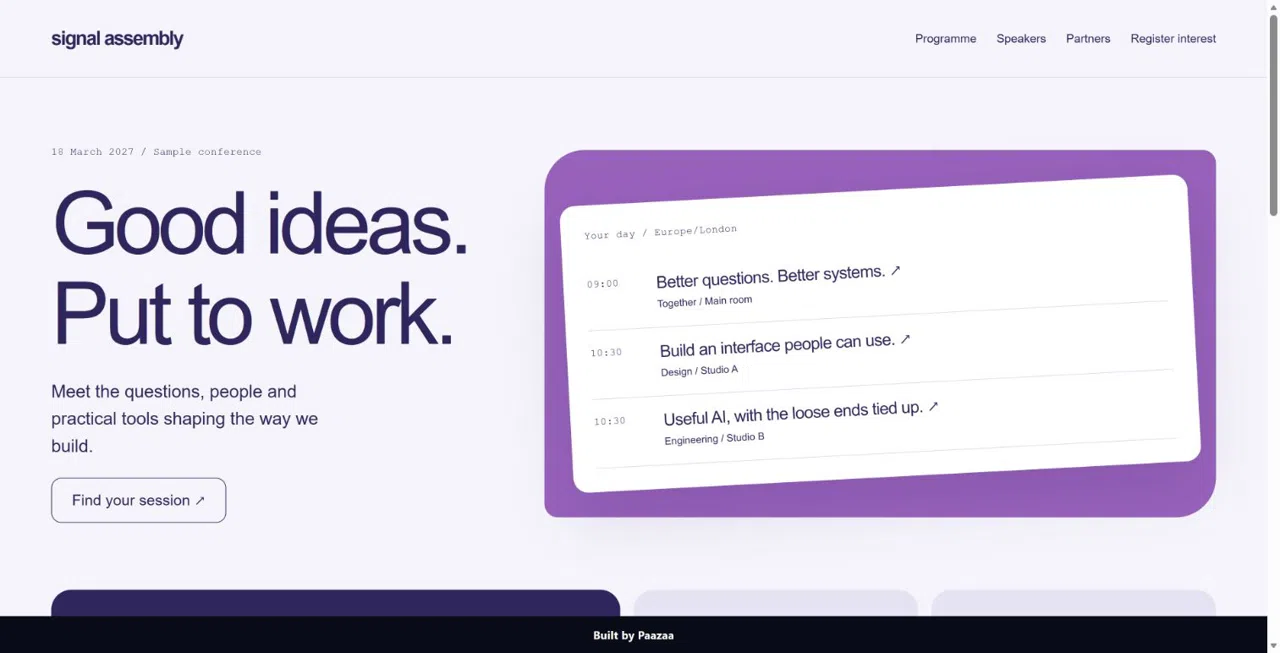
Signal Assembly Conference
A conference Website for a programme, speakers and registration interest.
Preview product ↗Published product examples. Included resources and setup vary by product.
Editable Website Pages
Build Home, service, project and contact Pages with a shared navigation.
- Text, images and reusable sections
- Desktop, tablet and mobile previews
- Drafts and publishing controls
Connected content and inquiries
Publish repeated content through CMS and collect visitor details through a private Form.
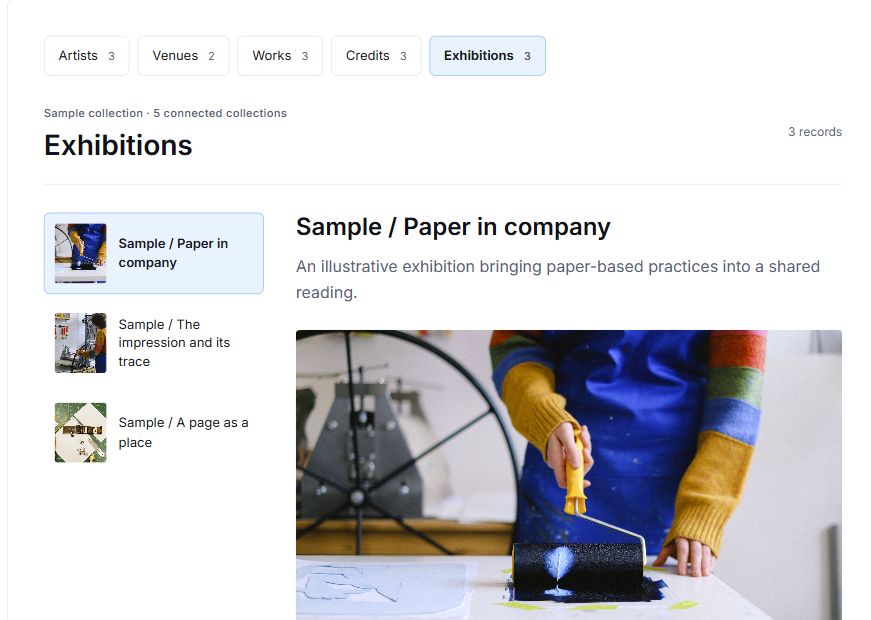
- Content types and related Entries
- Listing and detail Pages
- Private Form responses
Website Blueprint
Inspect the Website’s resources, saved purpose and detected connections before planning another change.
- Pages, CMS, Forms and Themes
- Authoring guidance and references
- Saved structure and connection checks
Create your Website
Describe the Website goal
Choose the Website purpose, audience and main visitor action.
Edit Pages and choose a Theme
Add your Pages, content, Theme and Forms.
Preview and publish
Check responsive layouts and visitor actions, then publish.