Focus Carousel
Keep one image in focus with a thumbnail strip for choosing what comes next.
Sign in and choose a Website to create.
Example photos & credits
Illustrative stock photography with sample text, shown in the actual tool. This example is not a customer Website or an AI generation.
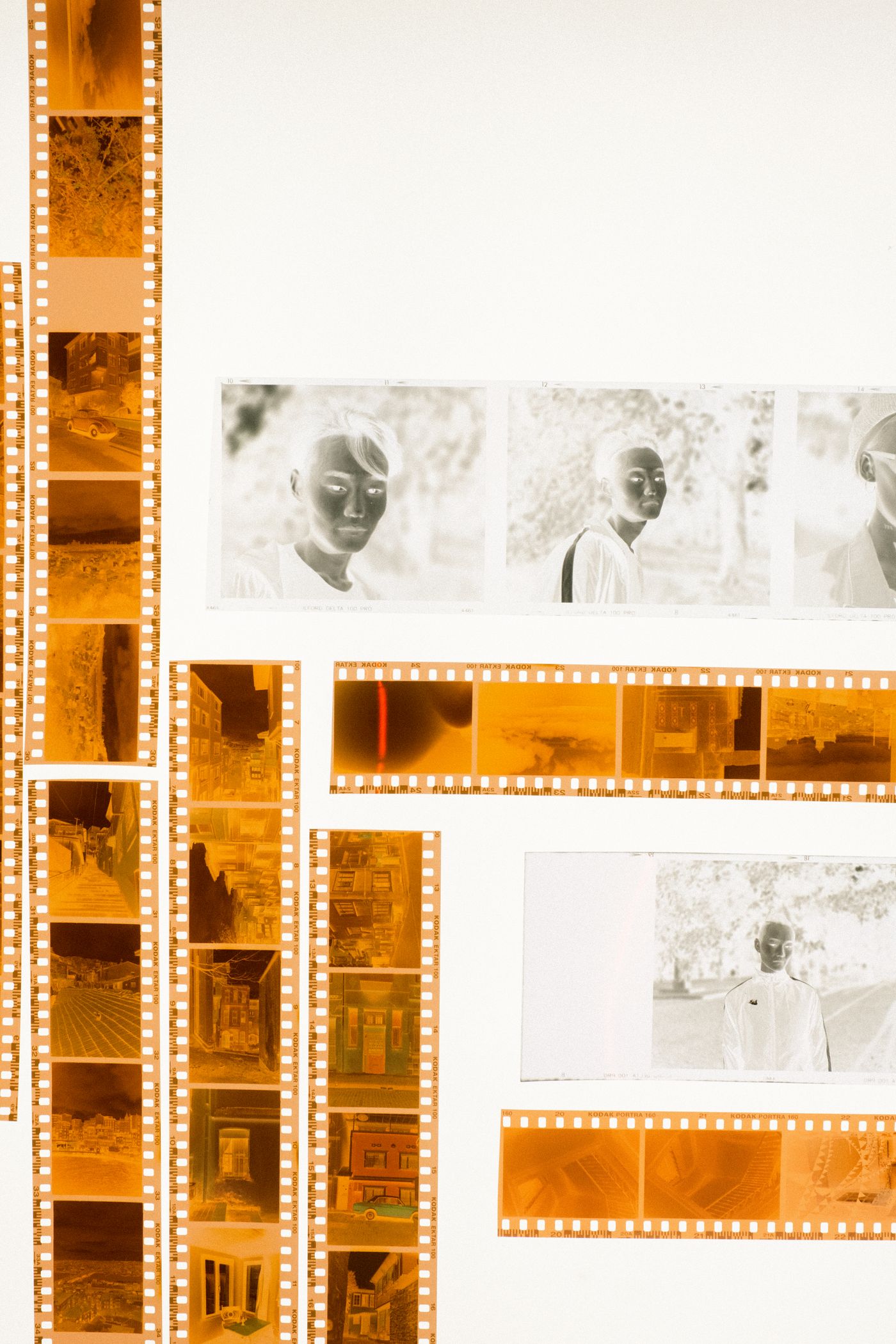
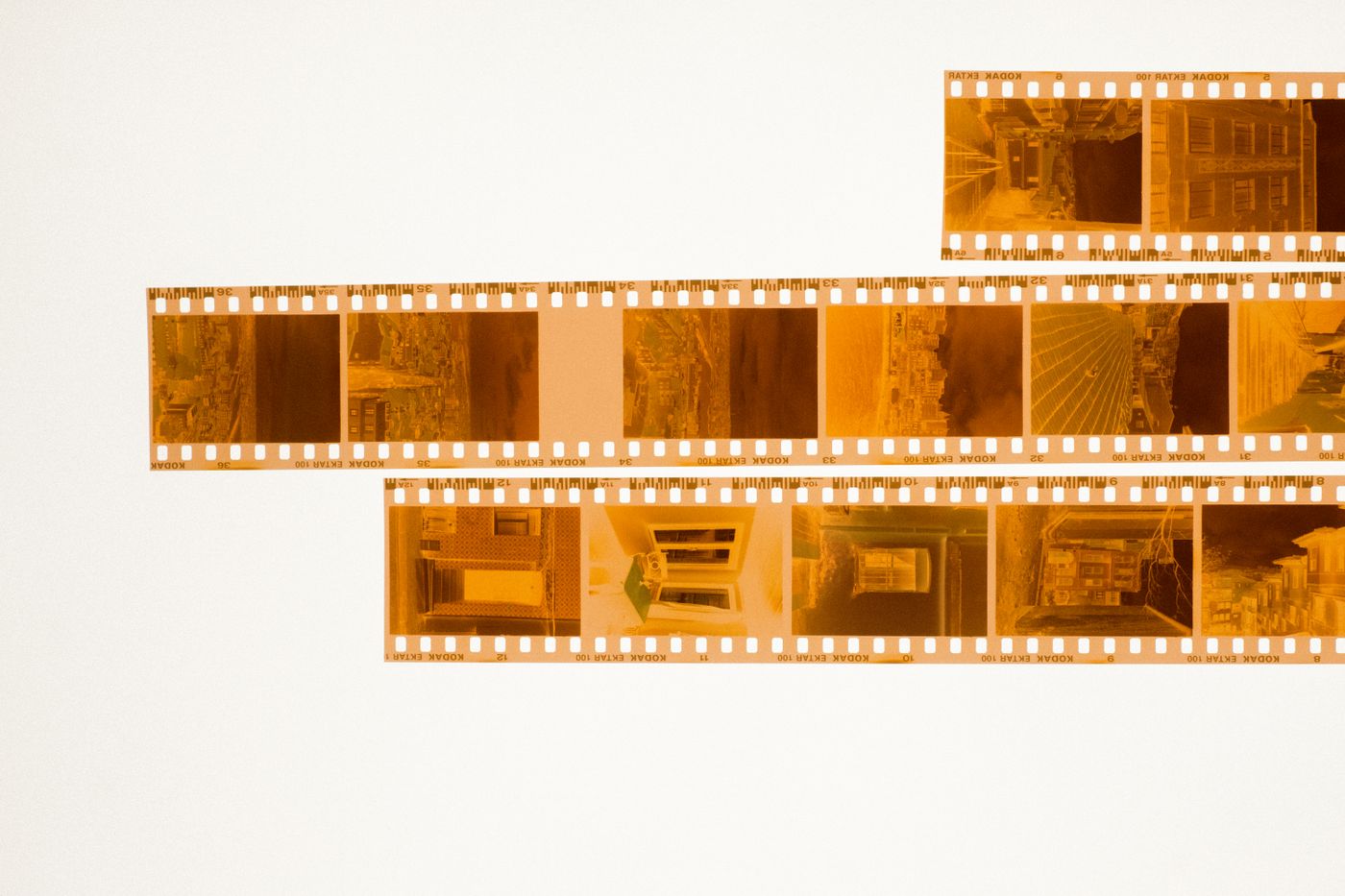
- Photo: Ron Lach / PexelsOrange Kodak film strips laid out on a white surface
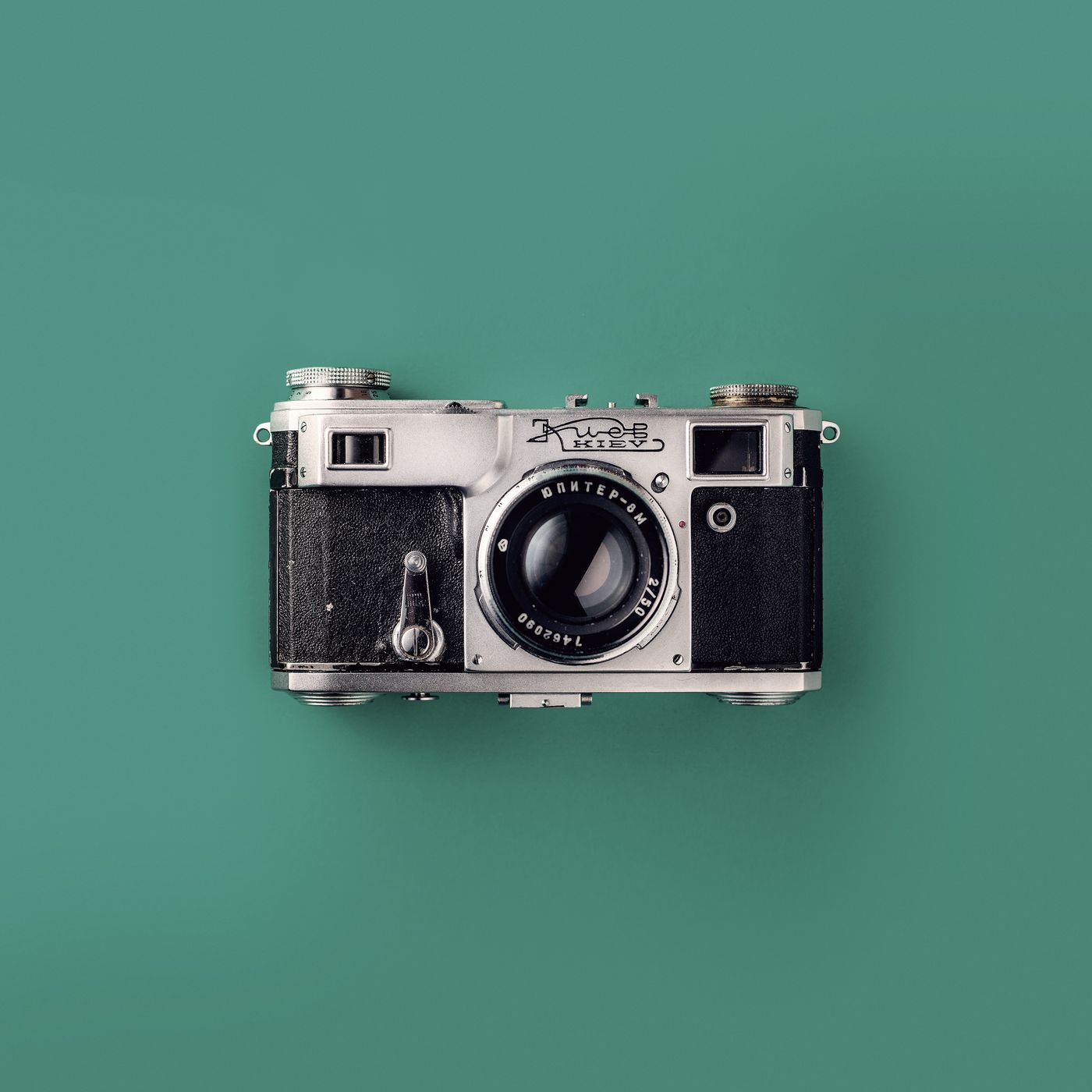
- Photo: PexelsA vintage rangefinder camera photographed from above on a teal background
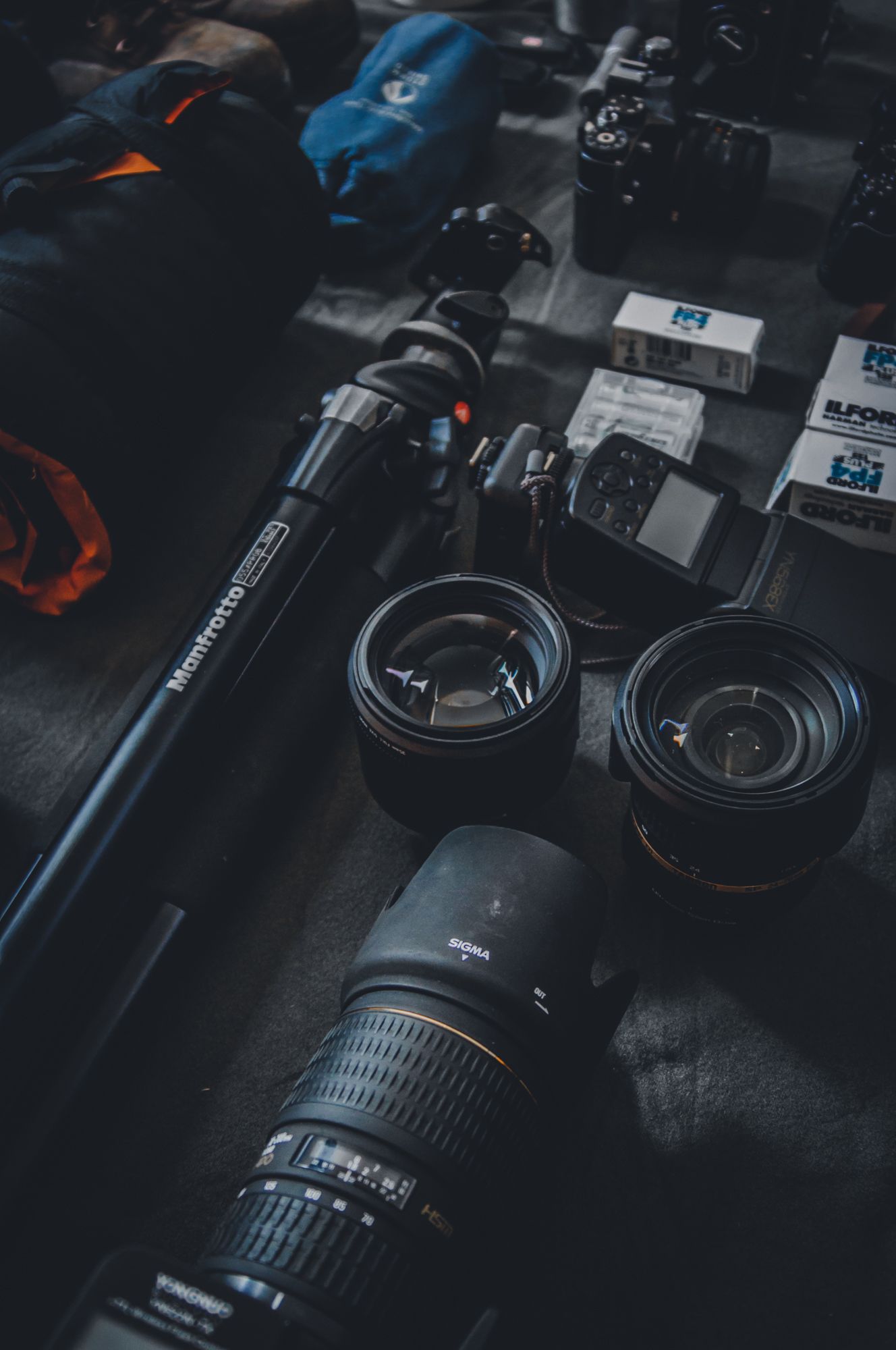
- Photo: PexelsCamera lenses, a tripod and film boxes arranged on a dark worktable
- Photo: Ron Lach / PexelsFilm negatives and contact sheets arranged on a light table
Choose your source content
A compact product or project showcase.
- Start with
- Images + text
- Output formats
- Website section, Marketplace Block
- Edit in
- Creative Studio in your Website
Adjust the presentation
Replace sample media and text, then use the controls available for this tool.
- Preset: Immersive
- Preset: Editorial
- Preset: Spotlight
- Wrap from last slide to first
- Advance slides automatically
- Seconds between slides
- Slide transition · ms
- Image-first layout
- Captions
- Presentation
- Motion
Optional AI actions
Review the selected model, limits and maximum credit charge before generation. Preview the result and choose what to Keep.
- Copy and design suggestions
- Image analysis
- Image generation
- Image editing
- Image upscaling
Create, review and place
Add your content
Start with images + text.
Edit
Adjust the layout, text and images.
Use the output
Add it to a Page or create a Marketplace Block draft. Publish separately.
Check output and publication
Page placement creates or updates a draft. Publishing stays a separate action.
Open your Websites ↗