Paazaa vs WordPress for a small-business website
WordPress can do almost anything with plugins. Paazaa is a $5 hosted Website with Pages, CMS, Forms, certified Themes, and one connected www domain—no separate hosting or plugin stack to maintain.

A cleaner path from WordPress to Paazaa
Audit the WordPress setup
Start by naming what works today and what creates drag. The common tradeoff is hosting, theme, and plugin assembly, while Paazaa focuses on hosted website with pages, cms, forms, and a certified theme.
Map the content and workflow gaps
Compare the content model, publishing path, forms, follow-up, and owner controls. The goal is to move from posts and pages, often through plugins to pages plus reusable cms records in the website dashboard.
Launch the connected workspace
Use the switch to reduce contact plugins or third-party forms and keep built-in forms and a submission inbox visible after the public site is live.
Checks before moving from WordPress
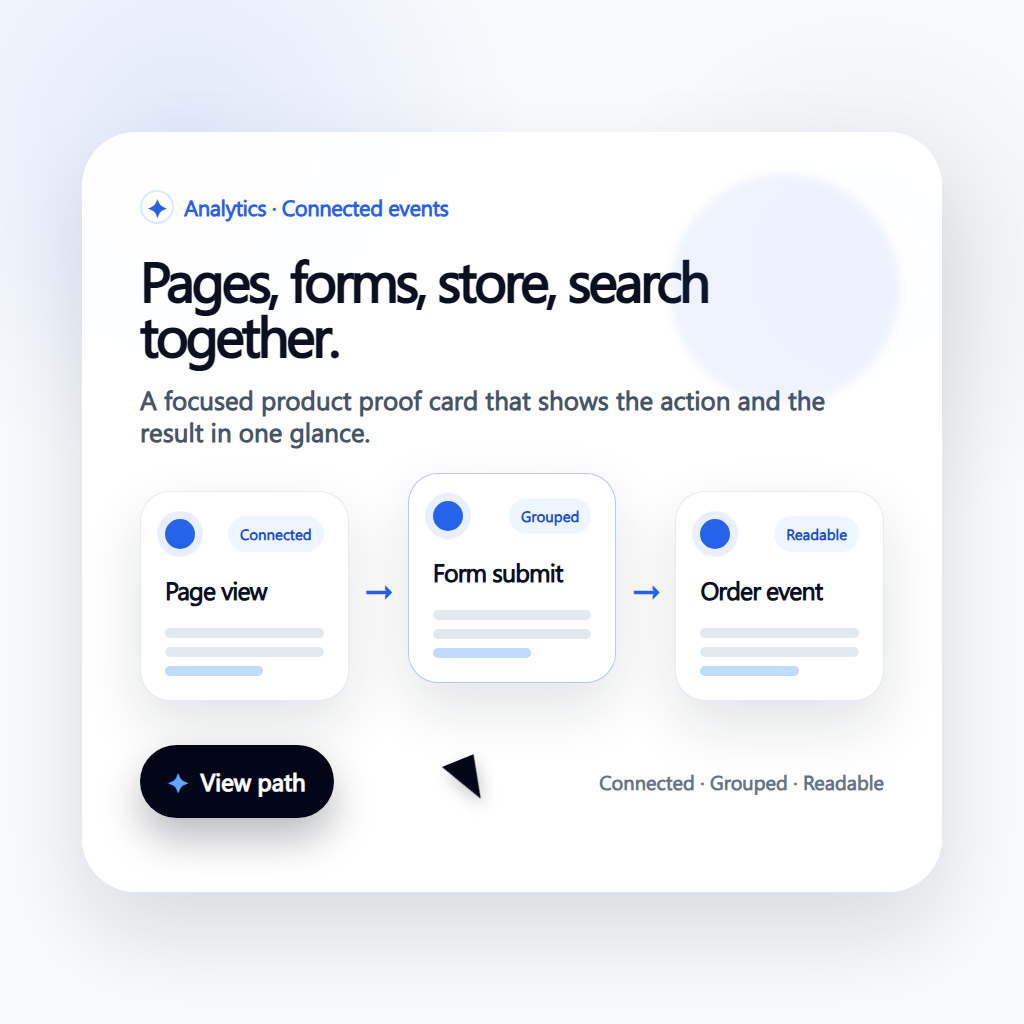
Current stack audit
Document the live WordPress pages, plugins, integrations, forms, checkout paths, and content ownership before making the switch.
Workspace migration map
Decide which pages, content models, forms, products, analytics events, and automations should move together so the new site starts as an operating workspace.
Launch and improvement loop
Keep redirects, SEO metadata, page ownership, follow-up, and analytics visible after launch so the comparison turns into a cleaner operating model.
Capabilities to compare beyond page design
Hosted Pages and CMS
Edit Pages and reusable CMS records in the Website dashboard. Hosting and SSL are included.

Forms without plugins
Collect contact and quote requests with the built-in Form owner.
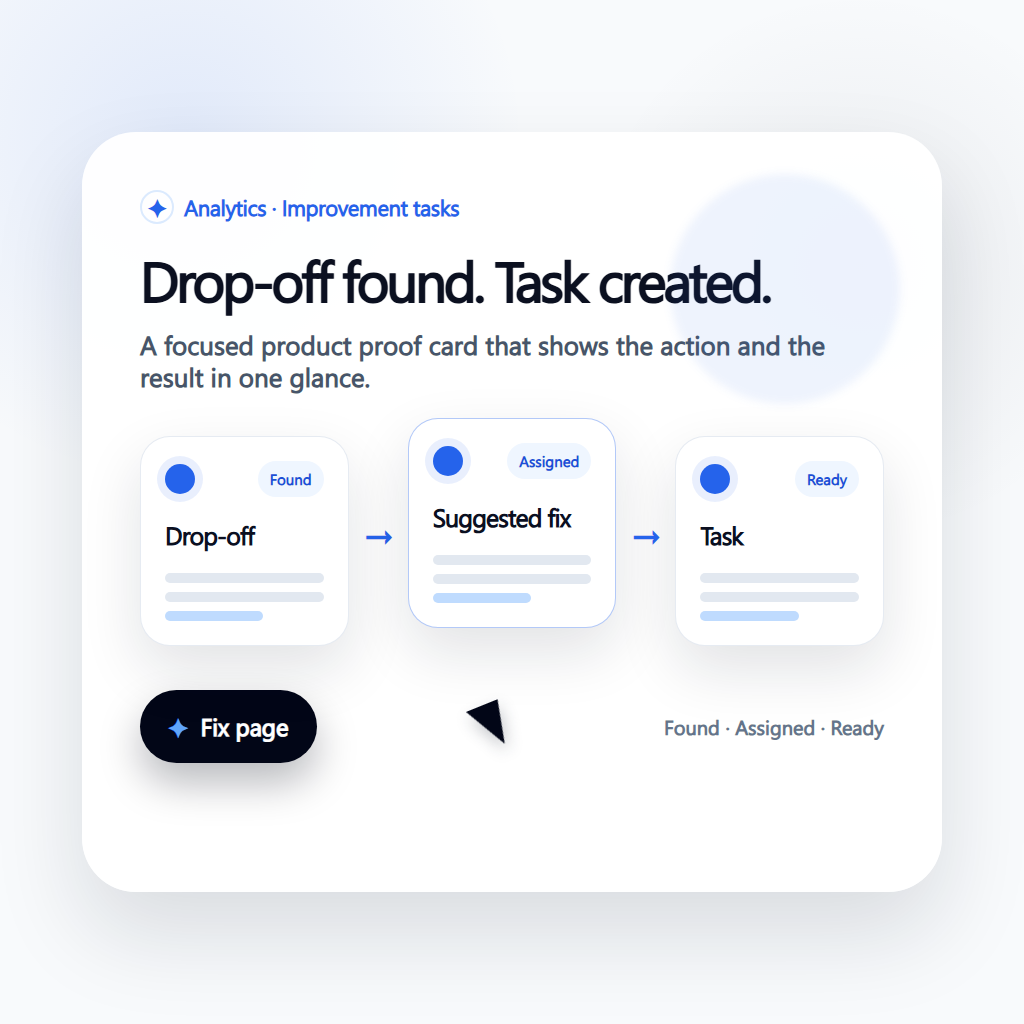
Certified Themes
Start from a certified Theme instead of assembling a theme and plugin stack.
How the connected workspace replaces scattered tools
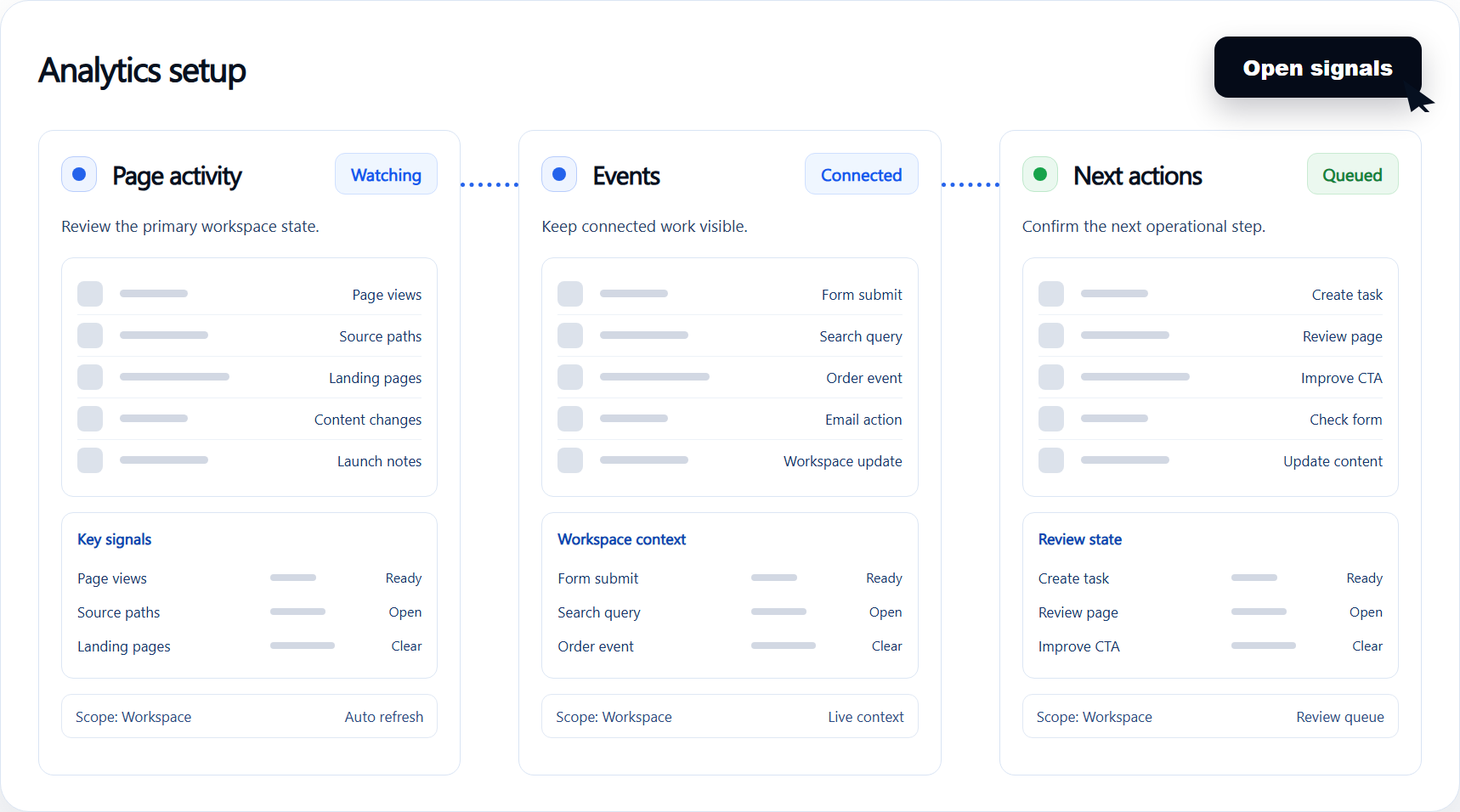
Hosted Pages and CMS
Edit Pages and reusable CMS records in the Website dashboard. Hosting and SSL are included.
Reduce maintenance overhead from fragmented stacks.
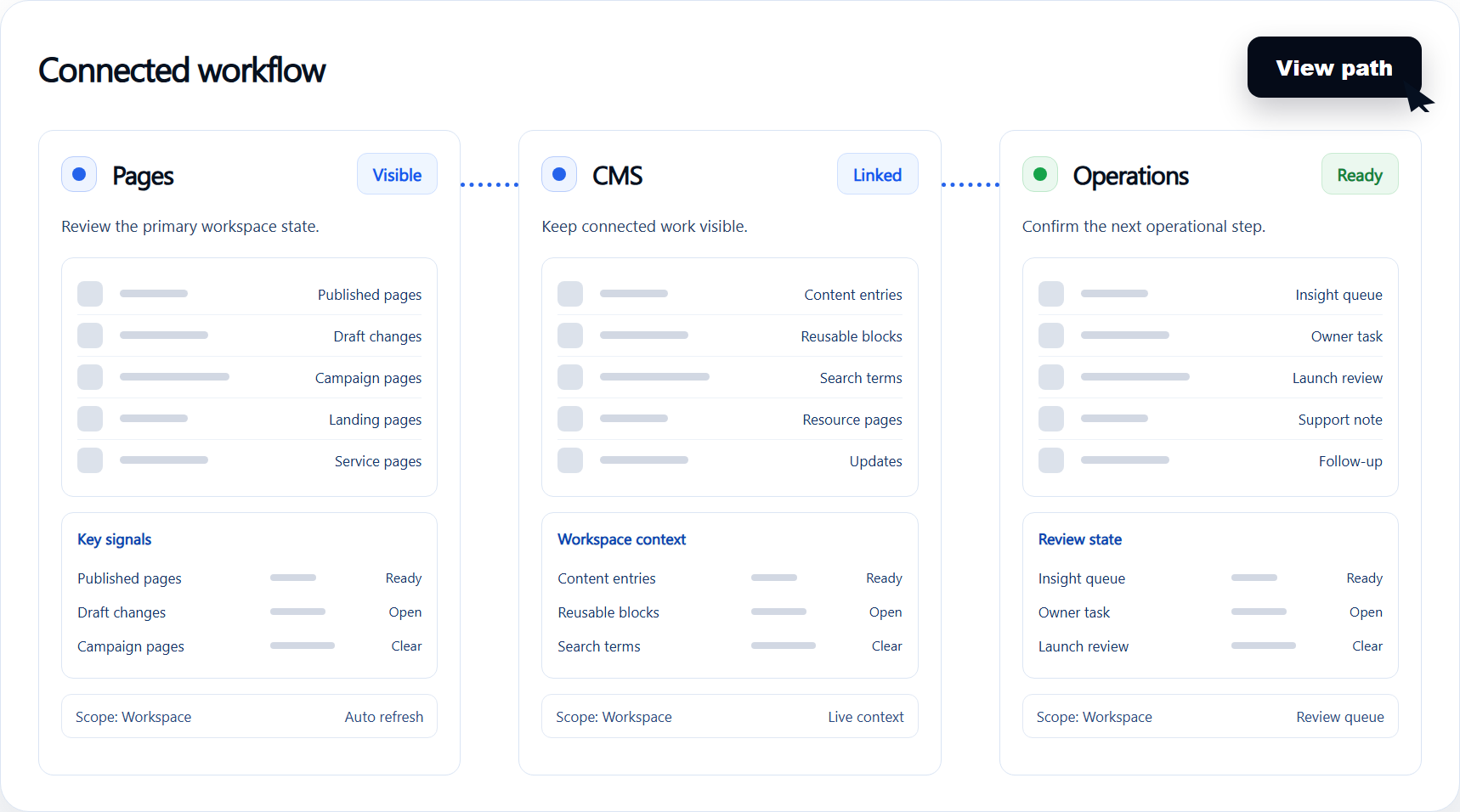
Forms without plugins
Collect contact and quote requests with the built-in Form owner.
Improve consistency in publishing and permissions.
Certified Themes
Start from a certified Theme instead of assembling a theme and plugin stack.
Scale operations with fewer custom integrations.
Compare the operating model.
| Area | Typical alternative | Paazaa |
|---|---|---|
| Setup | Hosting, theme, and plugin assembly | Hosted Website with Pages, CMS, Forms, and a certified Theme |
| Content | Posts and pages, often through plugins | Pages plus reusable CMS records in the Website dashboard |
| Requests | Contact plugins or third-party forms | Built-in Forms and a submission inbox |
| Best fit | Teams that want to maintain a plugin stack | Small businesses that want a $5 hosted Website |
In-depth guide.
Map the Website system before moving from WordPress
A useful migration plan covers more than pages and posts. Inventory content models, forms, media, navigation, domains, search, analytics, publishing rules, and the plugins or integrations that own each workflow today.
The Paazaa migration Blueprint should decide which content and operational pieces move together, who owns them after launch, and which redirects and metadata must be preserved.
- Model reusable CMS content before rebuilding pages
- Keep forms and measurement connected to their source pages
- Preserve redirects, metadata, and publishing ownership
Results to watch after switching
- 1
Reduce maintenance overhead from fragmented stacks.
- 2
Improve consistency in publishing and permissions.
- 3
Scale operations with fewer custom integrations.