Paazaa vs Wix for a $5 small-business website
Wix is a beginner site builder. Paazaa is a $5 hosted Website with an editable first draft, Pages, CMS, Forms, certified Themes, and one connected www domain.

A cleaner path from Wix to Paazaa
Audit the Wix setup
Start by naming what works today and what creates drag. The common tradeoff is beginner-friendly site builder, while Paazaa focuses on one editable first draft, then direct page and theme editing.
Map the content and workflow gaps
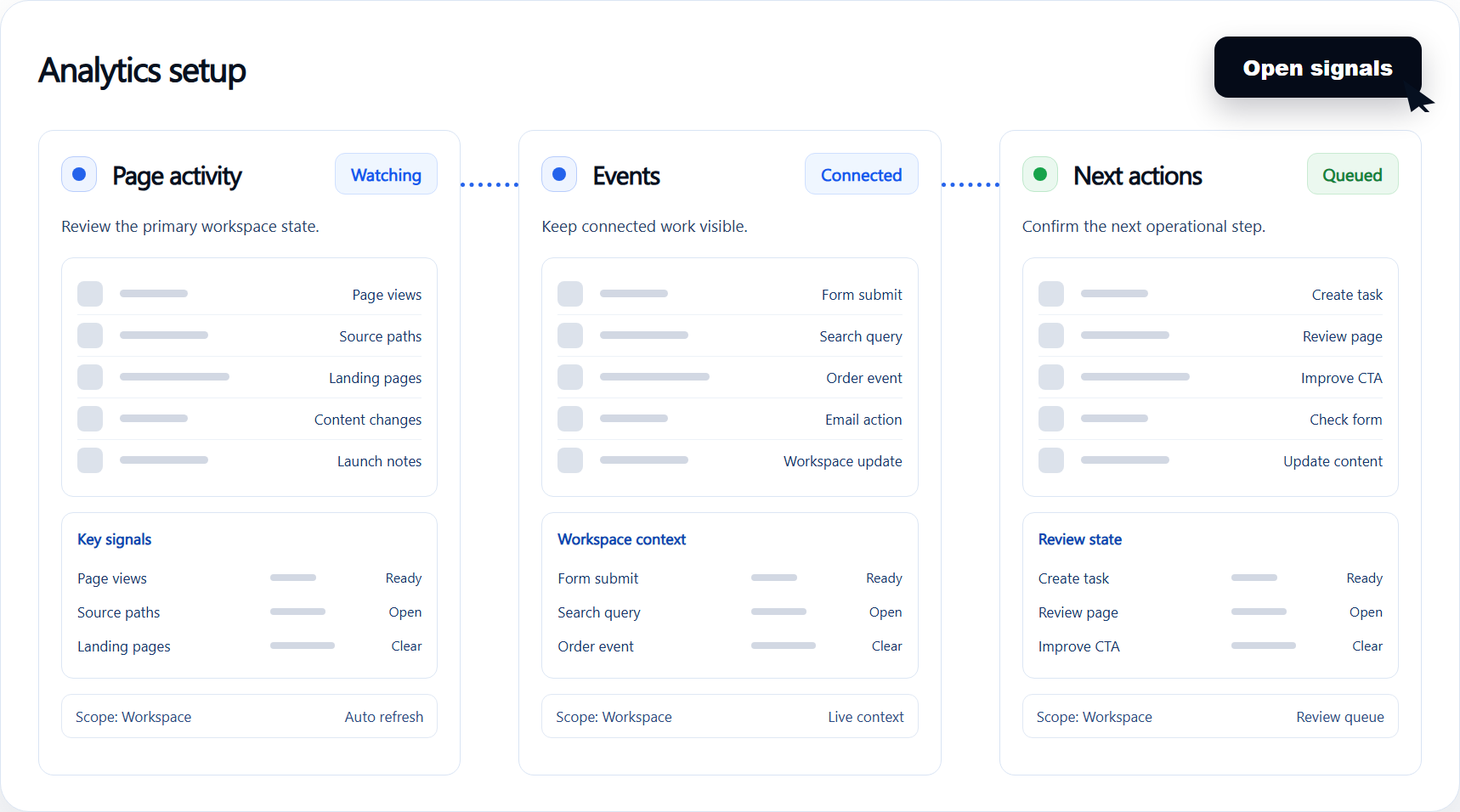
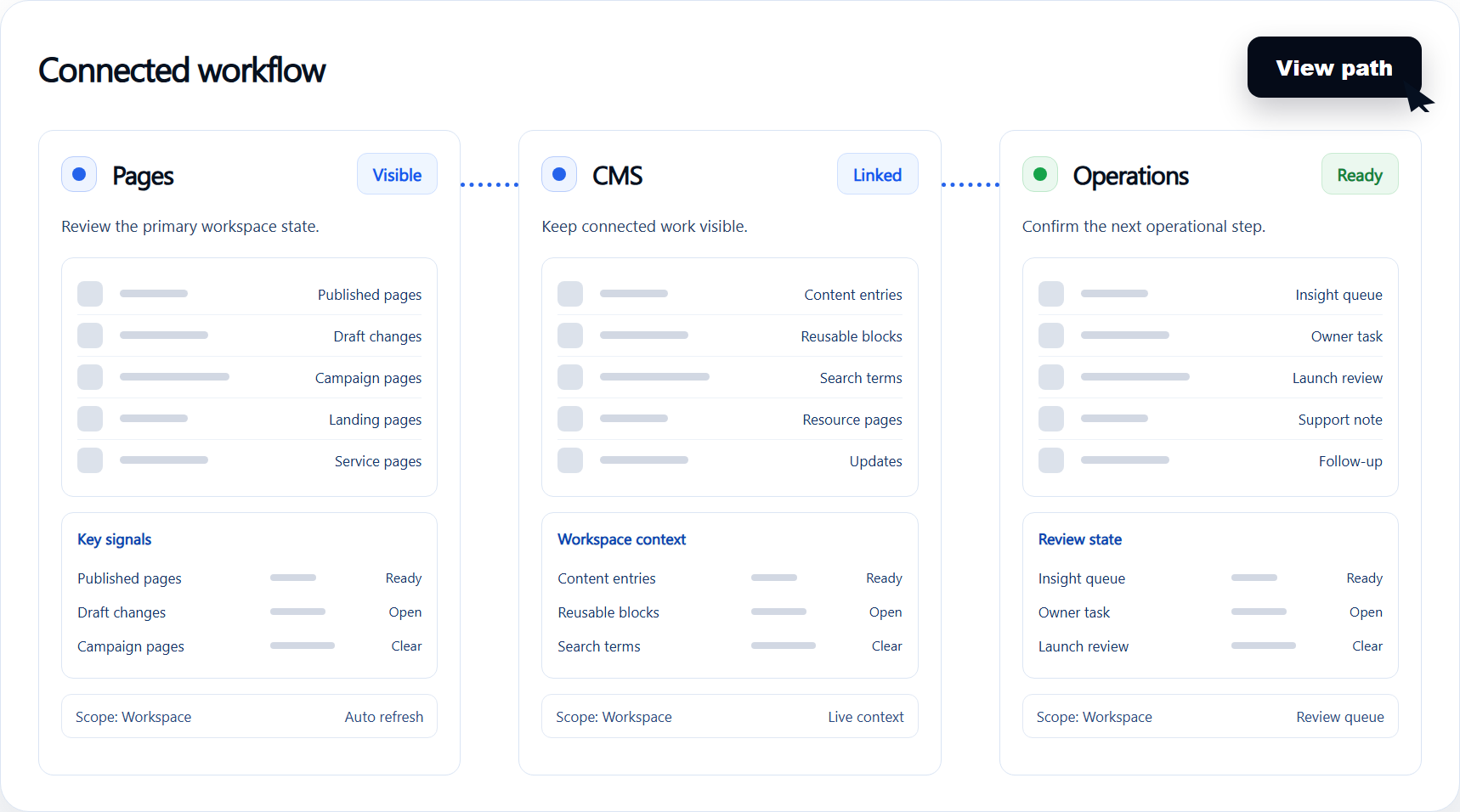
Compare the content model, publishing path, forms, follow-up, and owner controls. The goal is to move from useful for simple brochure sites to pages, cms, forms, certified themes, hosting, and one www domain.
Launch the connected workspace
Use the switch to reduce plan tiers vary by branding and domain and keep $5 a month for a starter website visible after the public site is live.
Checks before moving from Wix
Current stack audit
Document the live Wix pages, plugins, integrations, forms, checkout paths, and content ownership before making the switch.
Workspace migration map
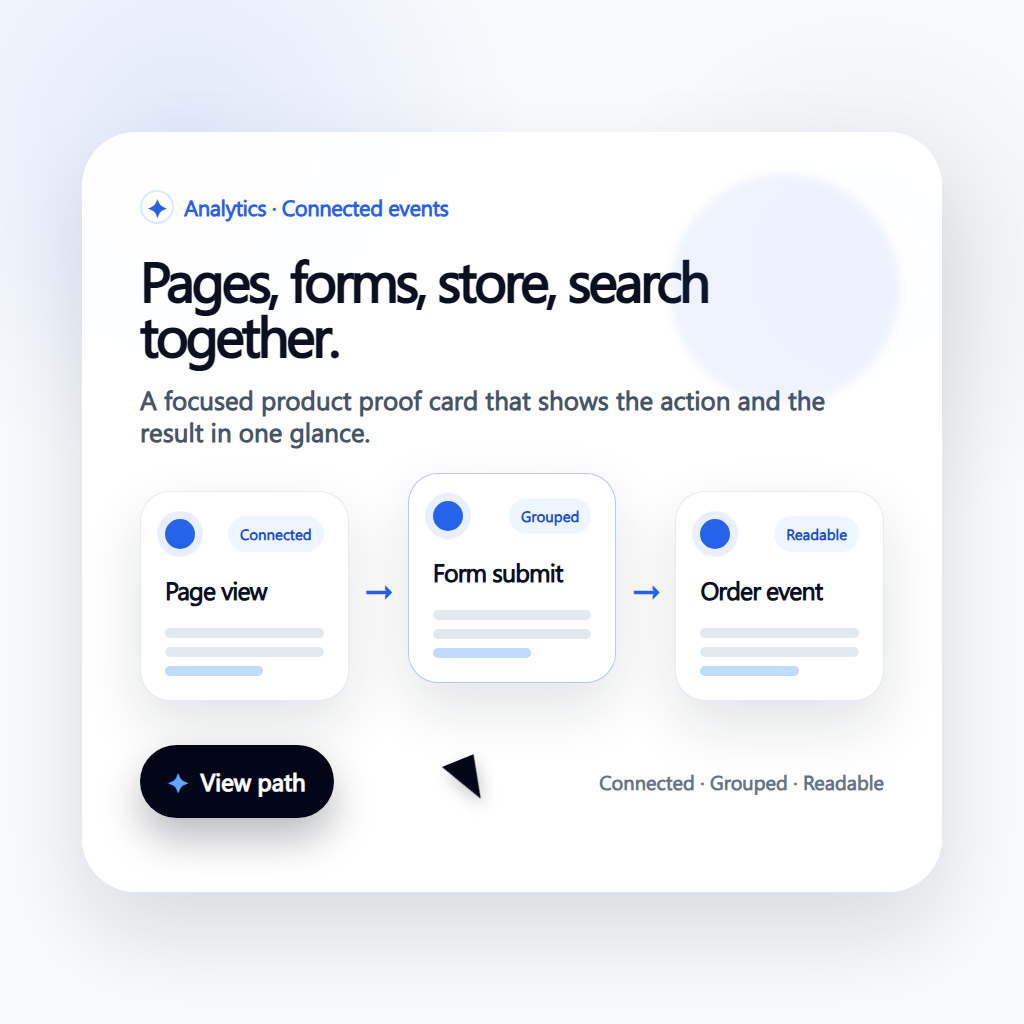
Decide which pages, content models, forms, products, analytics events, and automations should move together so the new site starts as an operating workspace.
Launch and improvement loop
Keep redirects, SEO metadata, page ownership, follow-up, and analytics visible after launch so the comparison turns into a cleaner operating model.
Capabilities to compare beyond page design
Editable first draft
Generate one Website draft, then keep editing Pages, Forms, and Theme settings in the Website dashboard.

CMS and Forms included
Manage reusable content and collect requests without add-on apps.
One www domain
Publish on a Paazaa subdomain, then connect one customer-owned www domain.
How the connected workspace replaces scattered tools
Editable first draft
Generate one Website draft, then keep editing Pages, Forms, and Theme settings in the Website dashboard.
Launch a hosted small-business Website for $5 a month.
CMS and Forms included
Manage reusable content and collect requests without add-on apps.
Keep Pages, Forms, and Theme edits in one Website dashboard.
One www domain
Publish on a Paazaa subdomain, then connect one customer-owned www domain.
Connect one www domain without a plugin stack.
Compare the operating model.
| Area | Typical alternative | Paazaa |
|---|---|---|
| Starting point | Beginner-friendly site builder | One editable first draft, then direct Page and Theme editing |
| Included tools | Useful for simple brochure sites | Pages, CMS, Forms, certified Themes, hosting, and one www domain |
| Price | Plan tiers vary by branding and domain | $5 a month for a Starter Website |
| Best fit | Simple personal or brochure sites | Small businesses that want a hosted Website they can edit |
In-depth guide.
Move the Website without losing the pages customers need
Start with Home, Services, About, Contact, a form, and the www domain. That is the $5 Website path.
Keep later tools off the first launch. You can keep editing Pages, CMS, Forms, and Theme settings after the site is public.
- Move core pages and the request form first
- Connect one www domain after the pages are ready
- Publish from the Website dashboard
Results to watch after switching
- 1
Launch a hosted small-business Website for $5 a month.
- 2
Keep Pages, Forms, and Theme edits in one Website dashboard.
- 3
Connect one www domain without a plugin stack.